
In the bustling digital world we inhabit, computers are our indispensable tools, facilitating everything from complex work tasks and creative endeavors to casual entertainment. But have you ever wondered what truly makes your computer hum, how it manages to juggle multiple applications, and why some machines feel sluggish while others perform with lightning speed? The answer, in large part, lies within a crucial component often referred to as the computer’s “short-term memory”: RAM.
RAM, which stands for Random Access Memory, is a fundamental piece of hardware that plays an indispensable role in your computer’s overall performance. It’s not where your long-term memories, like photos, documents, or installed programs, are permanently stored. Instead, RAM acts as a temporary, high-speed workspace, holding the data that your computer’s processor (CPU) needs to access quickly to execute commands and run applications. Think of it as your desk when you’re working on a project. The papers, notes, and tools you’re actively using are spread out on your desk for easy access. When you’re done with a task, you put those items away, clearing your desk for the next project. RAM functions in a very similar, albeit much faster, manner for your computer.

The Essential Role of RAM in Computer Performance
Without RAM, your computer would be incredibly slow, as the CPU would have to constantly retrieve data from much slower storage devices like your hard drive (HDD) or solid-state drive (SSD). This constant back-and-forth would create significant bottlenecks, making even basic tasks feel frustratingly sluggish. RAM, with its incredibly fast read and write speeds, allows the CPU to access the information it needs almost instantaneously, leading to a smooth and responsive computing experience.
How RAM Works: A Dynamic Workspace
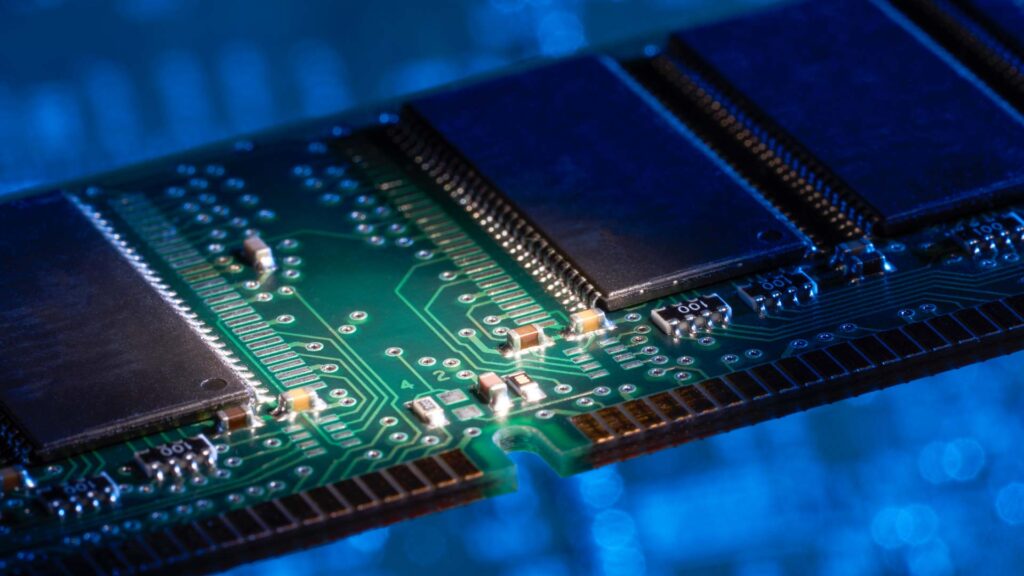
At its core, RAM is a type of volatile memory. “Volatile” means that the data stored in RAM is lost when the computer is powered off. This is why you need to save your work regularly to your permanent storage devices. RAM is made up of integrated circuits (ICs) that store data in small units called bits. These bits are organized into larger units called bytes, and the capacity of RAM is measured in gigabytes (GB).
When you launch an application, such as a web browser or a word processor, the operating system loads the necessary program files and data from your storage drive into RAM. As you work within the application, any data you create or manipulate, like typing text or editing an image, is also temporarily stored in RAM. The CPU then continuously fetches instructions and data from RAM, processes them, and writes the updated information back to RAM. This constant flow of information between the CPU and RAM is what enables your computer to function.
The “Random Access” part of the name is significant. It means that the CPU can access any piece of data stored in RAM directly and in the same amount of time, regardless of its physical location. This is in contrast to older forms of memory, like magnetic tape, where data had to be accessed sequentially, similar to finding a specific song on a cassette tape. This random access capability is what makes modern RAM so incredibly efficient.
The Impact of RAM Capacity on Multitasking and Performance
The amount of RAM your computer has directly influences its ability to handle multiple tasks simultaneously and the overall speed at which it operates.
-
Multitasking: Imagine your desk again. If you have a small desk, you can only spread out a few documents before it becomes cluttered and difficult to navigate. Similarly, if your computer has insufficient RAM, it can only hold a limited number of applications and their associated data in its active workspace. When you try to open too many programs or switch between them frequently, the computer may have to constantly move data between RAM and your slower storage drive, a process known as swapping or paging. This swapping is a major cause of system slowdowns and unresponsiveness. With more RAM, you have a larger “desk” to work with, allowing you to run more applications smoothly and switch between them seamlessly without significant performance degradation.
-
Application Performance: Certain demanding applications, such as video editing software, professional graphic design tools, and modern video games, require a substantial amount of RAM to operate efficiently. These programs often work with large datasets and complex calculations, and having ample RAM ensures that the CPU can access all the necessary information without delay, leading to faster rendering times, smoother playback, and a more enjoyable user experience. For general use, like web browsing and word processing, less RAM might suffice, but even for these tasks, having enough RAM can prevent frustrating lag.
-
System Responsiveness: Even for everyday tasks, sufficient RAM contributes significantly to the overall responsiveness of your computer. When your system is not bogged down by a lack of RAM, applications will launch faster, web pages will load more quickly, and you’ll experience fewer instances of your computer freezing or becoming unresponsive.
Types of RAM and Their Evolution
RAM technology has evolved significantly over the years, with each generation offering improvements in speed, efficiency, and capacity. The most common type of RAM found in modern computers is DRAM (Dynamic Random Access Memory). Within DRAM, there are different sub-types, with SDR SDRAM (Synchronous Dynamic Random-Access Memory) being an older standard and DDR SDRAM (Double Data Rate Synchronous Dynamic Random-Access Memory) being the dominant standard today.
DDR SDRAM: The Modern Standard
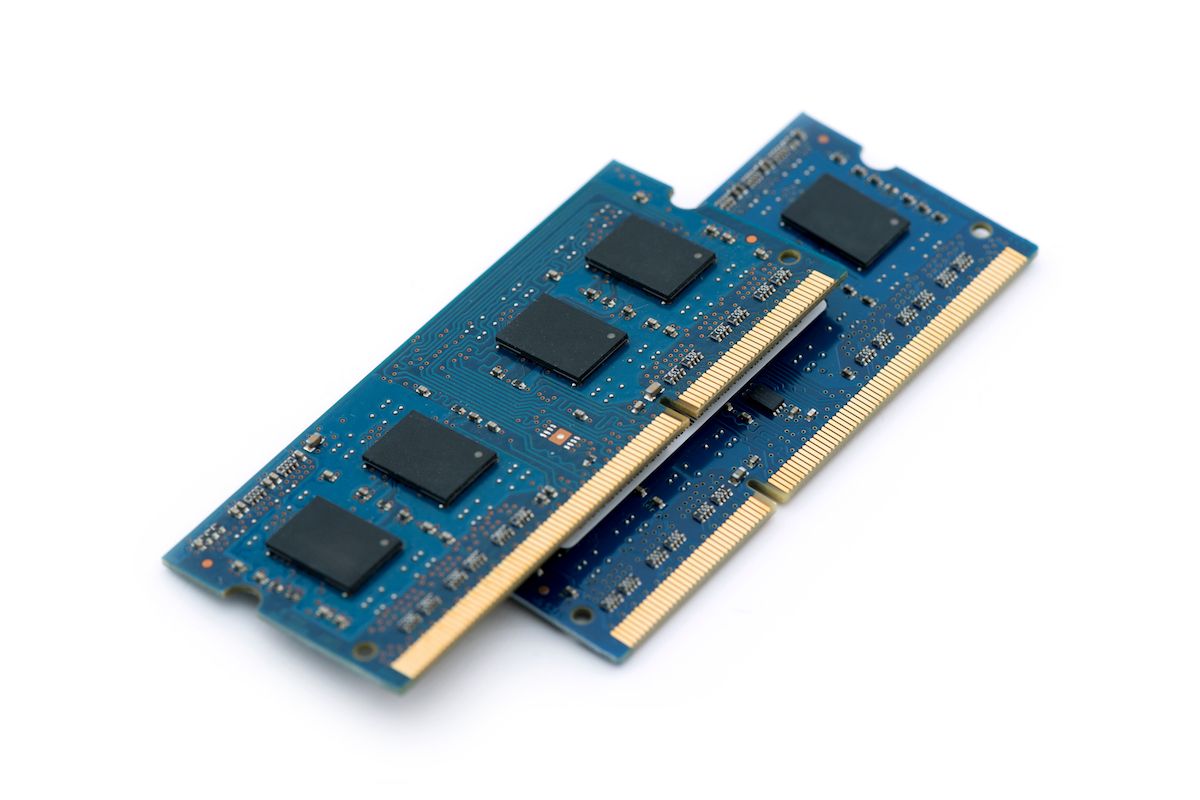
DDR SDRAM has gone through several iterations, each offering substantial performance gains:
- DDR3: An earlier generation that offered improved speeds and lower power consumption compared to its predecessors.
- DDR4: The prevalent standard for many years, offering higher bandwidth and lower voltages than DDR3.
- DDR5: The latest generation, delivering even greater bandwidth, higher clock speeds, and improved power efficiency. DDR5 also introduces new features that further enhance performance for demanding applications and future computing needs.
The key difference between these DDR generations lies in their data transfer rates (bandwidth) and their power efficiency. When purchasing RAM for a computer upgrade or a new build, it’s crucial to ensure that the new RAM is compatible with your motherboard, as different generations of DDR SDRAM are not interchangeable.
ECC RAM: For Critical Data Integrity
Another important type of RAM, particularly for servers, workstations, and critical computing environments, is ECC (Error-Correcting Code) RAM. ECC RAM has built-in circuitry that can detect and correct common types of internal data corruption. This is vital in situations where data integrity is paramount, as even a single bit error could lead to system crashes, incorrect calculations, or corrupted data. For typical home or office use, standard non-ECC RAM is perfectly adequate.
RAM and Your Computer’s Ecosystem: Beyond the Hardware
While RAM is a hardware component, its performance is intrinsically linked to the software and the overall “brand” of your computing experience.
Software and RAM: A Symbiotic Relationship
The efficiency of your operating system and the applications you use directly impacts how much RAM they consume and how effectively they utilize it. Well-optimized software will run smoothly even on systems with less RAM, while poorly optimized or resource-intensive applications can quickly overwhelm even generous amounts of RAM.
- Operating System: Modern operating systems like Windows and macOS are designed to manage RAM efficiently, but they still require a baseline amount to function. The more features and services an OS runs in the background, the more RAM it will likely consume.
- Applications: As mentioned earlier, demanding applications like video editors, 3D modeling software, and high-end games are RAM-hungry. If you plan to use such software, investing in more RAM is essential.
- Browser Tabs: Web browsers, especially when you have many tabs open, can be significant RAM users. Each tab requires a certain amount of memory to store its content and run any associated scripts.
RAM and “Brand” Perception: A Seamless Experience
In the context of “Brand,” the performance of your computer, heavily influenced by RAM, directly shapes your perception of its quality and reliability. A computer that is consistently fast and responsive, allowing you to effortlessly multitask and run your favorite applications, fosters a positive brand image for that device and even the manufacturer. Conversely, a slow and laggy computer, often a symptom of insufficient RAM, can lead to frustration and a negative brand perception, even if the underlying technology is sound.
A user who experiences smooth performance with their computer is more likely to recommend it to others, contributing to a positive word-of-mouth marketing effect – a crucial aspect of brand building. This seamless user experience, facilitated by adequate RAM, is a key differentiator in a competitive technology market.
RAM and Financial Considerations: Investing in Performance
When it comes to “Money,” understanding RAM is crucial for making informed purchasing decisions.
- Cost vs. Performance: RAM is a relatively affordable component compared to other parts like the CPU or GPU. However, it offers a significant return on investment in terms of overall system performance. For many users, upgrading RAM is one of the most cost-effective ways to boost their computer’s speed and responsiveness.
- Future-Proofing: While you don’t need the absolute maximum RAM for casual use, having a bit more than you currently need can help future-proof your system. As software becomes more demanding, you’ll be better equipped to handle it without immediate upgrades.
- Specific Needs: For professionals or enthusiasts who rely on their computers for demanding tasks, investing in higher capacity and faster RAM can be considered a business expense that directly contributes to productivity and income potential. For example, a freelance video editor will likely see a direct correlation between their RAM capacity and the speed at which they can complete projects, thus impacting their earning potential.
Conclusion: The Unsung Hero of Your Digital Experience
In conclusion, RAM is far more than just a technical specification; it’s the engine that powers your computer’s ability to think, process, and respond. It’s the unsung hero that allows you to multitask seamlessly, run demanding applications, and enjoy a fluid and enjoyable digital experience. Understanding what RAM is, how it works, and the impact of its capacity and speed is essential for anyone looking to maximize their computer’s potential, make informed purchasing decisions, and ensure a positive overall computing “brand” experience. Whether you’re a casual user, a creative professional, or a business owner, investing in adequate RAM is a smart move that will undoubtedly enhance your productivity and satisfaction with your digital life.
aViewFromTheCave is a participant in the Amazon Services LLC Associates Program, an affiliate advertising program designed to provide a means for sites to earn advertising fees by advertising and linking to Amazon.com. Amazon, the Amazon logo, AmazonSupply, and the AmazonSupply logo are trademarks of Amazon.com, Inc. or its affiliates. As an Amazon Associate we earn affiliate commissions from qualifying purchases.