
The digital landscape of premium television has undergone a seismic shift in recent years. What was once a straightforward premium cable add-on is now a central pillar in the “streaming wars,” specifically following the high-profile merger of Showtime and Paramount+. For the tech-savvy consumer, this evolution has created a complex web of apps, integrations, and promotional pipelines. Finding a way to access Showtime’s library—home to critically acclaimed series like Yellowjackets, Billions, and The Chi—without an immediate monthly charge requires an understanding of the current streaming ecosystem, hardware-software synergies, and digital partnership structures.
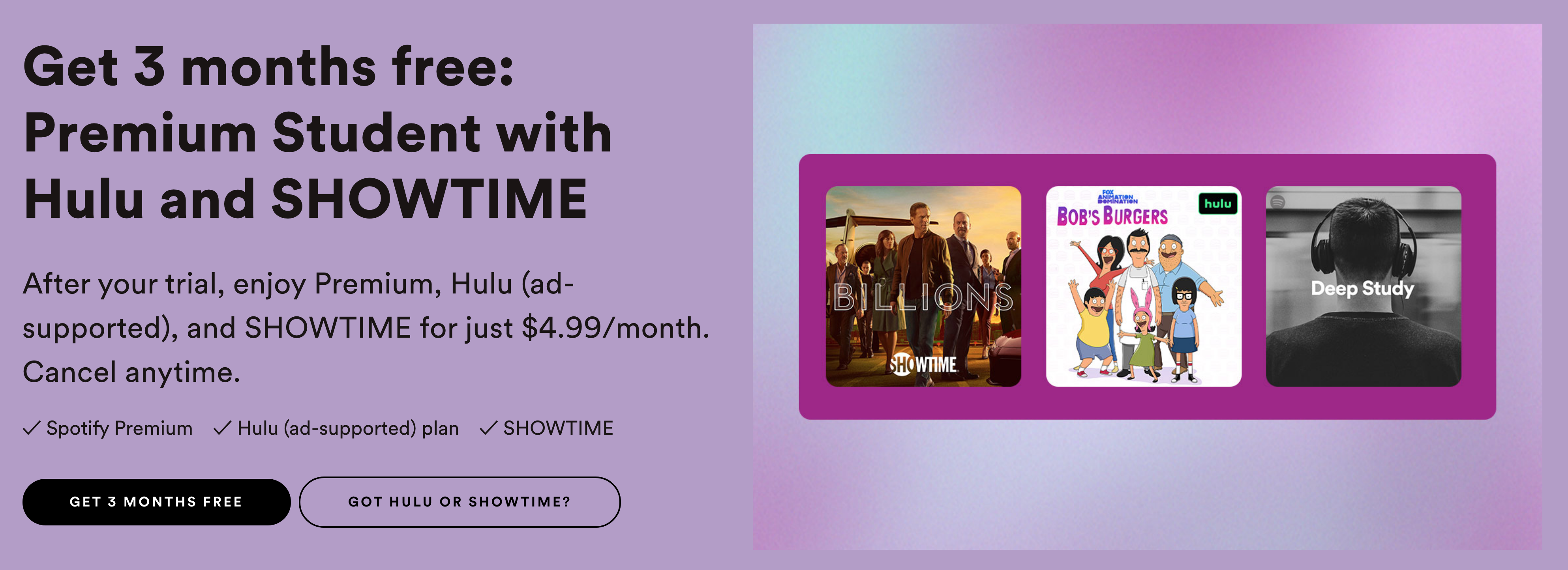
Navigating this terrain is no longer just about finding a “free trial” button. It involves understanding how different software platforms interact, how mobile carriers subsidize content, and how retail ecosystems use streaming as a loss leader to drive loyalty. This guide provides a comprehensive look at the technical methods available to secure Showtime content for free, legally and efficiently.
Understanding the Paramount+ with Showtime Ecosystem
To understand how to get Showtime for free, one must first understand the technical integration that occurred in mid-2023. The standalone Showtime app was officially deprecated and rolled into the Paramount+ infrastructure. This move wasn’t just a branding exercise; it was a total backend migration.
The Migration from Showtime Anytime to Paramount+
Previously, cable subscribers used an app called “Showtime Anytime.” With the decommissioning of that software, the content moved to the “Paramount+ with Showtime” tier. From a technical perspective, this means that any “free” access you find will likely be through the Paramount+ interface. The app architecture now supports two distinct tiers: the Essential (ad-supported) and the Paramount+ with Showtime (ad-free) tiers. When looking for promotional access, it is vital to ensure the offer specifically includes the Showtime tier, as many hardware bundles only offer the base Essential plan.
App Compatibility and UI/UX Integration
Accessing Showtime content for free often depends on the device you are using. Whether you are on a Roku, Apple TV, Fire Stick, or a Smart TV, the Paramount+ app serves as the gateway. One technical advantage of this merger is the improved metadata and search functionality. Users can now use universal search features on devices like the Apple TV 4K to find Showtime originals without even opening the app, provided the subscription (or trial) is active in the background.
Leveraging Official Free Trials and Promotional Tech Stacks
The most direct route to free access is the traditional trial, but in the modern era, these trials are often hidden behind hardware purchases or third-party platform “channels.”
The Direct App Trial Strategy
Standard trials for Paramount+ with Showtime typically range from seven to thirty days. To maximize these, users often employ “trial stacking” techniques. When a new season of a flagship show premieres, the service often releases promotional codes (e.g., “STALLONE” or “LIONESS”) that extend the standard one-week trial to a full month. Technically, these codes are entered during the checkout process on the web portal rather than through the in-app purchase interface of an iPhone or Android device, as the web portal allows for direct promotional code application which mobile app stores sometimes bypass.
Amazon Prime and Apple TV Channels
A sophisticated way to get Showtime for free is through “Channels” integration within larger ecosystems. Amazon Prime Video and Apple TV both offer their own versions of the Paramount+ with Showtime trial.
-
The Technical Edge: By using Apple TV Channels, the content is hosted on Apple’s servers rather than Paramount’s. This often results in a higher bitrate and better video quality.
-
The Trial Loop: Because these are viewed as separate platforms by the billing systems, a user might qualify for a free trial through the Paramount+ app directly, and then later qualify for another free trial by signing up through Amazon Prime Video Channels. This “platform hopping” is a legitimate way to extend free access during the off-season of your favorite shows.
Hardware-Based Bundles
When purchasing new hardware, such as a Roku Ultra or a new Samsung Smart TV, manufacturers often include “Value Packs.” These are digital vouchers that provide 3 to 6 months of premium services. Accessing these requires registering the device’s Serial Number or MAC address through the manufacturer’s portal, which then pushes a “claim” notification to the device’s UI. For tech enthusiasts, checking the “Special Offers” or “My Offers” section of a new gadget’s dashboard is the most overlooked method for securing long-term free access.

Tech Stacking: Mobile Carriers and ISP Partnerships
The most sustainable way to get Showtime for free is through a “B2B2C” (Business to Business to Consumer) partnership. This is where your mobile carrier or internet service provider (ISP) pays for your subscription as a perk of your data plan.
Mobile Carrier Integration (The “On Us” Programs)
Major carriers like T-Mobile and Verizon have turned streaming services into the new “free minutes.”
-
T-Mobile: Through their “Entertainment On Us” program, certain Go5G plans include a subscription to the Essential tier of Paramount+. While this doesn’t automatically include Showtime, there are often seasonal “tech-up” promotions where the carrier covers the cost of the higher tier for a set period.
-
Verizon: Through the +play platform, Verizon customers often find “Credits” or “On Us” deals for the Paramount+ with Showtime bundle. The technical setup involves linking your Verizon MyHome account with your Paramount+ credentials, effectively automating the monthly payment to zero on the backend.
The Walmart+ Technical Loophole
One of the most effective current methods for getting Showtime content is through the Walmart+ membership. Walmart+ includes a Paramount+ Essential subscription as a core benefit. While the “Essential” tier does not include Showtime, the account infrastructure allows users to “upgrade” to the Showtime tier for the price difference. However, frequently during holiday cycles or “Walmart+ Week,” the retail giant offers free upgrades or extended trials of the premium tier. For the user, this means the software cost is entirely absorbed by the retail membership.
Managing Subscriptions with FinTech Tools
If you are using multiple trials or “limited time” free offers, the technical management of these subscriptions becomes a security and financial priority.
Virtual Credit Cards and Privacy Tech
To prevent accidental charges after a free trial ends, many tech-savvy users employ virtual card services like Privacy.com or the features found in many modern banking apps (like Revolut or Monzo). These services allow you to create a “Burner Card” with a $1 limit. When the Showtime trial ends and the service attempts to bill the card for the next month, the transaction is automatically declined by the virtual card software, effectively cancelling your subscription without you having to navigate complex “cancel” menus designed with “dark patterns.”
Digital Security and Account Management
When seeking “free” access, it is imperative to stay within official tech channels. The internet is rife with “free streaming” sites that claim to offer Showtime content for no cost. From a digital security standpoint, these sites are high-risk environments for malware, cross-site scripting (XSS), and phishing. Official trials and carrier bundles are the only secure ways to access this content. Using a dedicated password manager to track which email was used for which trial ensures that you don’t lose track of your active accounts and helps maintain a high posture of digital hygiene.
Optimization for the Best Viewing Experience
Once you have secured your free access, the focus shifts to the technical optimization of the stream. Premium Showtime content is often mastered in 4K UHD with Dolby Vision and Dolby Atmos.
Network Requirements
To take full advantage of a “free” Showtime stream, your home network needs to handle a consistent 25 Mbps for 4K content. Utilizing a hardwired Ethernet connection to your streaming box (like an Nvidia Shield or Apple TV 4K) is superior to Wi-Fi, as it reduces jitter and prevents the app from downscaling the resolution to 1080p or 720p.

Audio Passthrough and Codecs
If you are accessing Showtime via the Paramount+ app on a PC, you may run into codec limitations regarding HDR and surround sound. For the best technical results, use native apps on dedicated streaming hardware or Smart TV platforms, which have the necessary hardware decoders for HEVC (High Efficiency Video Coding) and multi-channel audio. This ensures that even though you aren’t paying for the content, you are still receiving the highest fidelity experience possible.
By understanding the intersection of streaming software, carrier partnerships, and hardware promotions, users can effectively navigate the modern media landscape to enjoy Showtime’s premium library for free. The key lies in staying informed about the evolving integrations between these massive tech and media conglomerates.
aViewFromTheCave is a participant in the Amazon Services LLC Associates Program, an affiliate advertising program designed to provide a means for sites to earn advertising fees by advertising and linking to Amazon.com. Amazon, the Amazon logo, AmazonSupply, and the AmazonSupply logo are trademarks of Amazon.com, Inc. or its affiliates. As an Amazon Associate we earn affiliate commissions from qualifying purchases.