
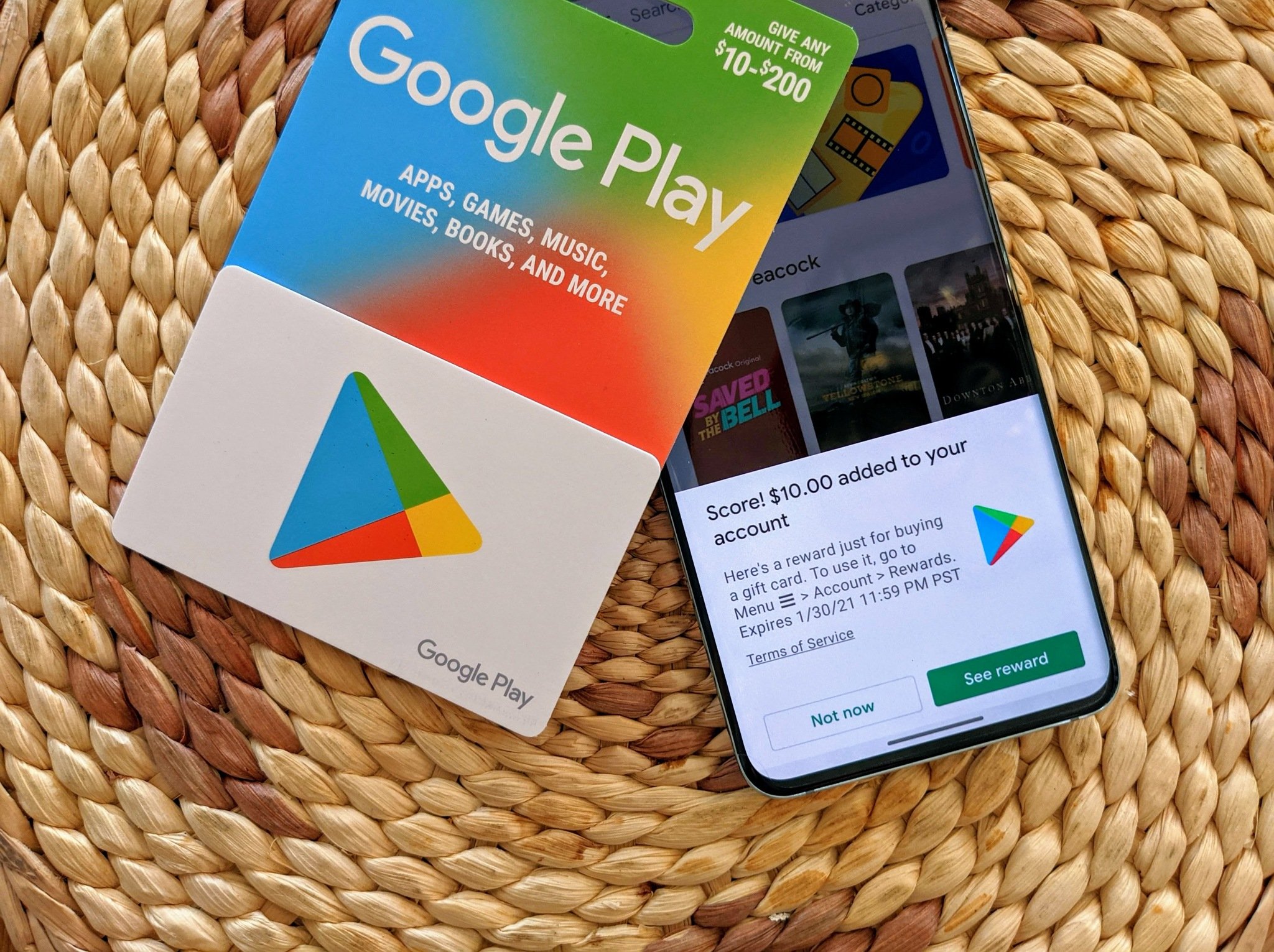
In the rapidly evolving landscape of digital interfaces, the term “Google Card” has become a foundational concept that defines how millions of users interact with information every day. While the term may occasionally refer to physical products like Google Play gift cards or digital payment methods in Google Wallet, its most significant meaning lies in the realm of user interface (UI) design and information architecture. A Google Card is essentially a modular container used across Google’s ecosystem—Search, Assistant, Discover, and Maps—to present digestible, actionable pieces of data.
To understand what a Google Card is, one must look beyond the screen and into the philosophy of Material Design. It is a bridge between the vast, unstructured data of the open web and the high-speed, mobile-first requirements of the modern user. By breaking down complex information into discrete “cards,” Google has revolutionized how we consume digital content.
The Evolution of the “Card” in Google’s Design Philosophy
The concept of the Google Card did not appear overnight. It is the result of a decade-long shift in how software engineers and designers think about data hierarchy. The origin of the Google Card can be traced back to Google Now, a predictive assistant launched in 2012. Google Now used “cards” to provide users with information before they even asked for it—weather updates, flight times, and traffic alerts appeared as rectangular modules that users could swipe away.
Material Design and the Physicality of Data
At the heart of the Google Card is Material Design, a design language developed by Google in 2014. Material Design is based on the idea that digital elements should behave like physical objects. In this system, a “card” is a piece of “digital paper” that has elevation, shadow, and a specific position in a 3D space.
This technical approach serves a vital functional purpose: it creates a sense of hierarchy. When a user sees a Google Card, their brain immediately recognizes it as a distinct unit of information. This modularity allows Google to stack different types of content—a video, a text snippet, an interactive map, and a button—without overwhelming the user.
Why the Card Format Won
Before cards became the standard, digital information was often presented in long, scrolling lists or dense grids. The card format won because it is inherently responsive. Whether you are viewing a Google Card on a 6-inch smartphone or a 27-inch desktop monitor, the card can expand, contract, or rearrange itself without losing its internal structure. For developers, this means writing code that is more portable across different platforms, from Android Auto to WearOS.
Google Search and the Knowledge Graph Card
For most people, the most frequent encounter with a Google Card occurs during a standard web search. When you search for a celebrity, a historical event, or a local business, a prominent box often appears at the top or side of the results. This is known as a Knowledge Graph Card (or Knowledge Panel).
Structured Data and the Knowledge Vault
The Knowledge Graph Card is a sophisticated piece of software engineering. It isn’t just a summarized Wikipedia entry; it is a dynamic interface powered by Google’s Knowledge Graph—a massive database of billions of facts about entities and their relationships.
When Google generates a Knowledge Card, it utilizes structured data (Schema markup) from across the web. If you search for a movie, the card will pull showtimes from local theaters, ratings from Rotten Tomatoes, and streaming availability from platforms like Netflix or YouTube. This creates a “zero-click” environment where the user gets all the necessary tech-driven data without ever leaving the search results page.
Interactive Elements in Search Cards
Modern Google Cards in search are increasingly interactive. They are no longer static text boxes. For example:
-
Finance Cards: Real-time stock tickers with interactive graphs.
-
Unit Converter Cards: JavaScript-based tools that allow for instant calculations.
-
Dictionary Cards: Audio playback for pronunciation and drop-down menus for etymology.
-
Sport Cards: Live-score updates that refresh automatically using background data synchronization.
Google Discover: The AI-Driven Personalized Card Feed
While Search cards respond to user queries, Google Discover cards are proactive. Google Discover is the feed found on the home screen of most Android devices and within the Google app on iOS. Here, the “Google Card” acts as a recommendation engine.

Machine Learning and Content Delivery
Each card in a Discover feed is selected by sophisticated machine learning algorithms. The system analyzes your search history, app usage, location history, and even your “Topics of Interest” to curate a personalized list of cards.
Technically, these cards are more complex than those in Search. They must balance high-resolution imagery with metadata like “Time to Read” or “Source Authority.” The Discover system uses a process called “semantic filtering” to ensure that the cards displayed are relevant to the user’s current context. If you recently searched for “Python programming tutorials,” your Discover feed will likely populate with cards featuring the latest news on AI libraries or coding best practices.
User Control and Feedback Loops
A critical technical aspect of Discover cards is the feedback loop. Each card includes a “control” menu where users can tell the algorithm to “Show more like this” or “Not interested in this topic.” This data is fed back into the neural network, refining the user’s profile and ensuring that the card-based interface remains a high-value utility rather than a source of digital clutter.
Specialized Google Cards: From Wallet to Business Profiles
Beyond the general UI, the term “Google Card” is often applied to specific functional tools within the Google ecosystem. These applications demonstrate the versatility of the card format in specialized tech sectors.
Google Business Profile Cards
For local SEO and digital mapping, the Business Profile Card is the most important asset. When a user looks for “coffee shops near me” in Google Maps, the result is presented as a card. This card aggregates data from multiple APIs: Google Maps for location, the Google Reviews API for social proof, and often third-party integration for menus or booking systems. For the business owner, this card is their primary digital storefront, and for the user, it is a high-speed utility for navigation and decision-making.
Digital Cards in Google Wallet
In the world of fintech and digital security, Google Cards refer to the digitized versions of physical items stored in Google Wallet. This includes credit cards, loyalty cards, boarding passes, and even digital car keys.
From a security perspective, these digital cards utilize a technology called tokenization. When you add a “card” to Google Wallet, the app doesn’t store your actual card number. Instead, it creates a virtual “token.” When you tap your phone at a terminal, the Google Card interface facilitates a secure handshake that protects your financial data using Near Field Communication (NFC) protocols.
Google Play Gift Cards
Finally, in the retail and gaming sector, a Google Card is a physical or digital voucher used to add balance to a Google Play account. While less complex than an AI-driven search card, these rely on secure backend authentication to prevent fraud and ensure that the value is correctly attributed to the user’s Google ID.
The Future of Cards: AI Integration and Predictive Information
As we move into the era of Generative AI, the Google Card is undergoing its most significant transformation yet. With the introduction of Gemini (formerly Bard) and Search Generative Experience (SGE), the “card” is becoming more conversational and fluid.
Generative AI Cards
In the near future, Google Cards won’t just pull existing data; they will synthesize it. If you ask Google to “plan a 3-day tech tour of San Francisco,” the resulting Google Card will be a custom-generated itinerary. This card will be hyper-dynamic, allowing you to swap out modules, adjust dates, and save the entire “card” directly to your Google Calendar or Docs.
Ambient Computing and Cross-Device Continuity
The ultimate goal of the Google Card is to facilitate “ambient computing”—a state where technology is available everywhere but stays out of the way. We are seeing this with Google Assistant cards on smart displays like the Nest Hub. A card showing your doorbell camera feed or your smart lights’ status is a temporary, functional UI element that disappears when no longer needed.
As we move toward foldable phones, wearable AR glasses, and more advanced smart home setups, the modular nature of the Google Card ensures that Google’s information remains accessible. By shrinking or expanding to fit any screen, the card format proves that it is not just a design trend, but a fundamental technical architecture for the digital age.

Conclusion
A Google Card is much more than a simple rectangle on a screen. It is a sophisticated delivery mechanism that combines Material Design principles, massive-scale data from the Knowledge Graph, and the predictive power of machine learning. Whether it is helping a user navigate a new city through a Maps card, securing a transaction via a Wallet card, or providing a snapshot of the day’s news in Discover, the “card” remains the primary unit of digital currency in the Google ecosystem. As technology moves toward a more automated and AI-centric future, the Google Card will continue to evolve, turning the vast complexity of the internet into simple, actionable, and beautiful insights.
aViewFromTheCave is a participant in the Amazon Services LLC Associates Program, an affiliate advertising program designed to provide a means for sites to earn advertising fees by advertising and linking to Amazon.com. Amazon, the Amazon logo, AmazonSupply, and the AmazonSupply logo are trademarks of Amazon.com, Inc. or its affiliates. As an Amazon Associate we earn affiliate commissions from qualifying purchases.