
In the contemporary landscape of digital finance, PayPal has transitioned from a pioneering payment gateway into a cornerstone of the global financial ecosystem. For freelancers, small business owners, and savvy consumers, the platform serves as a virtual vault that facilitates millions of transactions daily. However, managing a digital wallet requires more than just processing payments; it demands a proactive approach to monitoring liquidity and ensuring security. Understanding how to check your PayPal balance—and interpreting the data behind that number—is the first step toward masterly personal finance management in the digital age.
The ability to access your real-time balance is critical for maintaining a healthy cash flow. Whether you are waiting for a client payment to clear or preparing for an upcoming subscription renewal, knowing exactly where your funds stand prevents overdrafts and helps you make informed spending decisions. This guide explores the various methodologies for monitoring your funds, the nuances of different balance types, and the security protocols necessary to protect your financial data.
Primary Methods for Monitoring Your PayPal Balance
Accessing your financial information should be seamless, yet secure. PayPal provides several avenues for users to check their balances, tailored to different devices and user preferences. Each method offers a slightly different level of detail regarding your transaction history and account health.
The Desktop Dashboard: A Deep Dive into Your Finances
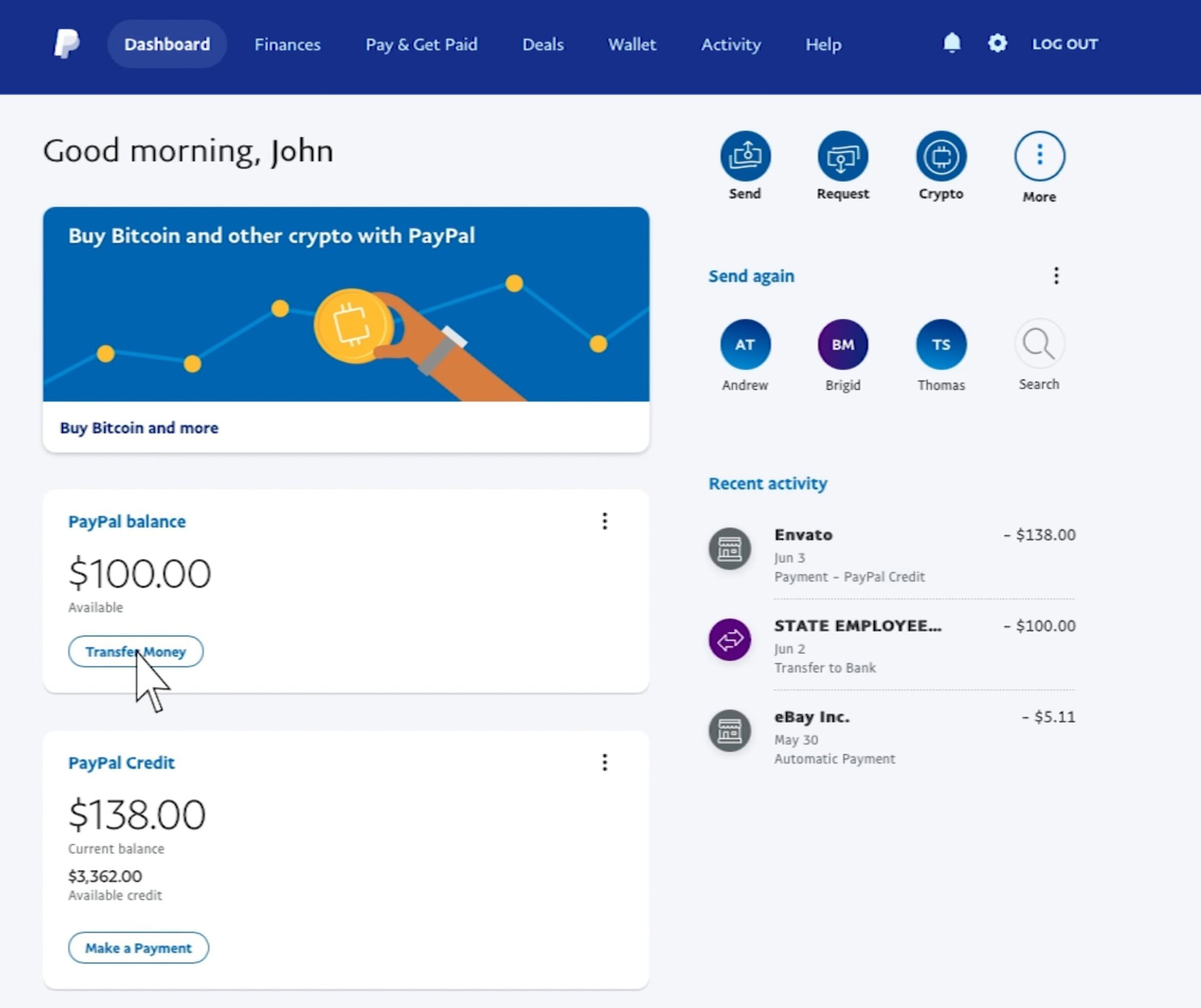
For users who require a comprehensive overview of their financial standing, the desktop web interface remains the most robust tool. Upon logging into your account via a secure browser, your “PayPal Balance” is prominently displayed on the left side of the home dashboard.
The desktop view is particularly valuable because it allows for immediate reconciliation. From this screen, you can see not only your total balance but also a breakdown of different currencies if you hold funds in multiple denominations. For those managing international business or side hustles, this multi-currency view is essential for tracking exchange rate fluctuations and determining the best time to convert funds into your primary currency.
The PayPal Mobile App: Real-Time Management on the Go
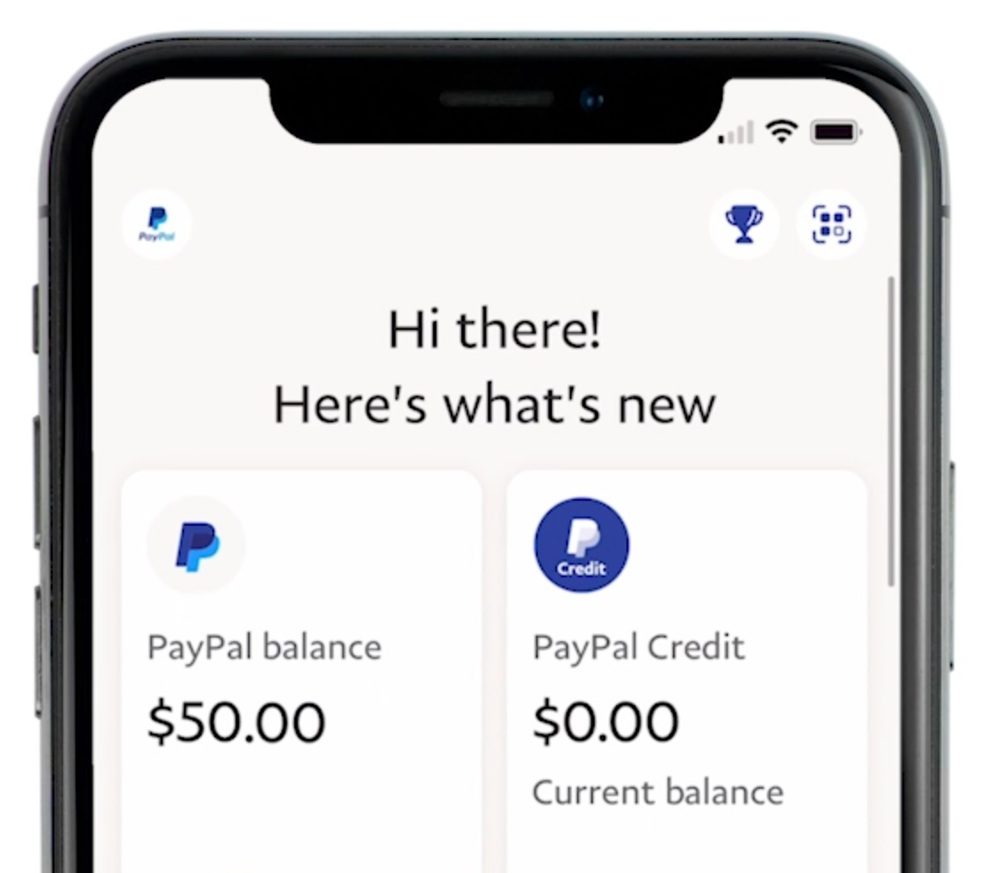
In an era of instant gratification and mobile-first commerce, the PayPal app is the primary touchpoint for most users. Available on both iOS and Android, the app provides a streamlined interface where the balance is visible immediately upon biometric authentication.
The mobile app excels in its notification system. By enabling push notifications, you can receive alerts the moment your balance changes due to an incoming payment or a completed purchase. This real-time feedback loop is an excellent tool for those practicing tight budget control, as it removes the “out of sight, out of mind” risk associated with digital spending.
Alternative Access: SMS and Voice
While less common in the age of smartphones, PayPal still offers features for users who may have limited data access or prefer traditional communication. In certain regions, users can link their mobile numbers to receive balance updates via SMS. By sending a specific keyword to a designated PayPal shortcode, you receive an automated text response with your current available funds. This ensures that even in areas with poor internet connectivity, you remain in control of your financial information.
Understanding the Nuances of Your Balance Categories
A common point of confusion for many users is why their “Total Balance” does not always match the amount they can actually spend or withdraw. In the world of digital finance, not all funds are created equal. Understanding the distinction between various balance statuses is vital for accurate financial planning.
Available Balance vs. Pending Funds
The “Available Balance” represents the liquidity currently accessible to you for transfers, purchases, or withdrawals. However, you may often see a section labeled “Pending” or “Money on Hold.” This is a common occurrence for new sellers or those involved in high-value transactions.
PayPal may hold funds in a pending state to ensure the security of the transaction and to provide a buffer for potential buyer disputes. From a personal finance perspective, you should never count “Pending” funds as part of your immediate budget. High-performing side hustlers often maintain a separate “buffer” in their traditional bank accounts to cover expenses while waiting for these digital holds to clear.
The Role of the “Hold” in Financial Security
Holds are not merely bureaucratic hurdles; they are risk management tools. If a transaction is flagged for unusual activity or if a seller has a history of high dispute rates, PayPal may place a temporary hold on those specific funds. For the user checking their balance, seeing a hold can be a signal to review recent activity or provide additional tracking information to the platform to expedite the release of funds.
Managing Multiple Currencies
One of PayPal’s most powerful features for the modern “digital nomad” or international freelancer is the ability to hold multiple currencies simultaneously. When you check your balance, you may see a primary currency (e.g., USD) and several secondary balances (e.g., EUR, GBP, or CAD).
It is important to understand that these are distinct financial buckets. When you make a purchase in a currency you do not hold, PayPal will automatically convert funds from your primary balance, often applying a conversion fee. To optimize your money, it is often wiser to manage these balances manually, converting them only when the exchange rates are favorable or when you have a specific need for that currency.
Integrating PayPal into Your Broader Financial Strategy
Checking your balance is a tactical move, but how you use that information is a strategic one. As digital wallets become more integrated into our lives, they should be treated with the same rigor as a traditional savings or checking account.
Using the Balance as a Spending Limit
One effective strategy for personal budgeting is to use your PayPal balance as a “discretionary spending” fund. By only spending what is currently in your PayPal account—rather than pulling directly from a linked credit card or bank account—you create a natural ceiling for your online shopping or entertainment expenses. This “envelope method” in digital form is an excellent way to prevent lifestyle creep and maintain discipline.
Automating Transfers for Better Cash Flow
For those who use PayPal for business income, letting a large balance sit in the digital wallet can be inefficient. While the funds are safe, they are likely not earning interest as they would in a high-yield savings account.
Savvy users check their balance regularly and set a “threshold.” For example, once the balance exceeds $1,000, they might initiate a transfer to their primary bank. This ensures that capital is being deployed effectively toward investments or debt repayment rather than idling in a transaction account.
The Importance of the PayPal Cash Card
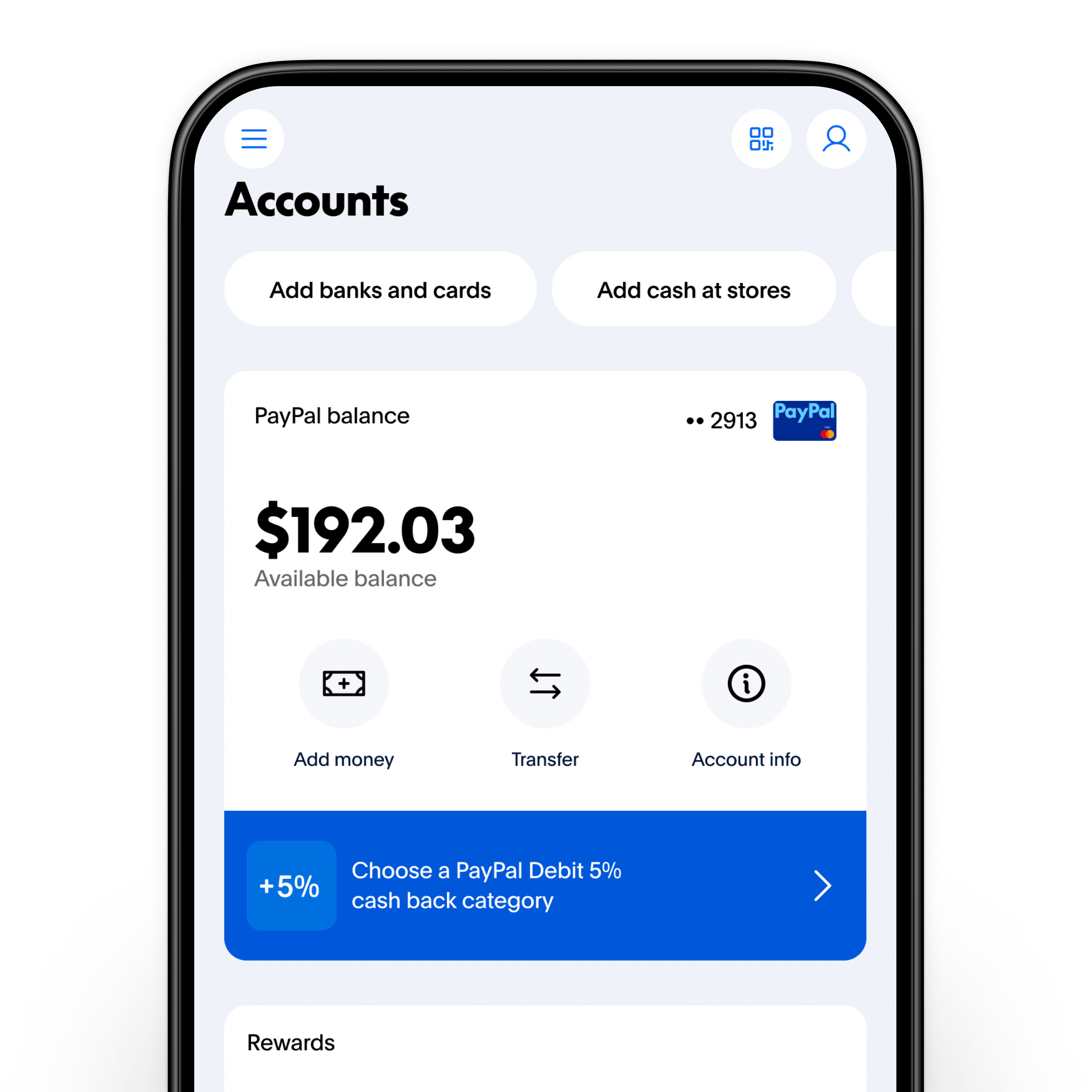
If you require immediate access to your balance in the physical world, the PayPal Cash Card (a Mastercard debit card) is a vital tool. It links directly to your PayPal balance, allowing you to check your funds at any ATM or use them at point-of-sale terminals. This bridges the gap between digital income and physical expenses, providing a level of liquidity that traditional bank transfers (which can take 1–3 business days) cannot match.
Security Protocols When Checking Financial Data
Because your PayPal account is a gateway to your liquid assets and linked bank accounts, checking your balance must be done with security as the top priority. Financial tools are frequent targets for phishing and unauthorized access.
Implementing Two-Factor Authentication (2FA)
Every time you log in to check your balance, you should be prompted for more than just a password. Implementing 2FA—via an authenticator app or an SMS code—adds a critical layer of defense. Even if your credentials are compromised, an attacker cannot view your balance or move your money without the secondary code.
Recognizing Phishing and Spoofing
Users are often sent fraudulent emails or texts claiming there is a “problem with your balance” or an “unauthorized transaction.” These are designed to trick you into logging into a fake portal. A professional rule of thumb: never click a link in an email to check your balance. Always navigate directly to the official website or open the verified app. If there is a legitimate issue with your funds, it will be clearly flagged in the official notifications center.
Public Wi-Fi and Financial Privacy
Checking your financial status over public Wi-Fi (such as at a coffee shop or airport) is a significant security risk. Man-in-the-middle attacks can allow hackers to intercept your data. If you must check your balance while on the go, use a cellular data connection or a reputable Virtual Private Network (VPN) to encrypt your traffic.
Troubleshooting Discrepancies in Your Balance
Occasionally, you may check your balance and find that the numbers do not align with your expectations. This can be alarming, but it is usually solvable through a systematic review of your account history.
Investigating “Missing” Funds
If your balance appears lower than expected, the first place to look is the “Activity” log. Many subscriptions (like streaming services or software licenses) use “pre-approved payments.” These can deduct funds automatically without a specific notification for each transaction. Regular auditing of your active subscriptions within the PayPal settings can prevent these “leaks” in your budget.
Dealing with Unauthorized Transactions
In the unfortunate event that your balance shows a transaction you did not authorize, immediate action is required. PayPal offers a robust Resolution Center where you can dispute transactions. Checking your balance daily or weekly ensures that you catch these discrepancies early, increasing the likelihood of a successful recovery through PayPal’s Purchase Protection or Seller Protection programs.
The Impact of Chargebacks
For those receiving money through the platform, a “chargeback” occurs when a buyer disputes a transaction through their credit card issuer rather than through PayPal. This can cause your balance to go negative if you have already withdrawn the funds. Monitoring your balance helps you stay ahead of these disputes, allowing you to provide the necessary documentation to resolve the issue before it impacts your overall financial standing.
By maintaining a disciplined habit of checking your PayPal balance, you are doing more than just looking at a number; you are engaging in active financial stewardship. In a world where money is increasingly digital and invisible, the transparency provided by these tools is your best defense against overspending and your best offense for wealth building. Whether you are managing a global enterprise or a simple personal budget, the clarity of your digital wallet is the foundation of your financial peace of mind.
aViewFromTheCave is a participant in the Amazon Services LLC Associates Program, an affiliate advertising program designed to provide a means for sites to earn advertising fees by advertising and linking to Amazon.com. Amazon, the Amazon logo, AmazonSupply, and the AmazonSupply logo are trademarks of Amazon.com, Inc. or its affiliates. As an Amazon Associate we earn affiliate commissions from qualifying purchases.