
The evolution of the digital asset market has transformed the way individual investors approach wealth creation. In the early days of cryptocurrency, retail platforms focused heavily on simplicity, offering a “one-click” buy experience that catered to the casual observer. However, as the market matured, so did the needs of the investor. The demand for lower fees, deeper liquidity, and sophisticated order types led to the birth of Coinbase Advanced.
Getting started with Coinbase Advanced is not merely about clicking a button; it is about transitioning your financial mindset from a passive retail consumer to an active market participant. This platform represents a significant upgrade in how you interact with the blockchain economy, providing the tools necessary to execute complex strategies that were once reserved for institutional desks.
Understanding the Financial Shift to Coinbase Advanced
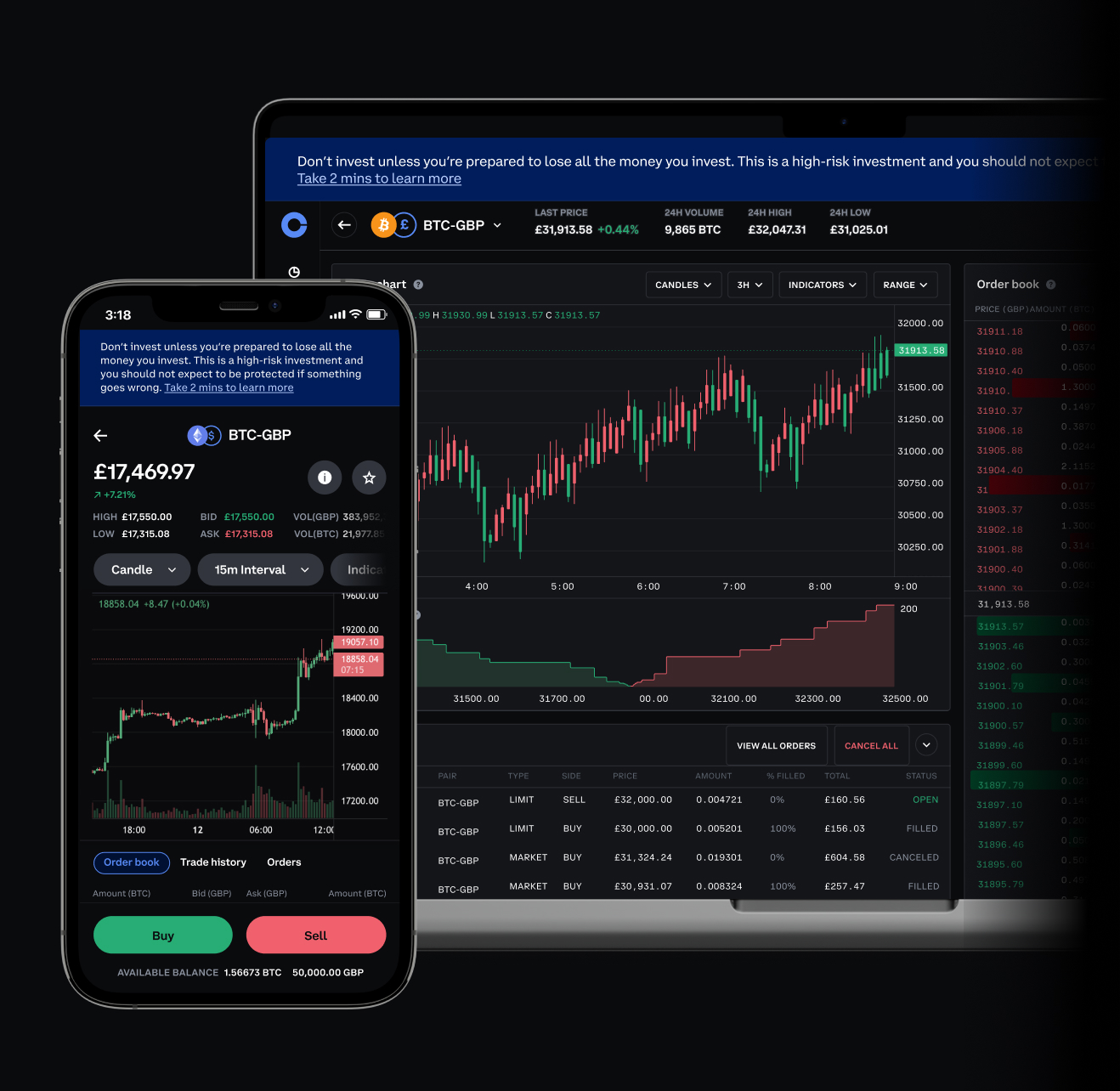
For years, Coinbase maintained two separate ecosystems: the standard Coinbase app for retail users and Coinbase Pro for more seasoned traders. In a strategic move to streamline the user experience, the company integrated the professional features of Pro directly into the main Coinbase platform, rebranding it as Coinbase Advanced.
The primary motivation for moving to Coinbase Advanced is financial efficiency. In the standard retail interface, users often pay a premium for convenience in the form of higher transaction fees and wider spreads. For an investor looking to build a long-term portfolio or engage in frequent trading, these costs can significantly erode capital gains over time. Coinbase Advanced utilizes a maker-taker fee model, which rewards users for providing liquidity to the order book and offers significantly lower rates than the standard “Simple” buy/sell feature.
Beyond the immediate cost savings, the shift to Advanced provides transparency. You are no longer buying at a price set by an intermediary; you are interacting directly with the global order book. This transparency allows you to see where the market is trending, identify support and resistance levels, and make informed decisions based on real-time data rather than simplified price tickers.
How to Access and Enable Coinbase Advanced Features
Accessing Coinbase Advanced does not require a separate account or a complex application process. If you already have a verified Coinbase account, the professional suite is already at your fingertips. The challenge for many users is simply finding where the professional tools are housed within the updated ecosystem.
Navigating the Interface
To get started, log in to your Coinbase account on a desktop browser or the mobile app. On the desktop, you will find a toggle or a menu item labeled “Advanced.” Switching this toggle transforms the interface from the simplified dashboard to a robust trading terminal. On the mobile application, the transition is handled within the profile settings, where you can select “Advanced” as your primary trading view.
Verification and Compliance
Because Coinbase Advanced grants access to more sophisticated financial tools, ensure your account is fully verified. This involves completing the “Know Your Customer” (KYC) requirements, which include providing a government-issued ID and verifying your residency. From a financial security perspective, this step is vital. It ensures that your capital is protected within a regulated environment and that you have full access to the high-volume withdrawal limits necessary for significant portfolio movements.
Funding Your Trading Account
Once the Advanced interface is active, your existing balances are immediately available. Unlike the old system where users had to transfer funds between Coinbase and Coinbase Pro, the unified balance allows for seamless movement. You can fund your account via ACH transfer, wire transfer, or by depositing supported cryptocurrencies directly from a hardware wallet. For those looking to maximize their “dry powder,” keeping a portion of your portfolio in USDC (a stablecoin) within the Advanced interface allows for near-instant execution when market opportunities arise.
Leveraging Technical Tools for Better Financial Outcomes
The true value of Coinbase Advanced lies in its suite of technical tools. To use the platform effectively, an investor must understand how to interpret the data and execute orders that align with their financial goals.
Mastering the Order Book
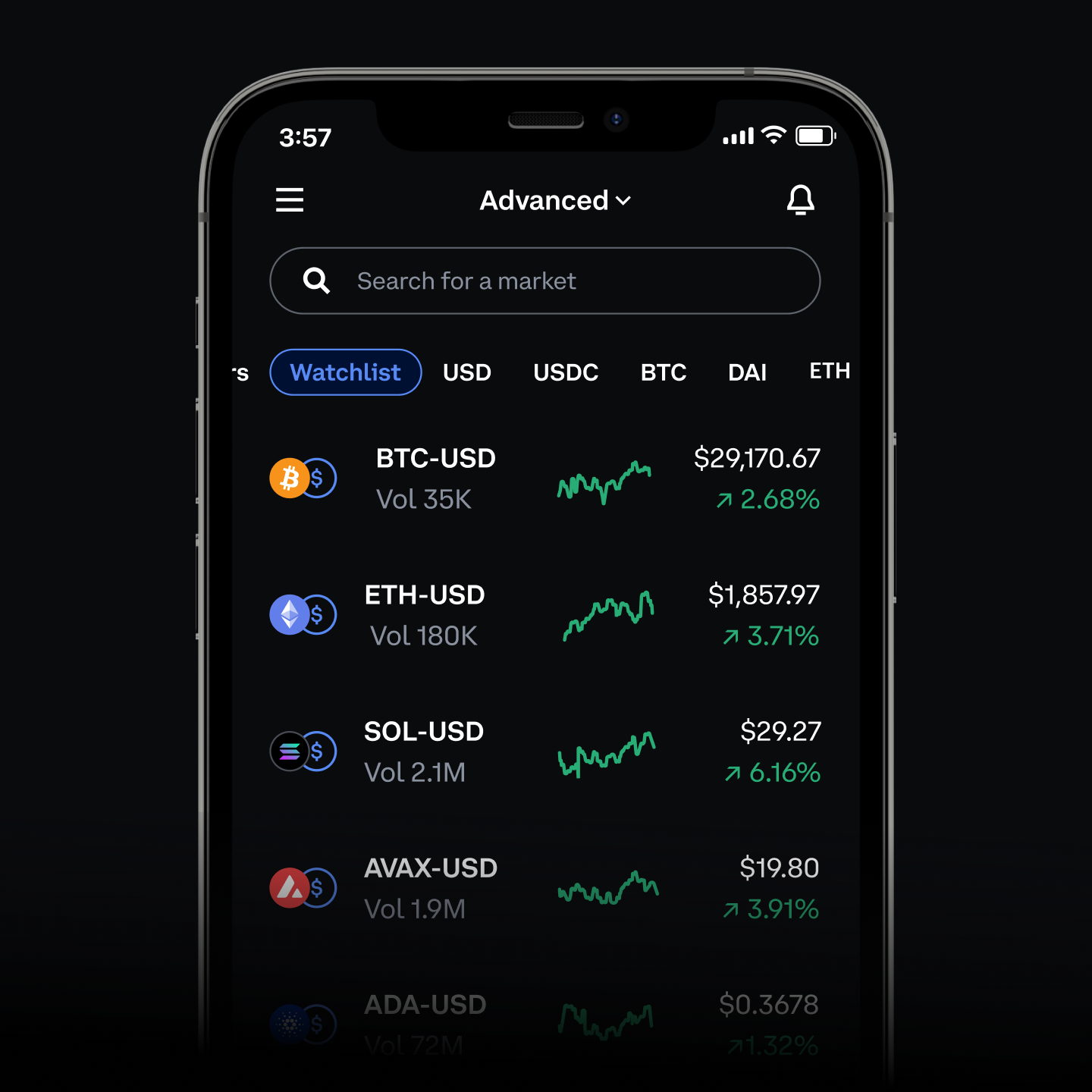
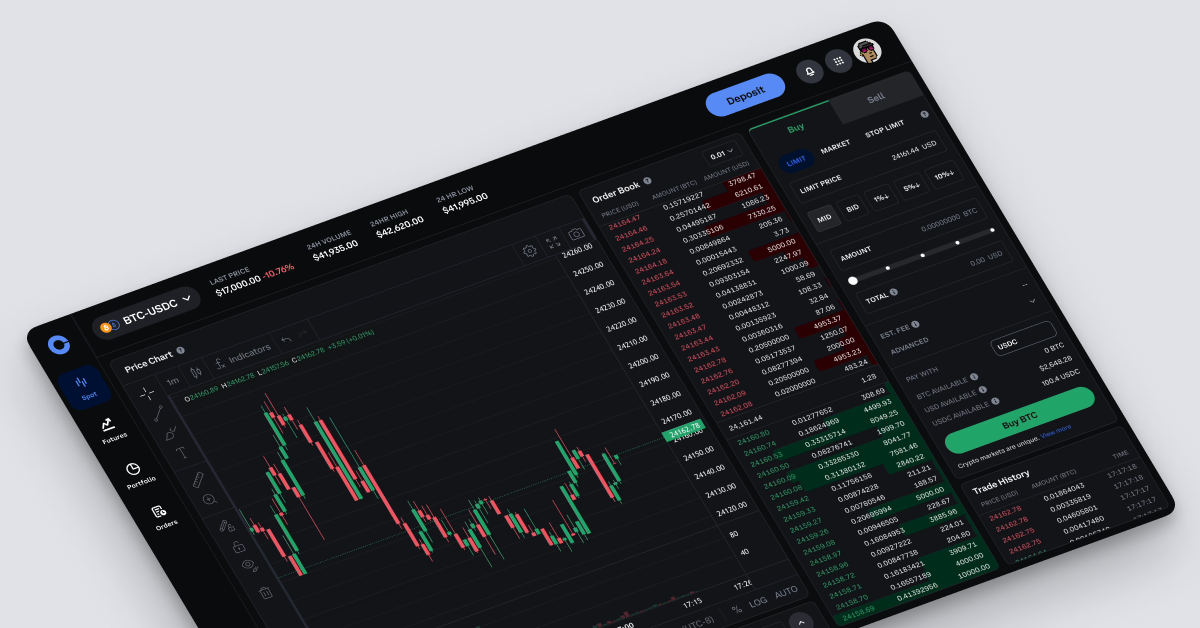
The order book is a real-time list of buy and sell orders for a specific asset. In Coinbase Advanced, the order book is visualized as a “depth chart,” showing the volume of orders at various price points. Understanding this is crucial for managing slippage. If you are executing a large trade, the order book tells you whether the market has enough liquidity to absorb your trade without significantly moving the price against you.
The Power of Limit Orders
In the standard retail interface, you are largely restricted to “Market Orders,” which execute immediately at the best available current price. While fast, market orders leave you vulnerable to price spikes. Coinbase Advanced introduces “Limit Orders,” which allow you to specify the exact price at which you are willing to buy or sell.
By using limit orders, you become a “market maker.” This not only gives you precise control over your entry and exit points but also qualifies you for lower “maker” fees. In the context of long-term wealth management, saving 0.2% to 0.5% on every trade through limit orders can result in thousands of dollars in saved capital over the course of an investment career.
Utilizing Advanced Charting and Indicators
Coinbase Advanced integrates TradingView charts, providing access to hundreds of technical indicators. For the sophisticated investor, these aren’t just lines on a graph; they are mathematical representations of market psychology. Indicators such as the Relative Strength Index (RSI), Moving Averages (MA), and Bollinger Bands can help you identify when an asset is overbought or oversold. By layering these tools, you can move away from emotional investing and toward a data-driven strategy.
Strategic Asset Allocation and Risk Management
Getting Coinbase Advanced is only the first step; the second is using it to build a resilient financial future. Professional trading tools allow for superior risk management techniques that are unavailable in the basic retail view.
Implementing Stop-Limit Orders
One of the most important financial tools in the Advanced suite is the “Stop-Limit” order. This allows you to set a trigger price that, if hit, will automatically place a sell order at a specific limit price. This is your primary defense against market volatility. In the crypto markets, where 10% to 20% swings can happen overnight, having an automated “exit door” protects your principal capital. It ensures that a market correction doesn’t turn into a portfolio catastrophe.
Portfolio Diversification through Trading Pairs
Coinbase Advanced offers a wide array of trading pairs, including crypto-to-crypto pairs (e.g., BTC/ETH) and crypto-to-fiat pairs (e.g., SOL/USD). This allows for more sophisticated rebalancing. If you believe Ethereum will outperform Bitcoin over a certain period, you can trade the pair directly, rather than selling to USD and buying back in, which could trigger unnecessary taxable events or higher fees.
Passive Income and Staking Integration
While “Advanced” implies active trading, the platform also integrates with Coinbase’s staking rewards. For assets like Ethereum, Solana, or Cardano, you can view your staking yields alongside your active trade positions. This holistic view of your assets allows you to calculate your “total return”—the combination of price appreciation and the yield generated by your holdings.
Security as a Pillar of Wealth Preservation
In the world of online finance, your tools are only as good as your security protocols. When you transition to Coinbase Advanced, you are often handling larger sums and more frequent movements of capital. Protecting your account is an integral part of the “Advanced” experience.
Enhanced Authentication
Move beyond SMS-based two-factor authentication (2FA). For anyone using professional-grade trading tools, hardware security keys (like YubiKey) or time-based one-time password (TOTP) apps are the standard. This adds a physical layer of security that is nearly impossible for remote hackers to bypass.
Address Whitelisting
Coinbase Advanced allows you to enable “Whitelisting” or “Address Book” features. This restricts withdrawals to only those addresses that you have pre-approved. If an unauthorized user were to gain access to your account, they would be unable to drain your funds to an unknown wallet, as there is typically a 48-hour waiting period to add new addresses. This “time-lock” is a critical financial safety net.
Tax Reporting and Financial Transparency
Professionalism in investing also requires professionalism in accounting. Coinbase Advanced provides detailed trade histories and API access that can be integrated with tax software. As digital asset regulations evolve, having a clear, downloadable record of every limit order, fee paid, and realized gain is essential for maintaining compliance with tax authorities and understanding your true net-to-portfolio performance.
The transition to Coinbase Advanced is a milestone in an investor’s journey. It signifies a move toward lower costs, better data, and more disciplined execution. By mastering the interface, utilizing the depth of the order book, and maintaining rigorous security standards, you position yourself to navigate the complexities of the digital asset market with the precision of a professional.
aViewFromTheCave is a participant in the Amazon Services LLC Associates Program, an affiliate advertising program designed to provide a means for sites to earn advertising fees by advertising and linking to Amazon.com. Amazon, the Amazon logo, AmazonSupply, and the AmazonSupply logo are trademarks of Amazon.com, Inc. or its affiliates. As an Amazon Associate we earn affiliate commissions from qualifying purchases.