
In the contemporary financial landscape, the physical wallet is increasingly becoming a secondary accessory. As e-commerce continues to dominate the consumer experience and digital payment systems become the standard, the ability to access financial information on the go is no longer a luxury—it is a necessity. For Wells Fargo customers, the mobile banking app serves as a central hub for managing wealth, monitoring transactions, and accessing sensitive account data. One of the most frequent requirements for modern consumers is retrieving a credit or debit card number without having the physical plastic in hand. Whether you are making an online purchase from your couch or updating a recurring subscription while commuting, knowing how to navigate the Wells Fargo digital ecosystem is a vital skill in modern personal finance management.
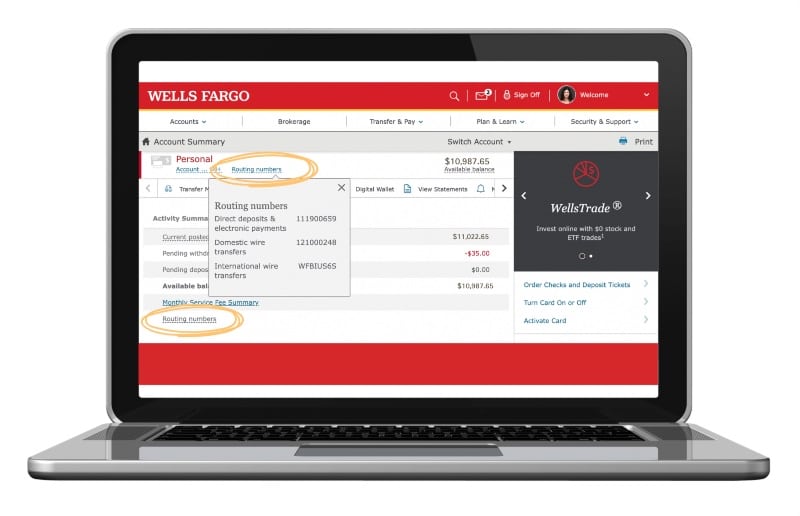
Navigating the Wells Fargo Mobile Interface for Card Retrieval
The Wells Fargo mobile app is designed with a “security-first” architecture, which means that sensitive data like full card numbers and CVV codes are not displayed prominently on the home screen. To access this information, users must navigate through several layers of authentication and specific menus. This design is intentional, protecting the user from “shoulder surfing” or unauthorized access if the phone is unlocked.
Step-by-Step Instructions for Accessing Your Card Details
To find your card number within the app, follow these precise steps:
-
Authentication: Launch the Wells Fargo Mobile app and sign in using your credentials. For maximum security and ease of use, it is highly recommended to have biometric authentication (Face ID or Fingerprint) enabled.
-
The Menu Hub: Once on the main account summary screen, look for the “Menu” icon, typically located in the bottom right corner or represented by three horizontal lines.
-
Card Settings: Within the menu, navigate to the “Cards” section. Here, you will find options such as “Card Snapshots,” “Replace a Card,” and “Digital Wallet.”
-
Selecting the Specific Account: If you have multiple accounts—such as a checking account debit card and a separate Visa Signature credit card—select the specific card you wish to view.
-
Viewing Card Details: Look for a link or button labeled “View Card Details” or “Digital Card.” At this stage, the app will likely prompt you for an additional security challenge. This is often a temporary access code sent via SMS or an additional biometric scan.
-
The Reveal: Once verified, the app will display the 16-digit card number, the expiration date, and the 3-digit CVV security code.
Why You Might Not See the Full Number Immediately
It is important to note that some account types or app versions may restrict the viewing of the full 16-digit number based on your specific security settings or the status of the card. If a card has been reported lost or stolen, or if it has not yet been activated, the digital representation may be masked. Furthermore, Wells Fargo occasionally updates its UI/UX (User Interface/User Experience) to align with new security protocols, so the pathing might shift slightly during major app updates. The core principle remains the same: the information is housed under “Card Settings” to ensure it remains partitioned from general balance inquiries.
The Security Infrastructure of Digital Card Access
Accessing a credit card number via a mobile app involves a sophisticated interplay of financial technology and cybersecurity. For the personal finance enthusiast, understanding these layers provides peace of mind and highlights why digital banking is often more secure than carrying a physical card.
Multi-Factor Authentication (MFA) and Biometrics
The primary defense mechanism for your digital card data is Multi-Factor Authentication. When you request to see your card number, Wells Fargo utilizes “Something You Are” (your fingerprint or face) or “Something You Have” (your mobile device receiving a code) to verify identity. In personal finance, this is referred to as “Positive Identification.” By requiring a second layer of verification specifically for the card number, the bank ensures that even if a bad actor gains access to your logged-in app session, they cannot easily harvest your credit card data for fraudulent online purchases.
Encryption and Data Masking
When you are not actively viewing your card number, the app uses a process called “Masking,” where only the last four digits are visible. Behind the scenes, the data is encrypted using high-level protocols (such as AES-256). When you hit the “view” button, the app decrypts that specific data point for a limited window of time. From a financial security standpoint, this reduces the “attack surface.” If someone were to take a screenshot of your main account page, they would have no usable information to compromise your funds.
Digital Tokens vs. Physical Numbers
An interesting evolution in the Wells Fargo ecosystem is the use of tokenization. When you add your Wells Fargo card to a digital wallet like Apple Pay or Google Pay via the app, the merchant never actually receives your real 16-digit card number. Instead, they receive a “token”—a unique digital identifier. Understanding the difference between your “Digital Card Number” and your “Physical Card Number” is essential for modern budgeting. If your physical card is replaced due to wear and tear, your tokenized digital card often continues to work, preventing disruptions in your automated bill payments and subscriptions.
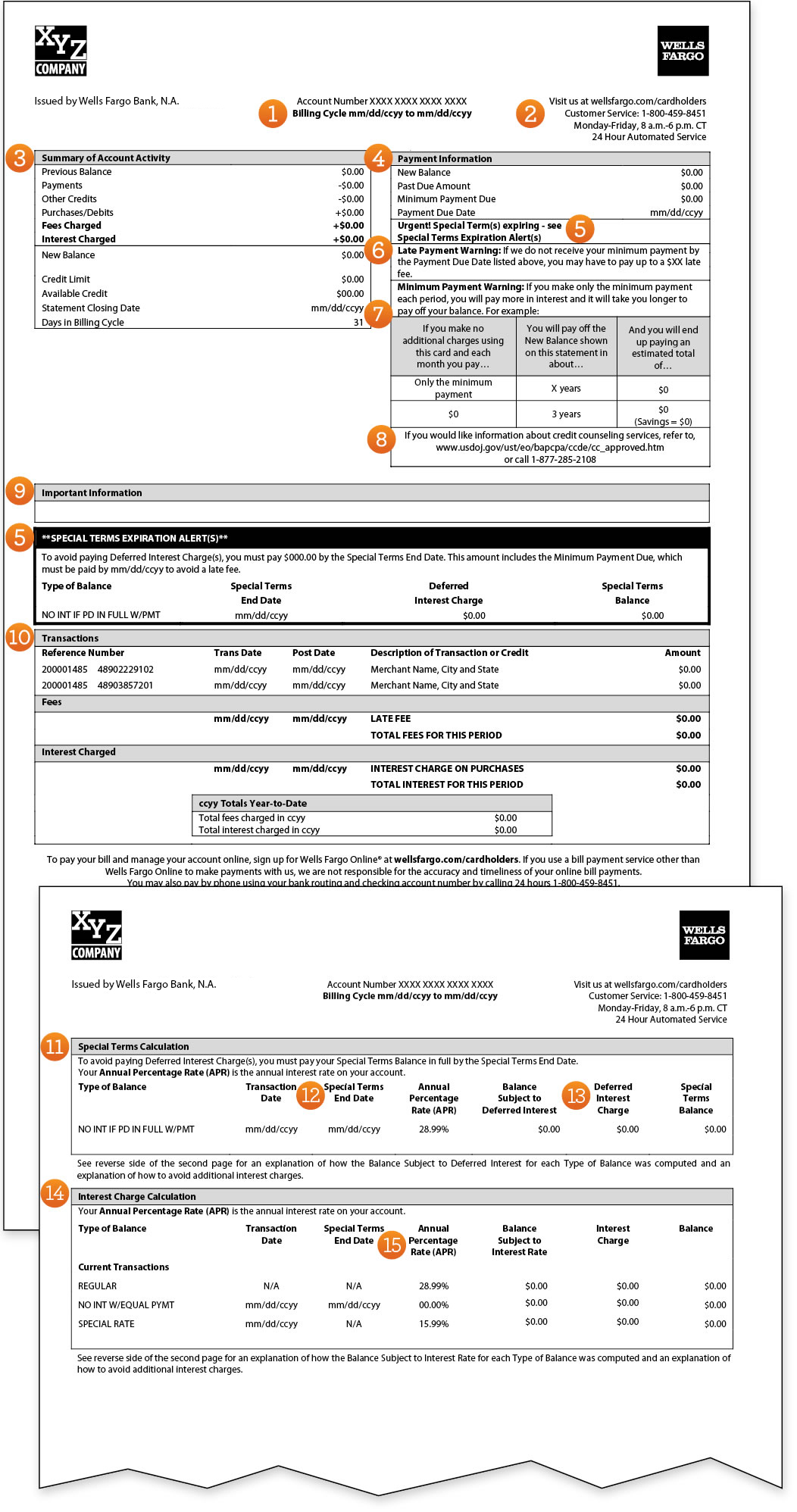
Leveraging Digital Access for Better Financial Management
Finding your card number on the app is more than just a convenience; it is a tool for more agile financial management. Integrating your digital card details into your broader financial strategy can help you maintain better control over your spending and security.
Instant Provisioning and Emergency Access
One of the most significant advantages of accessing your card number digitally is “Instant Provisioning.” If you lose your physical wallet, you can use the Wells Fargo app to report the card lost and immediately request a digital replacement. In many cases, the new card number is generated and viewable in the app instantly, even before the physical plastic arrives in the mail. This allows you to update your digital wallets and continue making necessary purchases without waiting 5-7 business days for a new card. This agility is a cornerstone of modern “frictionless” finance.
Subscription Audit and Management
In the age of the “subscription economy,” many consumers suffer from “subscription creep”—the slow accumulation of monthly charges they no longer use. By accessing your card details through the app, you can systematically go through your recurring payments. Wells Fargo provides a “Merchant Recurring Payments” view that complements the card retrieval feature. By seeing which card is tied to which service, you can effectively re-route charges to cards that offer better rewards or cash-back incentives for specific categories like streaming or utilities.
Enhanced Controls: The “Lock” Feature
While you are in the menu looking for your card number, you will also notice the “Turn Card On/Off” feature. This is a powerful financial tool for security. If you realize your card is missing, you can “Turn it Off” instantly. If you find it later under the car seat, you can turn it back on. This eliminates the need to permanently cancel a card and go through the hassle of changing your card number on every website where it is saved. This level of granular control over one’s financial tools is a hallmark of the digital banking revolution.
The Future of Personal Finance: Moving Beyond the Plastic
The ability to retrieve card details via a smartphone app is a bridge to a “cardless” future. As we look at the trajectory of personal finance, the physical card is slowly becoming a legacy backup for a primarily digital experience.
The Rise of Virtual Credit Cards
While the current Wells Fargo app allows you to view your existing card number, the industry is moving toward “Virtual Cards.” These are unique, temporary card numbers generated for a single merchant or a single transaction. This prevents a data breach at one retailer from compromising your entire account. While Wells Fargo currently focuses on digital versions of your physical card, the infrastructure used to display your card number in the app is the same foundation required for future virtual card issuance.
Contactless ATM Access
The integration of the card number into the app also extends to physical banking. Wells Fargo has implemented “One-Time Access Codes” and NFC-enabled ATM access. By using the app, you can withdraw cash without ever inserting a card. This reduces the risk of “skimming”—a type of fraud where criminals attach devices to ATMs to steal card data from the magnetic stripe. By relying on the app to facilitate the transaction, you are utilizing the most secure version of your financial credentials.
Summary of Best Practices for Digital Card Security
To maximize the benefits of the Wells Fargo app’s card retrieval features while maintaining high financial security, users should follow several best practices:
-
Avoid Public Wi-Fi: Never view your full card number while connected to unsecured public Wi-Fi networks. Use your cellular data or a trusted VPN.
-
Clear the Cache: Ensure your phone’s OS is updated to the latest version to benefit from the most recent security patches provided by both the phone manufacturer and Wells Fargo.
-
Be Mindful of Screenshots: Avoid taking screenshots of your card number. If you must, delete the image immediately after use and clear it from your “Recently Deleted” folder, as photos are often backed up to the cloud where they might be less secure.
-
Use the “Digital Wallet” Feature: Whenever possible, instead of typing your card number into a website, use the “Add to Digital Wallet” feature within the Wells Fargo app. This is more secure than manual entry and saves time in the future.
The transition from physical to digital financial management is nearly complete. By mastering the tools provided within the Wells Fargo app—starting with the simple ability to find and manage your card number—you position yourself to handle your personal finances with greater efficiency, tighter security, and a more sophisticated understanding of the modern monetary ecosystem.
aViewFromTheCave is a participant in the Amazon Services LLC Associates Program, an affiliate advertising program designed to provide a means for sites to earn advertising fees by advertising and linking to Amazon.com. Amazon, the Amazon logo, AmazonSupply, and the AmazonSupply logo are trademarks of Amazon.com, Inc. or its affiliates. As an Amazon Associate we earn affiliate commissions from qualifying purchases.