
In the modern financial landscape, your debit card is more than just a piece of plastic; it is the primary gateway to your liquid assets and a vital tool for daily money management. For Chase Bank customers, the debit card represents a seamless connection to one of the largest banking infrastructures in the world. However, there are numerous scenarios where you might find yourself needing a replacement—whether your card was lost at a restaurant, damaged through years of use, or compromised by unauthorized activity. Understanding the nuances of how to secure a new Chase debit card efficiently is essential for maintaining your financial momentum and ensuring your personal accounts remain secure.

Determining Your Need for a Replacement Card
Before initiating the replacement process, it is important to identify the specific reason for the request. The underlying cause often dictates the speed at which you need to act and the specific security measures Chase will implement on your behalf.
Lost or Stolen Cards
If your card is missing or you suspect it has been stolen, time is of the essence. In the world of personal finance, a lost card is a high-priority security risk. When you report a card as lost or stolen, Chase will immediately deactivate the old card number to prevent fraudulent transactions. This is a critical step in protecting your balance. In these instances, a completely new card number, expiration date, and CVV code will be issued. This ensures that even if the old card is found by a third party, it is useless for financial gain.
Damaged or Worn Stripes and Chips
Frequent use can lead to physical degradation. If your card’s EMV chip is failing to read at point-of-sale terminals or the magnetic stripe has become demagnetized, you need a replacement to maintain transactional fluidity. Unlike the “lost or stolen” scenario, a replacement for a damaged card often allows you to keep the same card number, though the expiration date or security code may change. This is a “like-for-like” replacement that is less disruptive to your automated billing cycles.
Expired Cards and Automatic Renewals
Chase typically monitors the expiration dates of all active debit cards and will automatically mail a new card to your primary address on file approximately 30 to 60 days before the current one expires. However, if you have recently moved or if your card is within its expiration month and you have not received a replacement, you must manually trigger the request to avoid a lapse in access to your funds.
Step-by-Step Guide to Requesting Your Card
Chase provides multiple channels for requesting a new debit card, catering to different levels of technological comfort and urgency. Each method is integrated into the Chase ecosystem, ensuring that your request is logged and tracked for security purposes.
Using the Chase Mobile App
For most users, the Chase Mobile app is the most efficient route. It leverages biometric security (like FaceID or fingerprint recognition) to verify your identity before allowing sensitive account changes.
-
Log in to the Chase Mobile app.
-
Select the checking account associated with the card you need to replace.
-
Scroll down to the “Account services” section and tap on “Replace a card.”
-
Choose the reason for the replacement (Damaged, Lost, or Stolen).
-
Review your mailing address to ensure the card is sent to the correct location.
-
Confirm the request.
Requesting Online via Chase.com
If you prefer a desktop interface, the Chase online banking portal offers a robust set of tools for card management. This method is particularly useful if you need to review recent transactions simultaneously to ensure no fraud has occurred.
-
Sign in to your account at Chase.com.
-
Click on the “Menu” icon and navigate to “Account Settings.”
-
Select “Replace a card.”
-
Choose the specific card from your list of accounts.
-
Follow the prompts to select the reason for replacement and verify your shipping details.
Contacting Customer Support by Phone
For those who prefer speaking with a representative or who may not have immediate access to their digital accounts, Chase’s customer service line is available 24/7. This is often the best route if you have complex questions about potential fraud. You can call the number on the back of your current card (if available) or the general Chase customer service line. Be prepared to answer security questions to verify your identity, such as your Social Security number, recent transaction history, or a one-time passcode sent to your mobile device.
Visiting a Local Branch for Personalized Service
Visiting a Chase branch provides a level of personal interaction that digital channels cannot match. While branches do not typically “print” permanent debit cards on-site, some locations may offer temporary cards that give you immediate access to ATMs and in-person purchases while you wait for your permanent card to arrive in the mail. Additionally, a banker can help you review your account for any suspicious activity and assist in updating your contact information.
Managing Your Finances During the Transition
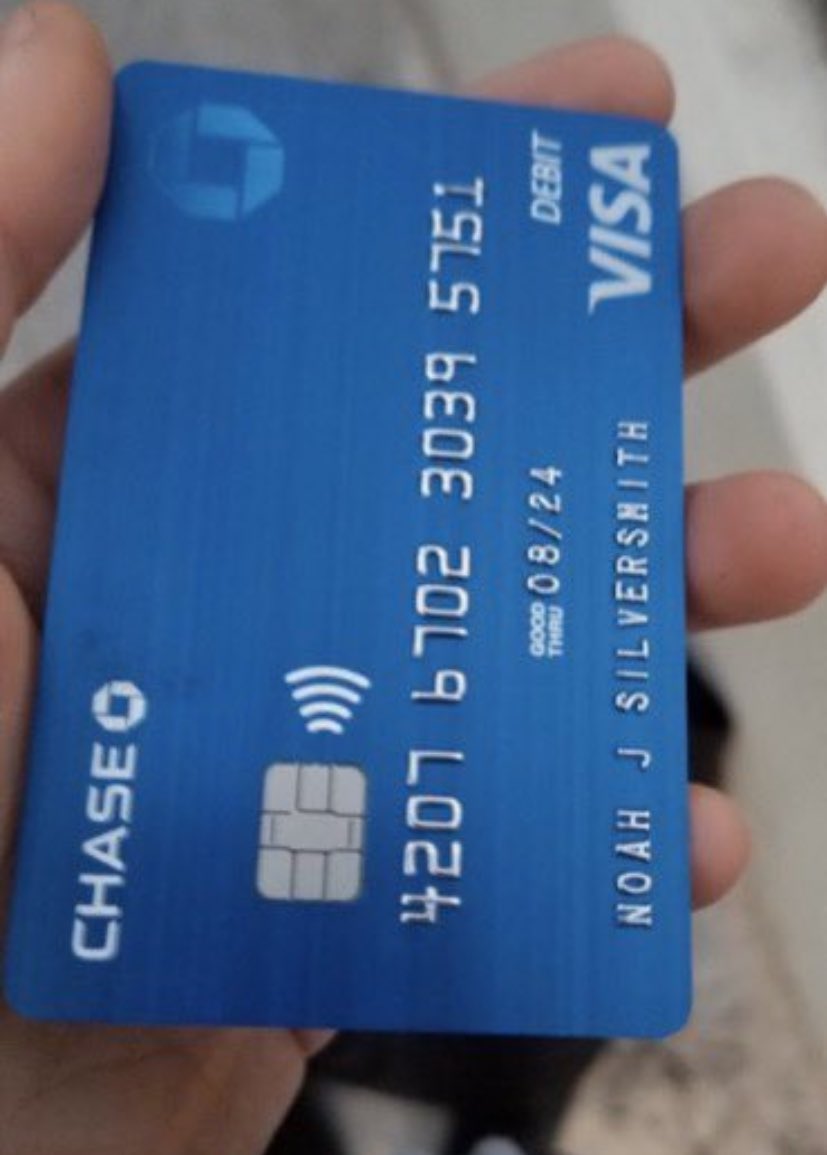
The interval between requesting a card and receiving it—usually 3 to 7 business days—can create a gap in your financial habits. However, modern banking tools allow you to bridge this gap without losing access to your money.
Utilizing Digital Wallets and Virtual Cards
One of the most powerful features Chase offers is the ability to add your new card to a digital wallet (like Apple Pay, Google Pay, or Samsung Pay) almost immediately after requesting a replacement. In many cases, once the request is processed in the app, you can “Add to Wallet” before the physical card even arrives. This allows you to continue making contactless purchases at participating retailers and even withdraw cash at Chase ATMs equipped with contactless readers.
Tracking Pending Transactions and Automatic Payments
A major hurdle in card replacement is the disruption of recurring payments. If your card number changes due to loss or theft, any subscriptions or utility bills tied to that specific card number will fail.
-
The Updater Service: Chase participates in card network updater services (such as Visa Account Updater). This often allows merchants with recurring billing to automatically receive your new card information. However, this is not universal.
-
Manual Review: It is a best practice to list your recurring monthly expenses. Once your new card arrives and is activated, manually update your payment information for high-priority services like housing, insurance, and utilities to avoid late fees or service interruptions.
Understanding Potential Fees and Shipping Times
Standard shipping for a Chase debit card is free and typically takes 5 to 7 business days. If you are in a financial pinch and require your card sooner, you can request expedited shipping. While Chase may waive the expedited fee for certain premium account tiers (like Chase Sapphire Banking or Chase Private Client), standard account holders may be charged a small fee to have the card delivered within 1 to 2 business days. Always confirm the delivery timeline and any associated costs during the request process.
Security Protocols and Activating Your New Card
Once your new card arrives in the mail, the final step is activation. This is a critical security juncture designed to ensure that the card has reached the rightful owner and not been intercepted.
Secure Activation Methods
You cannot use your new card until it is activated. Chase offers several ways to do this:
-
Mobile/Online Activation: The simplest way is to log into your account and follow the “Activate Card” prompt that usually appears on the dashboard once a new card has been issued.
-
ATM Activation: You can activate your card by using it at any Chase ATM. Simply insert the card and enter your existing PIN to complete a balance inquiry or withdrawal. This physical verification confirms you have the card in your possession.
-
Phone Activation: A sticker on the front of the new card will provide a specific activation phone number. You will be asked to provide the card’s security details and potentially verify your identity through an automated system.
Setting a Strong Personal Identification Number (PIN)
When you receive a new card, you may have the option to keep your old PIN or select a new one. If you are replacing a card due to security concerns, changing your PIN is highly recommended. Avoid easily guessable numbers like birth years, sequential digits (1234), or repeated numbers (0000). A unique PIN adds an essential layer of “Two-Factor Authentication” to your physical transactions.
Enrolling in Fraud Alerts and Zero-Liability Protection
After activating your card, take a moment to review your security settings. Ensure that “Fraud Alerts” are turned on in your account preferences. This feature allows Chase to text or email you immediately if a suspicious transaction is detected. Furthermore, remember that Chase debit cards come with “Zero Liability Protection.” This means you won’t be held responsible for unauthorized transactions if you report them promptly. Managing your card is as much about proactive monitoring as it is about the physical card itself.
Leveraging Chase Financial Tools for Long-Term Management
Acquiring a new debit card is an excellent opportunity to perform a “financial check-up” on your account settings. Chase offers a suite of tools that go beyond simple transactions, helping you maintain a healthier relationship with your money.
Budgeting and Spending Overviews
Within the Chase Mobile app, you can access spending summaries that categorize your debit card transactions. When you start fresh with a new card, use this as a prompt to review your spending habits. Are there subscriptions you no longer use? Does your “Dining Out” category exceed your monthly goals? The transition period is a perfect time to audit these expenses.
Overdraft Protection and Account Preferences
When setting up your new card, review your overdraft preferences. Chase offers “Debit Card Coverage,” which allows you to choose whether the bank should authorize or decline everyday debit card transactions if you don’t have enough money in your account. Understanding these settings can prevent unexpected fees and help you manage your cash flow more effectively.
In conclusion, getting a new Chase debit card is a straightforward process, but it requires a strategic approach to ensure your financial life remains uninterrupted. By utilizing digital tools for immediate access, maintaining a list of recurring payments, and adhering to strict security protocols, you can navigate the replacement process with confidence. Your debit card is the heartbeat of your daily financial operations; keeping it secure and functional is paramount to achieving long-term financial stability.
aViewFromTheCave is a participant in the Amazon Services LLC Associates Program, an affiliate advertising program designed to provide a means for sites to earn advertising fees by advertising and linking to Amazon.com. Amazon, the Amazon logo, AmazonSupply, and the AmazonSupply logo are trademarks of Amazon.com, Inc. or its affiliates. As an Amazon Associate we earn affiliate commissions from qualifying purchases.