
Managing your Amazon credit card responsibly is a cornerstone of sound personal finance. Whether you’re a seasoned Amazon shopper leveraging rewards or a new cardholder navigating your first statement, understanding the various payment methods available is crucial. This guide delves deep into the processes, best practices, and support systems for paying your Amazon credit card, ensuring you maintain a healthy financial standing and make the most of your card’s benefits. We’ll explore everything from identifying your specific card to setting up automated payments and understanding the broader implications of timely financial management.

Demystifying Your Amazon Credit Card and Its Issuer
Before you can effectively pay your Amazon credit card, it’s essential to understand which specific card you hold and, consequently, which financial institution issues it. Amazon offers a couple of popular credit card options, each managed by a different bank. This distinction is critical because the payment portal and customer service channels will vary.
Identifying Your Specific Amazon Card
Amazon generally offers two primary credit card products for consumers:
-
Amazon Store Card (Synchrony Bank): This card is typically for use exclusively on Amazon.com and affiliated sites. If your card only works for Amazon purchases and is not a Visa, it’s likely issued by Synchrony Bank.
-
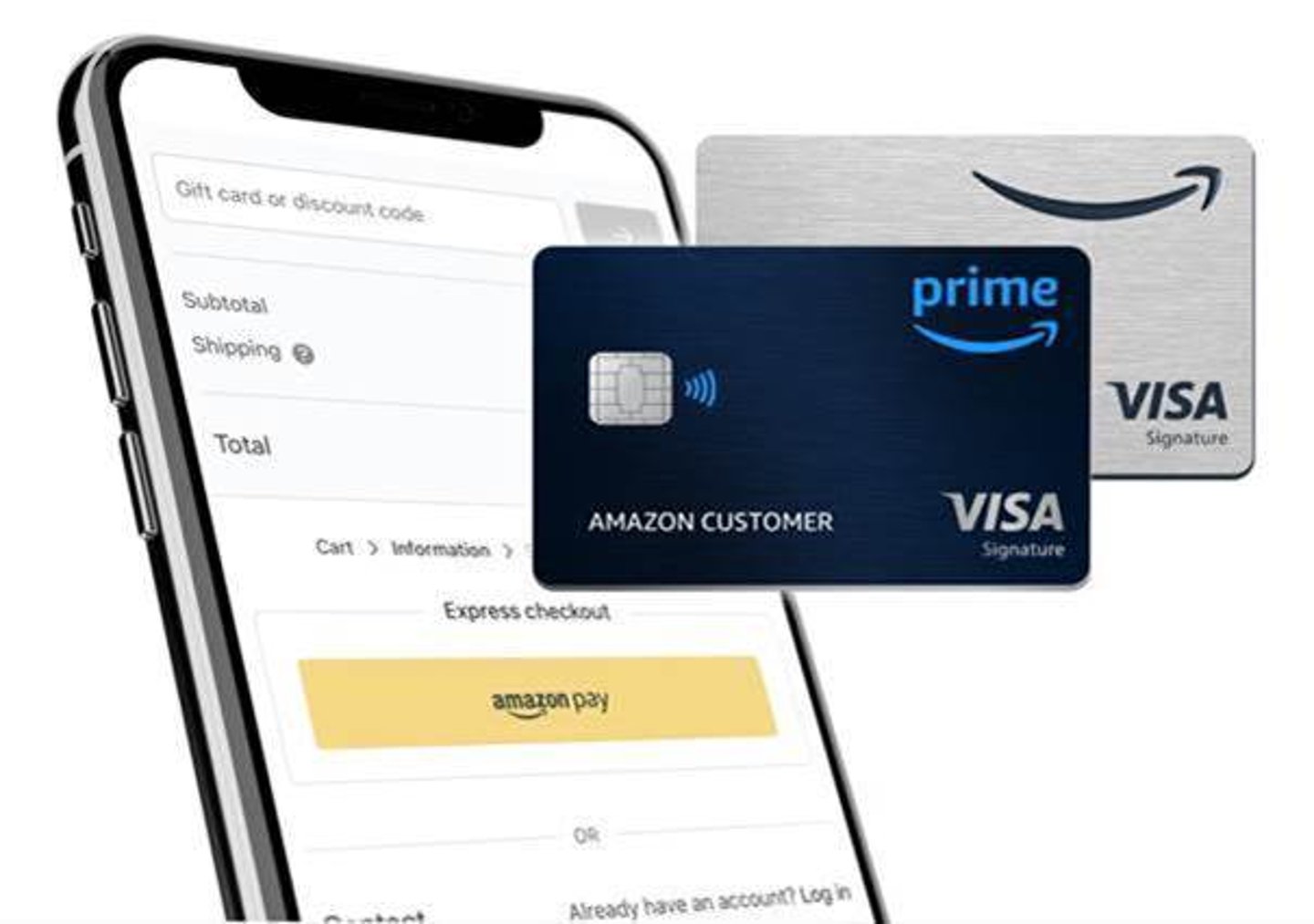
Amazon Prime Rewards Visa Signature Card (Chase Bank): This is a full-fledged Visa credit card that offers rewards on Amazon.com, Whole Foods Market, and other purchases everywhere Visa is accepted. If your card has the Visa logo, it’s issued by Chase Bank.
The payment procedures, online account management, and customer service contact information will differ based on whether your card is issued by Synchrony Bank or Chase Bank. Always refer to the issuer’s official website or the back of your physical card for the most accurate information.
Accessing Your Online Account Portal
Regardless of your card issuer, the most efficient and recommended way to manage and pay your Amazon credit card is through its dedicated online account portal.
-
For Amazon Store Card (Synchrony Bank): You will typically log in via the Synchrony Bank website, specifically for Amazon Store Card accounts. You can usually find a direct link by searching “Synchrony Amazon Store Card login.”
-
For Amazon Prime Rewards Visa Signature Card (Chase Bank): You will log in through the standard Chase Online Banking portal. If you already have other Chase accounts, your Amazon Visa will likely appear there.
These online portals are your command centers for viewing statements, checking balances, tracking rewards, updating personal information, and, most importantly, making payments. If you haven’t already, registering for online access is the first step to streamlined payment management.
Comprehensive Payment Methods for Your Amazon Credit Card
Once you’ve identified your card and its issuer, you can explore the various convenient payment methods available. Modern banking offers multiple ways to settle your credit card bill, catering to different preferences and needs.
Online Payment through the Issuer’s Website
Paying online through your credit card issuer’s website is the most popular, convenient, and often the quickest method.
-
One-Time Payments: Most portals allow you to make a one-time payment directly from your checking or savings account. You’ll typically need your bank account number and routing number. Ensure you initiate the payment a few business days before your due date to allow for processing time.
-
Setting Up Recurring Payments: If you prefer manual control but want to ensure payments are always made, you can often set up recurring payments that you schedule for specific dates each month. This is different from AutoPay, as you retain more control over the amount and date for each recurring instance.
Paying via Mobile App
Both Synchrony Bank (for the Amazon Store Card) and Chase Bank (for the Amazon Prime Rewards Visa) offer dedicated mobile applications. These apps provide much of the same functionality as their online counterparts, optimized for smartphone and tablet use. You can check balances, view transactions, and make payments directly from your mobile device, offering unparalleled convenience, especially when you’re on the go. Ensure you download the official app from your device’s app store.
Automated Payments (AutoPay)
For ultimate peace of mind, setting up AutoPay is highly recommended. This feature automatically deducts your payment from your designated bank account on or before your due date each month.
-
How it Works: You typically select whether to pay the minimum amount due, the full statement balance, or a custom amount. The payment is then automatically processed.
-
Benefits: AutoPay ensures you never miss a payment, helping you avoid late fees and protecting your credit score. It’s an excellent tool for those with busy schedules.
-
Important Considerations: While convenient, always ensure you have sufficient funds in your linked bank account to cover the AutoPay amount to prevent overdrafts. It’s also wise to occasionally review your statements even with AutoPay enabled, just to double-check everything.
Paying by Phone
If you prefer speaking to a representative or don’t have internet access, you can typically make a payment over the phone. You’ll need your account number and bank account information.
-
Synchrony Bank (Amazon Store Card): Look for the customer service number on the back of your card or on the Synchrony Bank Amazon Store Card website.
-
Chase Bank (Amazon Prime Rewards Visa): Use the customer service number on the back of your Chase Visa card or the Chase Bank website.
-
Potential Fees: Some issuers might charge a small fee for making payments over the phone with a live agent, though automated phone payments are usually free.
Paying by Mail
For those who prefer traditional methods, you can still send a check or money order via mail.
-
Finding the Address: The mailing address for payments is always listed on your monthly credit card statement. It’s crucial to use the correct address for your specific card issuer.
-
Process: Write your account number clearly on your check or money order. Mail it several days before your due date (at least 7-10 business days) to account for mail delivery and processing time.
-
Recommendation: While an option, this method is slower and less secure than electronic payments. It’s generally not recommended unless other options are unavailable.
In-Person Payments
In-person payments are less common for Amazon-branded credit cards issued by major banks like Chase or Synchrony. While some credit cards allow payments at bank branches, this is usually limited to cards issued directly by the bank with physical branches (e.g., paying a Chase card at a Chase branch). However, always check with your specific issuer for possibilities, as policies can vary. Synchrony Bank does not operate physical branches for direct customer payments.
Best Practices for Managing Your Amazon Credit Card Payments
Paying your credit card bill is just one part of responsible financial management. How you manage those payments can significantly impact your financial health, credit score, and overall financial well-being.
Paying on Time: The Golden Rule
This cannot be stressed enough: always pay your credit card bill on or before the due date.
-
Avoid Late Fees: Late payments almost always incur hefty fees, which can quickly add up.
-
Protect Your Credit Score: Payment history is the most significant factor in calculating your credit score (accounting for 35%). A single late payment can severely damage your credit, making it harder to get approved for loans, mortgages, or even future credit cards with favorable terms.
-
Maintain Good Standing: Timely payments keep your account in good standing, preserving benefits and avoiding potential penalties like a higher Annual Percentage Rate (APR).
Paying More Than the Minimum
While paying the minimum amount due keeps your account current, it’s not always the most financially savvy approach.
-
Reduce Interest Charges: Credit card interest can be substantial. Paying only the minimum means you’re largely just covering the interest, taking much longer to pay off the principal and accruing more interest over time. Paying more significantly reduces the total interest paid.
-
Accelerate Debt Payoff: By paying more than the minimum, you reduce your principal balance faster, leading to quicker debt elimination.
-
Improve Credit Utilization: A lower outstanding balance also improves your credit utilization ratio (how much credit you use versus how much you have available), which positively impacts your credit score.
Setting Up Payment Reminders and Alerts
Even with AutoPay, or especially if you pay manually, setting up reminders is a smart move.
-
Issuer Alerts: Most credit card issuers offer email or text message alerts to remind you when your statement is available, when a payment is due, or when a payment has been posted.
-
Personal Reminders: Use calendar reminders, smartphone notifications, or financial management apps to provide additional safeguards against missed payments.
Understanding Your Statement and Due Dates
Take the time to thoroughly review your monthly credit card statement.
-
Verify Transactions: Check for any unauthorized or erroneous charges.
-
Identify Your Due Date: Clearly mark this date. It’s the absolute deadline for your payment to be received and processed.
-
Understand Minimum Payment vs. Full Balance: Be aware of both figures. The “statement balance” is what you owe to avoid interest. The “minimum payment due” is the lowest amount you can pay to avoid late fees and keep your account current.
Budgeting for Your Credit Card Payments
Integrate your Amazon credit card payment into your overall personal budget.
-
Allocate Funds: Ensure you always have funds specifically earmarked for your credit card bill.
-
Avoid Overspending: Use your budget to prevent overspending on your Amazon card, making it easier to pay the full balance each month.
-
Financial Planning: Treating credit card payments as a fixed expense, similar to rent or utilities, helps foster a disciplined approach to spending and repayment.
Addressing Payment Hurdles and Seeking Assistance
Despite best intentions, sometimes payment issues arise. Knowing how to react can mitigate negative consequences.
What to Do If You Miss a Payment
If you realize you’ve missed a payment, act immediately:
-
Pay Immediately: Make the payment as soon as you notice the oversight.
-
Contact Customer Service: Call your card issuer. Explain the situation. Depending on your payment history and how late you are, they may waive the first late fee as a courtesy.
-
Understand Consequences: Be prepared for a late fee and a potential ding on your credit report if the payment is more than 30 days past due.
Dealing with Payment Delays and Technical Issues
Online payment systems can sometimes experience glitches, or your bank’s transfer might be delayed.
-
Document Everything: Keep records of when you attempted to pay, any error messages, and who you spoke with if you contacted customer service.
-
Screenshots: Take screenshots of payment confirmations or error messages.
-
Verify Bank Transfers: Check with your bank to see if the funds were indeed sent and if there’s any hold-up on their end.
Contacting Customer Service for Support
Your credit card issuer’s customer service department is your primary resource for payment-related questions or issues.
-
General Inquiries: For questions about your statement, due date, or payment methods.
-
Troubleshooting: If an online payment isn’t going through or you have concerns about a posted payment.
-
Financial Hardship: If you anticipate difficulties making payments, reach out before you miss a payment. They may offer options like temporary payment plans or deferred payments.
Strategies for Financial Hardship
If you are facing significant financial difficulty that makes paying your Amazon credit card challenging, there are resources and strategies to explore:
-
Hardship Programs: Many card issuers have hardship programs that can temporarily reduce your interest rate, lower minimum payments, or defer payments. These are usually for a limited time and might require you to stop using the card.
-
Credit Counseling: Non-profit credit counseling agencies can provide advice, help you create a budget, and potentially negotiate with creditors on your behalf.
-
Debt Management Plans (DMPs): A DMP, facilitated by a credit counseling agency, combines your debts into one monthly payment, often with reduced interest rates.
The Broader Impact of Responsible Credit Card Payment
Paying your Amazon credit card is more than just a monthly chore; it’s an integral part of your broader financial strategy with far-reaching implications.
Building and Maintaining a Strong Credit Score
Consistently making timely payments, especially for the full statement balance, is the most effective way to build and maintain an excellent credit score. A strong credit score unlocks better rates on loans, mortgages, and future credit products, saving you thousands over your lifetime. It also opens doors to other financial opportunities and can even influence insurance premiums or housing applications.
Avoiding Unnecessary Interest Charges and Fees
By paying your full statement balance each month, you avoid accruing interest charges entirely. This effectively makes your Amazon credit card a convenient payment tool, allowing you to leverage its benefits (like rewards points or cash back) without paying extra for the privilege. Avoiding late fees and over-limit fees also keeps more money in your pocket, contributing to your overall savings and financial health.
Leveraging Card Benefits Responsibly
Amazon credit cards offer compelling benefits, from cash back on Amazon purchases to travel rewards. Responsible payment habits ensure you can continue to enjoy these perks without the burden of high-interest debt or damaged credit. Using your card strategically, paying it off in full, and benefiting from the rewards creates a positive financial cycle.
In conclusion, paying your Amazon credit card effectively is a straightforward process once you understand your specific card and the various methods available. By adopting best practices such as timely and substantial payments, setting up reminders, and understanding your statements, you not only manage your current debt but also lay a strong foundation for a robust and healthy financial future. When in doubt, always reach out to your card issuer’s customer service for clarification or assistance.
aViewFromTheCave is a participant in the Amazon Services LLC Associates Program, an affiliate advertising program designed to provide a means for sites to earn advertising fees by advertising and linking to Amazon.com. Amazon, the Amazon logo, AmazonSupply, and the AmazonSupply logo are trademarks of Amazon.com, Inc. or its affiliates. As an Amazon Associate we earn affiliate commissions from qualifying purchases.