
The common perception among smartphone users is that Apple’s iOS is an impenetrable fortress. Because of Apple’s “walled garden” approach—where apps are strictly vetted through the App Store and sandboxed to prevent them from accessing each other’s data—the threat landscape on an iPhone looks fundamentally different from that of a Windows PC or an Android device. However, as mobile threats become more sophisticated, users are increasingly asking: do I actually need an antivirus for my iPhone?
The short answer is nuanced. While traditional “antivirus” software in the way we know it for desktop computers doesn’t exist for iOS due to Apple’s system-level restrictions, there are robust mobile security suites that provide critical layers of protection. Understanding what these apps do—and what they cannot do—is essential for maintaining your digital hygiene.
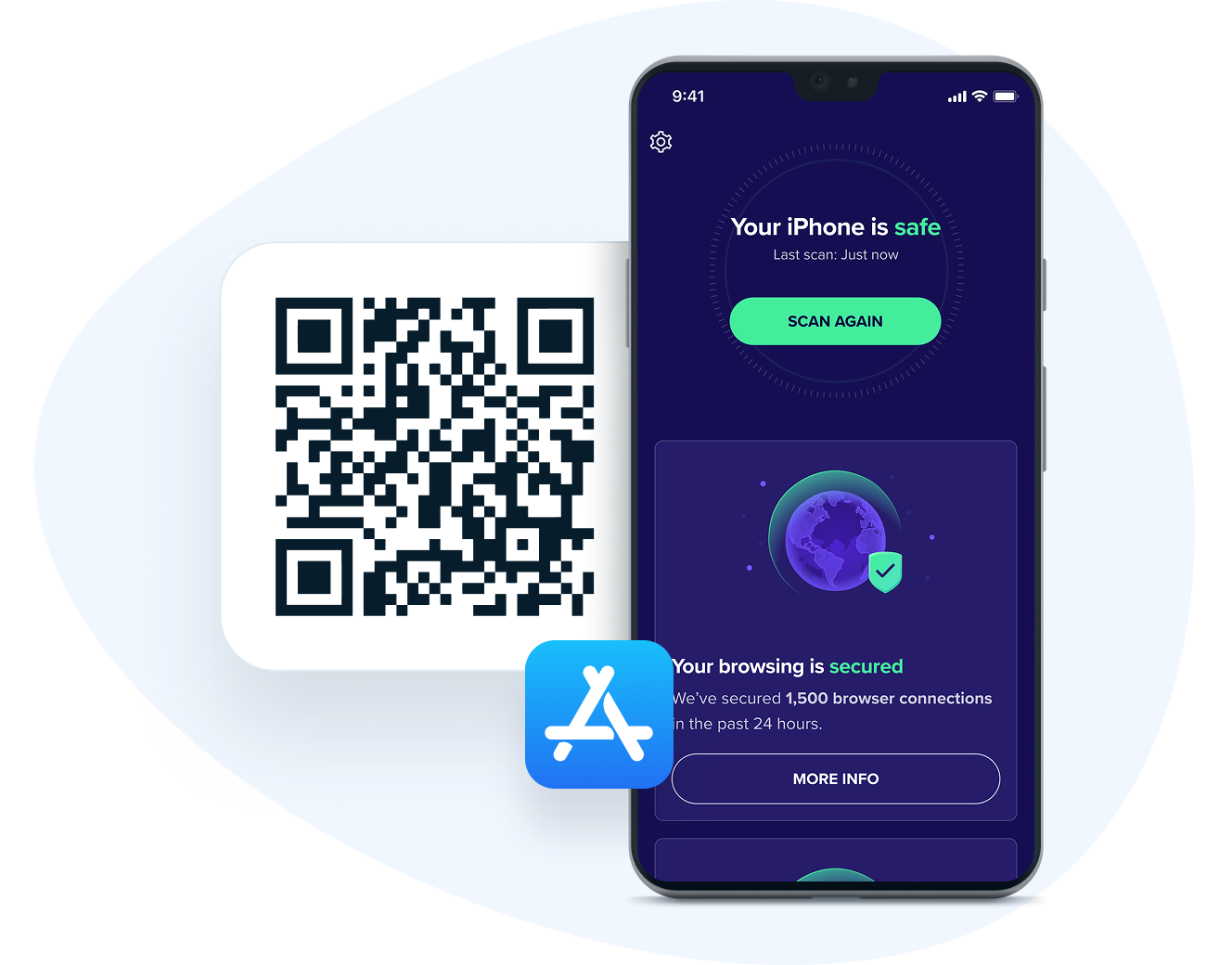
Why Traditional Antivirus Isn’t Possible on iOS
To understand why you cannot find a traditional antivirus for your iPhone, you must understand the iOS architecture. Apple’s operating system utilizes a process called “sandboxing.” Every app you download runs in its own isolated environment. An app cannot “see” the files or processes of another app, and it certainly cannot scan the system for malware in the way a desktop security suite does.
Because of these security protocols, Apple does not allow any third-party app to have the system-wide privileges required to scan files or monitor other applications for malicious behavior. If you see an app in the App Store claiming to “scan for viruses” by crawling your file system, it is likely misleading. Apple simply does not permit that level of access.
However, the threat vector on an iPhone has shifted. It is no longer about traditional viruses that replicate and corrupt files. Today, the primary threats are phishing, malicious websites, insecure public Wi-Fi, and sophisticated identity theft schemes. Security apps for iOS are designed to combat these specific, modern dangers.
The Modern Threat Landscape: What You Are Actually Protecting Against
If the iPhone isn’t susceptible to traditional viruses, what are you actually securing? The reality is that the threat has moved from the operating system level to the user interaction level.
Phishing and Malicious URLs
Phishing remains the most prevalent threat to iPhone users. You receive a text message (Smishing) or an email that mimics a legitimate service—like your bank, Amazon, or Apple Support—urging you to click a link. These links often lead to perfectly crafted replicas of login pages designed to harvest your credentials.
Insecure Network Interception
Connecting to public Wi-Fi at airports or coffee shops poses a significant risk. Without protection, your data can be intercepted by “man-in-the-middle” attacks, where a malicious actor positions themselves between your device and the connection point, siphoning off unencrypted traffic.
Privacy and Data Leakage
Beyond external attacks, there is the issue of privacy. Many apps track your location, habits, and identifiers across the web. A good mobile security suite acts as a privacy shield, blocking trackers and preventing your device from communicating with known malicious servers that aggregate this data.
Evaluating Top Mobile Security Suites
Since you are not looking for a traditional virus scanner, you are looking for an all-in-one security app that offers protective utilities. When selecting an “antivirus” app for your iPhone, look for the following three powerhouses that have mastered the balance between security and iOS limitations.
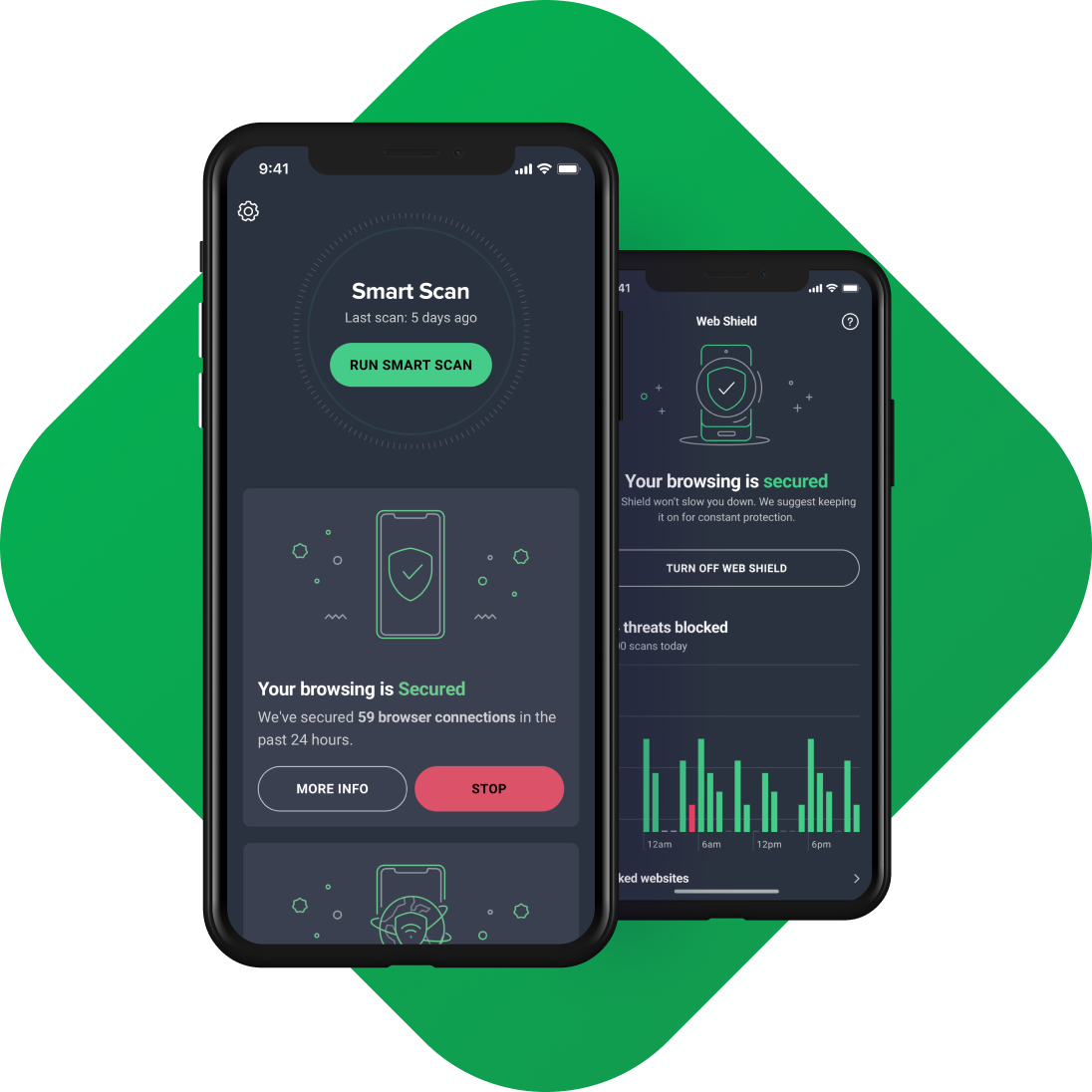
1. Avast Security & Privacy
Avast provides a comprehensive suite that focuses on the modern user’s needs. It includes a built-in VPN, which is perhaps the most important tool for anyone using public Wi-Fi. Additionally, it features a “Photo Vault” to secure sensitive images and a web shield that blocks known malicious URLs, effectively curbing the risk of phishing.
2. McAfee Security
McAfee has pivoted its mobile offering to focus on identity protection. Their suite includes a “Safe Web” feature that acts as a filter for your browser, stopping you before you land on a malicious site. Furthermore, they offer advanced identity monitoring, alerting you if your personal information—such as your email or social security number—appears on the dark web.
3. Bitdefender Mobile Security
Bitdefender is widely respected for its lightweight footprint. Its standout feature is its “Web Protection,” which operates efficiently in the background, providing real-time alerts when you attempt to visit a potentially dangerous website. They also offer a VPN that is fast enough for everyday use, which is a rare find in security bundles.
Best Practices for iPhone Security Without Third-Party Apps
While third-party security suites add significant value, they should not be your only line of defense. The most effective way to “antivirus” your iPhone is to utilize the built-in security features that Apple provides.
Keep iOS Updated
Apple’s security updates often patch “zero-day” vulnerabilities that have been discovered in the wild. Never delay an update. These patches are the most effective defense against sophisticated exploit chains that could otherwise compromise your device without you even clicking a link.
Use Content Blockers
Safari supports content blockers that can stop trackers and malicious scripts from executing on websites. By installing a reputable content blocker, you essentially neutralize many of the drive-by download risks associated with browsing the mobile web.
Practice “Cyber-Hygiene”
Security software cannot protect you if you willingly hand over your credentials.
- Enable Two-Factor Authentication (2FA): Ensure your Apple ID and all financial accounts are secured with 2FA, ideally using an authenticator app rather than SMS.
- Audit App Permissions: Regularly navigate to Settings > Privacy & Security. Check which apps have access to your location, camera, and photos. If you don’t recognize the app or don’t use it frequently, revoke those permissions.
- Avoid Jailbreaking: Jailbreaking your iPhone breaks the very security architecture—the sandboxing—that protects you from malware. It leaves your device completely defenseless against malicious apps that can bypass Apple’s rigorous App Store vetting process.
Balancing Performance and Privacy
When choosing to install a security app, consider the impact on your battery life and data usage. Many “security” apps are simply VPNs with a marketing budget. Before downloading, check the app’s privacy policy. A security app should increase your privacy, not serve as another data-mining entity.
If your primary concern is browsing security, a reputable VPN combined with a browser that prioritizes privacy (like Safari with strict tracking prevention or Brave) is often more effective than an all-encompassing security suite. If your concern is identity theft and data leaks, choose an app like McAfee or Avast that offers proactive dark-web monitoring.

Conclusion: Is It Worth It?
Ultimately, a “good antivirus” for an iPhone is a multi-faceted approach. You do not need a tool that hunts for .exe files or legacy malware. You need a tool that acts as an intelligent firewall for your internet connection and a guardrail for your browsing habits.
For the average user, keeping iOS updated, avoiding suspicious links in text messages, and utilizing a reliable VPN on public Wi-Fi are sufficient. However, for those who frequent public networks, deal with sensitive business information, or want the extra peace of mind that comes with web-filtering and identity monitoring, the professional suites mentioned above provide a valuable layer of defense. In the digital age, security is not a single product you purchase—it is a series of habits you maintain. Your iPhone is incredibly secure out of the box, but a little extra caution—and the right utility app—ensures it stays that way.
aViewFromTheCave is a participant in the Amazon Services LLC Associates Program, an affiliate advertising program designed to provide a means for sites to earn advertising fees by advertising and linking to Amazon.com. Amazon, the Amazon logo, AmazonSupply, and the AmazonSupply logo are trademarks of Amazon.com, Inc. or its affiliates. As an Amazon Associate we earn affiliate commissions from qualifying purchases.