
Forgetting an email password is a digital rite of passage in the modern era. Whether it is a secondary account used for newsletters or a primary hub for professional communication, the sudden realization that you are locked out can trigger immediate anxiety. The question “What is my password for my email?” is one of the most frequent queries processed by search engines, reflecting a broader challenge in our interaction with complex digital ecosystems.
In the realm of technology and digital security, the answer to this question isn’t a simple reveal of characters. Because of modern encryption standards, neither your service provider nor your browser can typically “show” you a forgotten password in plain text if it hasn’t been saved locally. This guide explores the technical mechanics of password recovery, the software tools available to prevent future lockouts, and the evolving landscape of digital identity security.
Understanding the Mechanics of Password Storage and Recovery
To understand why you cannot simply ask a service provider to “tell” you your password, one must understand the technology behind credential storage. Modern email providers like Google, Microsoft, and Yahoo do not store your password as a readable string of text. Instead, they use a process called “hashing.”
The Technical Reality of Hashing and Salting
When you create a password, the system runs it through a cryptographic hash function (such as SHA-256). This transforms your password into a unique, fixed-length string of characters that cannot be reversed. To further secure this, “salting” adds random data to the password before hashing, ensuring that even if two users have the same password, their hashes look different. Consequently, when you click “forgot password,” the system cannot tell you what your old password was; it can only verify your identity through alternative means and allow you to create a new hash.
The Psychology of Password Fatigue
The average internet user today manages between 70 and 100 sets of credentials. This phenomenon, known as “password fatigue,” leads to the degradation of security habits, such as reusing the same password across multiple platforms or choosing easily guessable strings. When we lose access to an email, it is often a symptom of a system that has outgrown human memory capacity. Recognizing this is the first step toward migrating to more robust technological solutions.
Step-by-Step Recovery Protocols for Major Email Platforms
If you find yourself locked out, the recovery process is your primary path back to access. Each major tech provider has a specific protocol designed to balance user convenience with high-level security.
Recovering Access on Gmail and Google Workspace
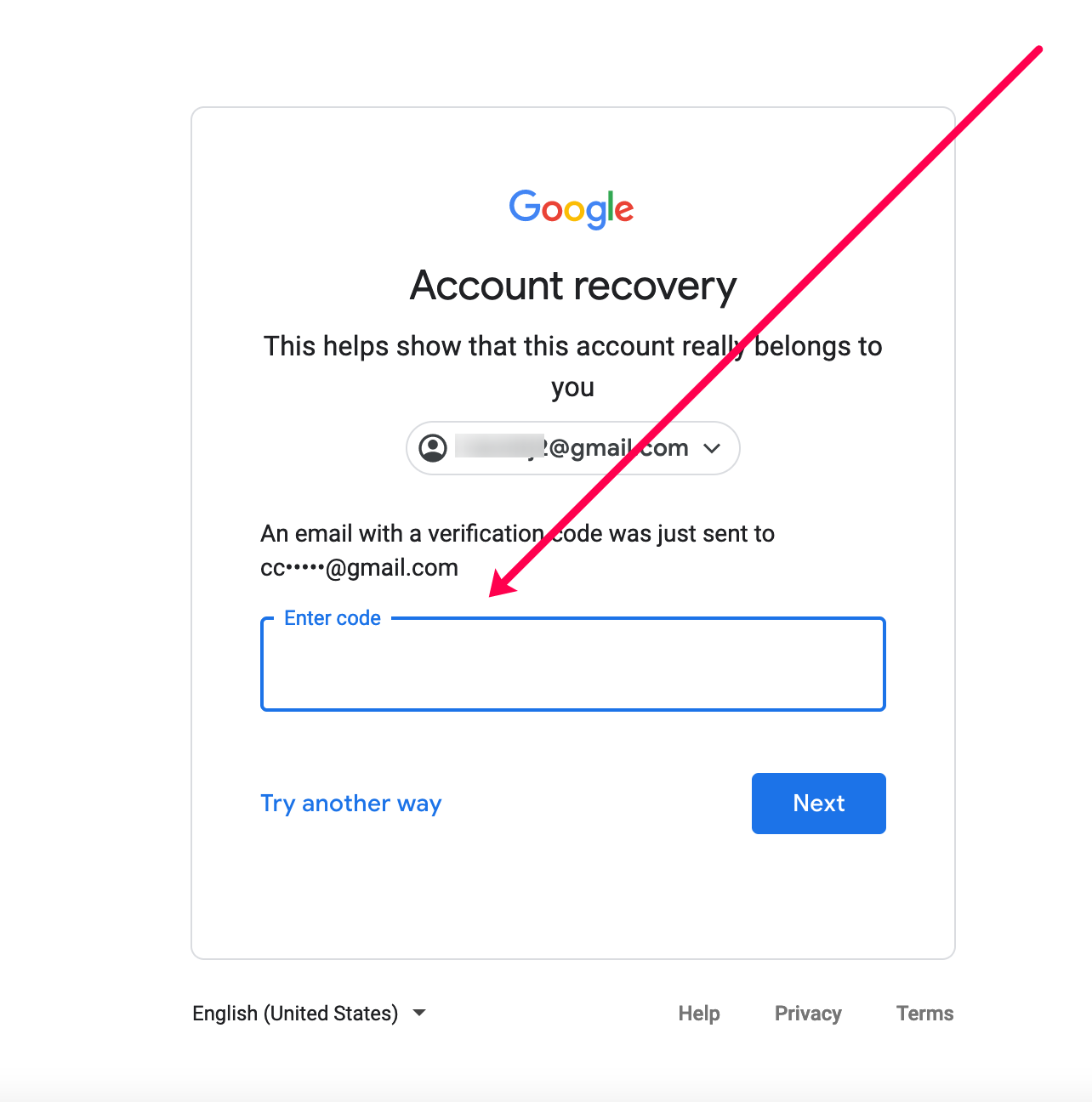
Google’s recovery ecosystem is among the most sophisticated. If you don’t know your password, Google utilizes “Account Recovery” (g.co/recover). The process relies heavily on historical data and secondary devices.
-
Verification Codes: Google will send a prompt to a mobile device currently logged into the account or a code to a pre-registered recovery email.
-
Identity Questions: In some cases, Google may ask for the last password you remember using.
-
Security Keys: For high-security users, a physical Titan Security Key or a built-in phone security key may be required to bypass the forgotten password.
Outlook and Microsoft 365 Procedures
Microsoft’s approach focuses on a “Security Info” dashboard. If you cannot sign in, Microsoft allows you to request a security code via text or an alternate email. A unique feature of the Microsoft ecosystem is the “Recovery Code”—a 25-character code generated during account setup. If you have this stored offline, it serves as a “golden key” that bypasses all other verification methods, highlighting the importance of physical backups in digital security.
Apple iCloud and Yahoo Mail Protocols
Apple leverages its hardware ecosystem for password recovery. If you forget your iCloud email password, you can reset it directly from a “trusted device” (your iPhone or Mac) without needing to answer security questions. Yahoo, conversely, has moved toward “Account Keys,” which send a push notification to your mobile app, effectively turning your phone into the password itself.
Leveraging Technology: Password Managers as the Ultimate Solution
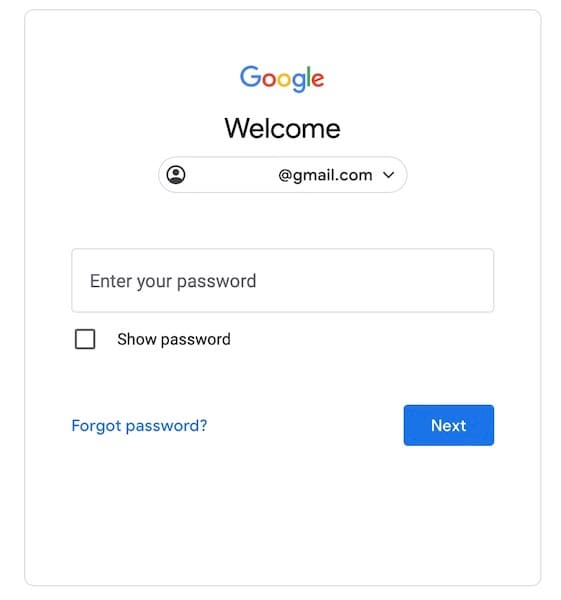
The most effective answer to “What is my password?” is to never have to remember it in the first place. This is where Password Management software becomes an essential part of a user’s tech stack.
How Password Managers Work
A password manager is an encrypted digital vault that stores your credentials. These tools use AES-256 bit encryption—the same standard used by governments—to secure your data. When you visit an email login page, the manager uses a browser extension or mobile API to automatically fill in the credentials. This allows you to use 20-character, randomized passwords for every account while only needing to remember one “Master Password.”
Top-Tier Recommendations for Digital Security
-
Bitwarden: An open-source favorite that offers robust free tiers and transparent security audits, making it a top choice for tech enthusiasts.
-
1Password: Known for its “Secret Key” feature, which adds a second layer of encryption locally on your device, ensuring that even if the provider is breached, your vault remains unreadable.
-
Dashlane: Offers a built-in VPN and dark web monitoring, alerting you if your email credentials appear in a data breach.
By integrating these tools, the user shifts the burden of memory to an encrypted software environment, drastically reducing the risk of being locked out.
Advanced Digital Security: The Transition to a Passwordless Future
As cyber threats evolve, the tech industry is moving away from traditional passwords entirely. The vulnerabilities of the “shared secret” (where both you and the server know the password) are being replaced by more secure cryptographic methods.
The Role of Multi-Factor Authentication (MFA)
Even if you recover your password, it is no longer sufficient to rely on it alone. Multi-Factor Authentication adds a second layer of tech-based verification.
-
TOTP Apps: Applications like Google Authenticator or Authy generate a time-based code every 30 seconds.
-
Push-to-Verify: Services like Duo Security send a notification to your smartphone, requiring a biometric check (FaceID or fingerprint) to approve the login.
Implementing MFA ensures that even if someone discovers “what your password is,” they still cannot access your email.
The Emergence of Passkeys
The most significant trend in digital security is the “Passkey.” Developed by the FIDO Alliance (including Apple, Google, and Microsoft), passkeys use Public Key Cryptography. Instead of a password, your device creates a unique cryptographic pair. The private key stays on your device, and the public key goes to the email provider. To log in, you simply unlock your device. There is no password to remember, and therefore, no password to lose.
Proactive Security Audits for Your Email Account
Maintaining access to your email requires proactive technical maintenance. It is not enough to simply recover an account; you must ensure the recovery pathways remain open and secure.
Checking for Compromised Credentials
Technological tools like “Have I Been Pwned” allow users to check if their email address has been part of a documented data breach. If your email appears in these databases, your current password—even if you remember it—is a liability. Tech-savvy users should perform a “security checkup” quarterly to rotate keys and check for unauthorized access points.

Updating Recovery Information
One of the most common reasons people fail to recover their email is that their “recovery phone number” is an old number they no longer own. Digital hygiene dictates that every six months, you should verify that your secondary email and phone numbers are current. In the settings of Gmail or Outlook, this is found under the “Security” or “Privacy” tabs. Ensuring these are updated is the technical equivalent of keeping a spare key to your house in a secure location.
The question “What is my password for my email?” serves as a gateway into the broader world of digital security and personal tech management. By moving from a reliance on human memory to a reliance on encrypted managers, multi-factor authentication, and eventually passkeys, users can transform their email from a point of vulnerability into a secure digital fortress. Technology has provided the tools to ensure that being locked out becomes a relic of the past; the responsibility now lies with the user to implement them.
aViewFromTheCave is a participant in the Amazon Services LLC Associates Program, an affiliate advertising program designed to provide a means for sites to earn advertising fees by advertising and linking to Amazon.com. Amazon, the Amazon logo, AmazonSupply, and the AmazonSupply logo are trademarks of Amazon.com, Inc. or its affiliates. As an Amazon Associate we earn affiliate commissions from qualifying purchases.