
The digital landscape is currently witnessing a significant shift in how users interact with software. For years, the divide between a “website” and a “mobile application” was absolute. Websites were accessed via browsers and offered broad accessibility but limited functionality, while native apps provided deep integration and offline capabilities but required a cumbersome download from an app store. This gap has finally been bridged by the Progressive Web App (PWA).
A Progressive Web App is a type of application software delivered through the web, built using common web technologies including HTML, CSS, and JavaScript. It is intended to work on any platform that uses a standards-compliant browser, including both desktop and mobile devices. However, the “Progressive” in the name is the most important descriptor: these applications are designed to provide an experience that evolves based on the capabilities of the device they are running on, offering a high-quality user experience that rivals native applications.
The Technical Architecture of Progressive Web Apps
To understand what makes an app “progressive,” one must look at the underlying technology stack that differentiates it from a traditional responsive website. While a standard website relies on a constant connection to a server, a PWA uses a modern set of APIs to function independently.
Service Workers: The Core Engine
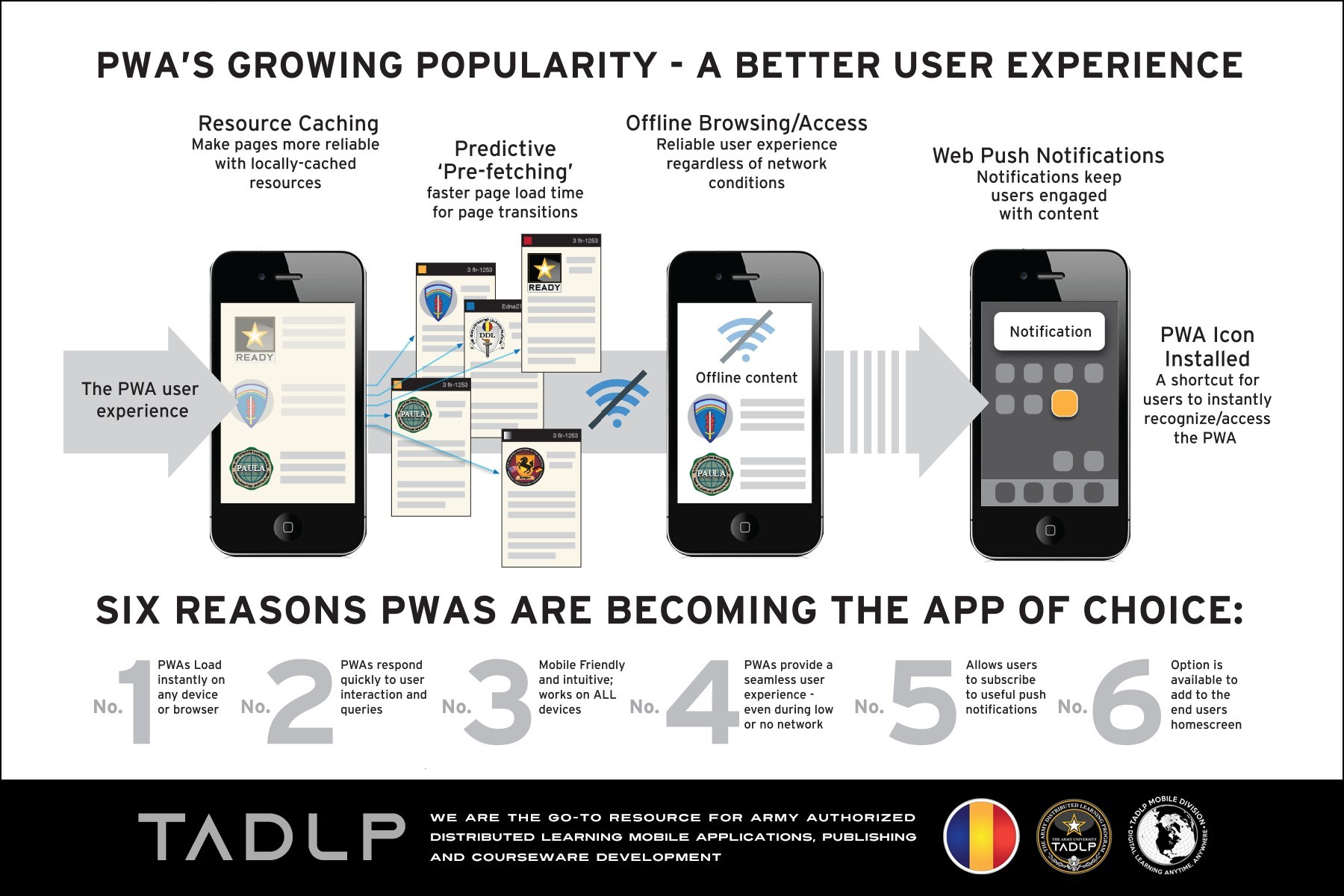
The most critical component of a PWA is the Service Worker. A service worker is essentially a script that your browser runs in the background, separate from a web page, opening the door to features that don’t need a web page or user interaction. Technically, it acts as a programmable network proxy. When a user makes a request, the service worker can intercept it and decide whether to serve a cached version of the content or fetch fresh data from the network.
This capability is what enables offline functionality. By caching the “app shell”—the basic HTML, CSS, and JavaScript required to run the UI—the service worker ensures that the application loads instantly on repeat visits, even if the user has a poor or non-existent internet connection.
The Web App Manifest
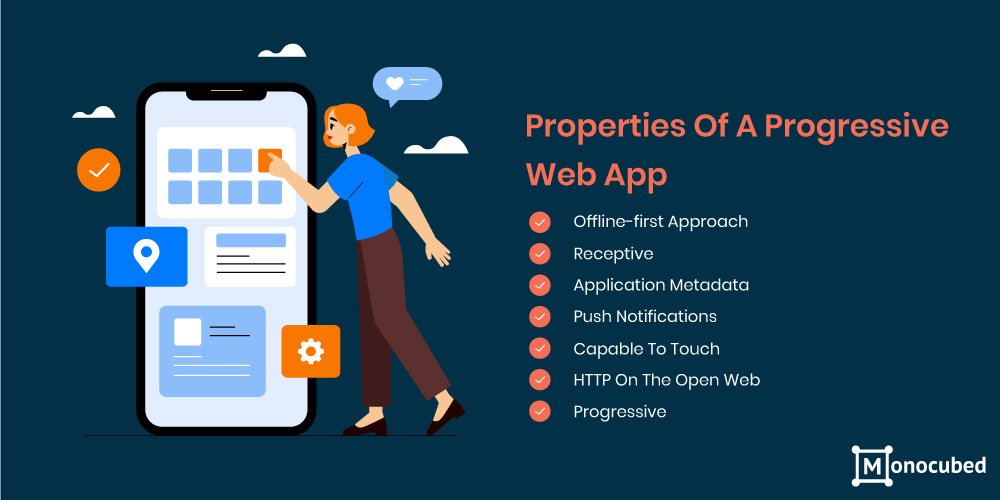
The Web App Manifest is a simple JSON file that tells the browser about your web application and how it should behave when “installed” on the user’s mobile device or desktop. It includes metadata such as the app’s name, icons, the start URL, and display preferences.
Because of the manifest, a PWA can be added to a user’s home screen without the need for an app store. When launched from the home screen, the manifest allows the app to hide the browser UI (the URL bar and navigation buttons), providing a full-screen, immersive experience that feels identical to a native application.
HTTPS and Security
Security is a non-negotiable requirement for PWAs. Because service workers have the power to intercept network requests and modify responses, they are vulnerable to man-in-the-middle attacks. Therefore, PWAs must be served over HTTPS. This ensures that the application is secure, maintaining the integrity of the data and the privacy of the user, which is a cornerstone of modern digital security standards.
Key Features and User Benefits
Progressive Web Apps are not just a technical curiosity; they solve real-world problems for both developers and users. By combining the best of the web and native apps, they provide a set of features that significantly enhance the digital experience.
Offline Capabilities and Reliability
Traditional web apps fail as soon as the connection drops. PWAs, however, are “offline-first.” Through the use of the Cache API and IndexedDB, developers can store large amounts of data locally. This means a user can continue to browse products, read articles, or even compose messages while in a tunnel or on a plane. Once the connection is restored, the service worker syncs the background tasks with the server.
Push Notifications
One of the primary reasons businesses prefer native apps is the ability to re-engage users through push notifications. Previously, this was impossible on the web. PWAs have changed this through the Push API and Notification API. Even when the browser is closed, the service worker can listen for push events from a server and display a notification to the user, driving engagement and retention rates that were previously exclusive to the native ecosystem.
Instant Loading and Performance
Speed is a critical factor in user retention. Research consistently shows that users abandon sites that take longer than three seconds to load. PWAs utilize a “PRPL” pattern (Pre-cache, Render, Pre-fetch, Lazy load) to ensure that the initial route is rendered as quickly as possible. By caching the application shell, the app doesn’t need to download the entire UI every time a user opens it, resulting in near-instantaneous load times after the first visit.
Cross-Platform Compatibility
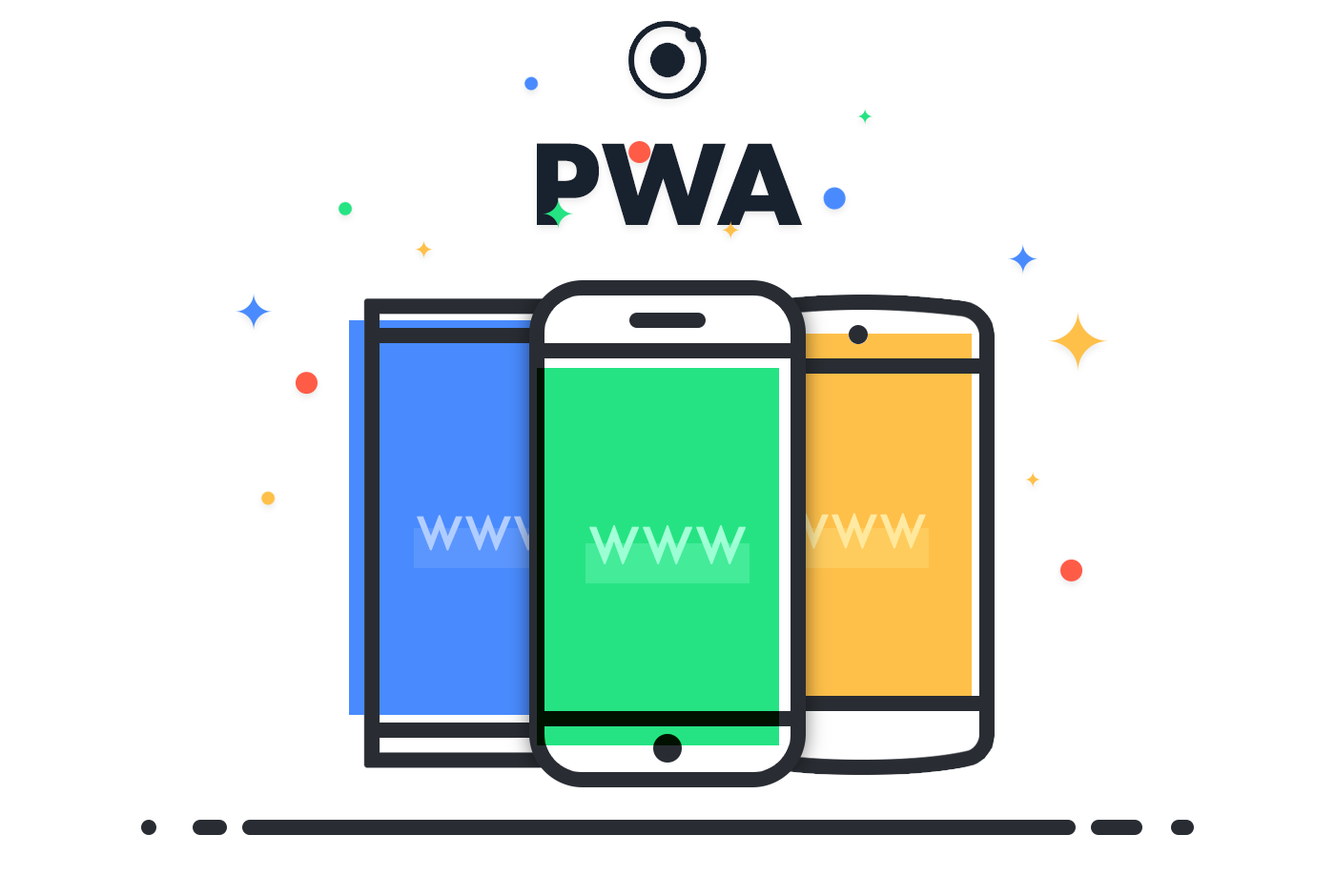
In the native world, developers must build separate versions of an app for iOS (using Swift or Objective-C) and Android (using Kotlin or Java). A PWA is built once using a single codebase and runs everywhere. Whether a user is on a Windows desktop, a Mac, an iPhone, or an Android tablet, the PWA adapts to the screen size and capabilities of that specific device. This drastically reduces development and maintenance costs while ensuring feature parity across all platforms.
PWA vs. Native Apps: A Strategic Comparison
For many organizations, the decision between building a PWA or a native app is a matter of strategic priority. While native apps still hold an advantage in specific high-performance categories like heavy 3D gaming, the gap is closing for the vast majority of software use cases.
User Acquisition and Friction
The greatest barrier to native app adoption is friction. To use a native app, a user must visit an app store, search for the app, authenticate their account, download a large file, and grant permissions before they can even see the first screen. Each of these steps results in a significant drop-off in user conversion.
In contrast, a PWA has zero friction. A user finds the app via a search engine or a link, and they are immediately using it. If they find it valuable, they can “install” it with a single tap. This makes PWAs exceptionally powerful for businesses looking to lower the cost of customer acquisition.
Development Costs and Speed to Market
Maintaining multiple codebases for different operating systems is expensive and time-consuming. Updates to native apps must also go through a rigorous and sometimes arbitrary review process by Apple or Google, which can delay critical bug fixes or feature releases.
PWAs allow for a “deploy once” workflow. When a developer pushes an update to the web server, the user receives the updated version the next time they open the app (or via the service worker’s update cycle). This agility is vital in the fast-paced tech environment where speed to market is a competitive advantage.
Access to Hardware Features
Historically, native apps were the only way to access a phone’s hardware, such as the camera, GPS, or accelerometer. Today, the Web Bluetooth API, WebUSB, and various Sensor APIs have enabled PWAs to access most of these features. While iOS still places some restrictions on certain hardware access for web-based apps compared to Android, the trend is moving toward total parity.
The Impact of PWAs on the Modern Web Ecosystem
The rise of Progressive Web Apps is fundamentally changing how we think about the internet. It is moving the web from a collection of static documents to a platform for powerful, application-driven experiences.
SEO and Discoverability
Because PWAs are essentially websites, every page within the app has a URL. This means they are fully indexable by search engines. A native app is a “walled garden” that Google cannot easily crawl. A PWA, however, benefits from standard SEO practices, allowing users to discover specific deep-linked content within the app directly from a search results page. This discoverability is a massive advantage for e-commerce and content-heavy platforms.
Improving Retention and Conversion
Companies like Starbucks, Pinterest, and Uber have reported massive increases in user engagement after launching PWAs. For example, Pinterest’s PWA resulted in a 60% increase in core engagements and a 44% increase in user-generated ad revenue compared to their previous mobile site. By removing the lag of the mobile web and the barrier of the app store, PWAs create a “path of least resistance” that naturally leads to higher conversion rates.
Data Efficiency
In many parts of the world, data is expensive and network speeds are slow. Native apps can be hundreds of megabytes in size. A PWA, because it leverages the browser’s existing engine, is usually a fraction of that size (often less than 1MB). For users in emerging markets, or even for users in developed nations who are conscious of their storage space, a PWA is a much more attractive proposition than a bloated native application.
Implementing a PWA Strategy: Best Practices
Transitioning to a PWA model requires more than just adding a manifest file. It requires a shift in design philosophy toward “app-like” interactions and performance-first development.
Prioritizing UI/UX Design
To be successful, a PWA must look and feel like an app. This means implementing smooth transitions between pages, avoiding the “flash of white” during navigation, and ensuring that touch targets are appropriately sized for mobile users. Developers should utilize modern CSS frameworks and animation libraries to ensure that the interface is responsive and tactile.
Testing and Validation
Google provides a tool called Lighthouse, which is integrated into the Chrome DevTools. Lighthouse allows developers to audit their web pages for PWA compliance. It checks for a valid service worker, HTTPS, responsive design, and fast loading speeds. Using these tools is essential for ensuring that the app meets the technical baseline required to be recognized as a PWA by modern browsers.
Progressive Enhancement
The philosophy of progressive enhancement is central to the PWA concept. The application should provide a core experience to everyone, regardless of their browser or device. On modern browsers, it should “enhance” itself with push notifications and offline access. On older browsers that don’t support service workers, it should still function as a high-quality responsive website. This ensures the widest possible reach without sacrificing cutting-edge features for users with modern devices.
As the distinction between the browser and the operating system continues to blur, the Progressive Web App stands as the future of software delivery. It offers the reach of the web with the power of native software, providing a scalable, secure, and user-centric solution for the modern digital era. For tech enthusiasts and developers alike, understanding and mastering the PWA framework is no longer optional—it is the new standard for building on the web.
aViewFromTheCave is a participant in the Amazon Services LLC Associates Program, an affiliate advertising program designed to provide a means for sites to earn advertising fees by advertising and linking to Amazon.com. Amazon, the Amazon logo, AmazonSupply, and the AmazonSupply logo are trademarks of Amazon.com, Inc. or its affiliates. As an Amazon Associate we earn affiliate commissions from qualifying purchases.