
YouTube has evolved from a simple video-sharing website into a massive global ecosystem that powers the modern digital video landscape. For the average user, “watching YouTube” might seem as simple as clicking a play button, but the technical infrastructure and the variety of platforms available today offer a much deeper experience. Whether you are seeking high-definition cinematic content on a 4K television, consuming quick-fire information via “Shorts” on a smartphone, or utilizing advanced browser extensions to curate your desktop experience, understanding the technical nuances of the platform is key to maximizing your consumption.
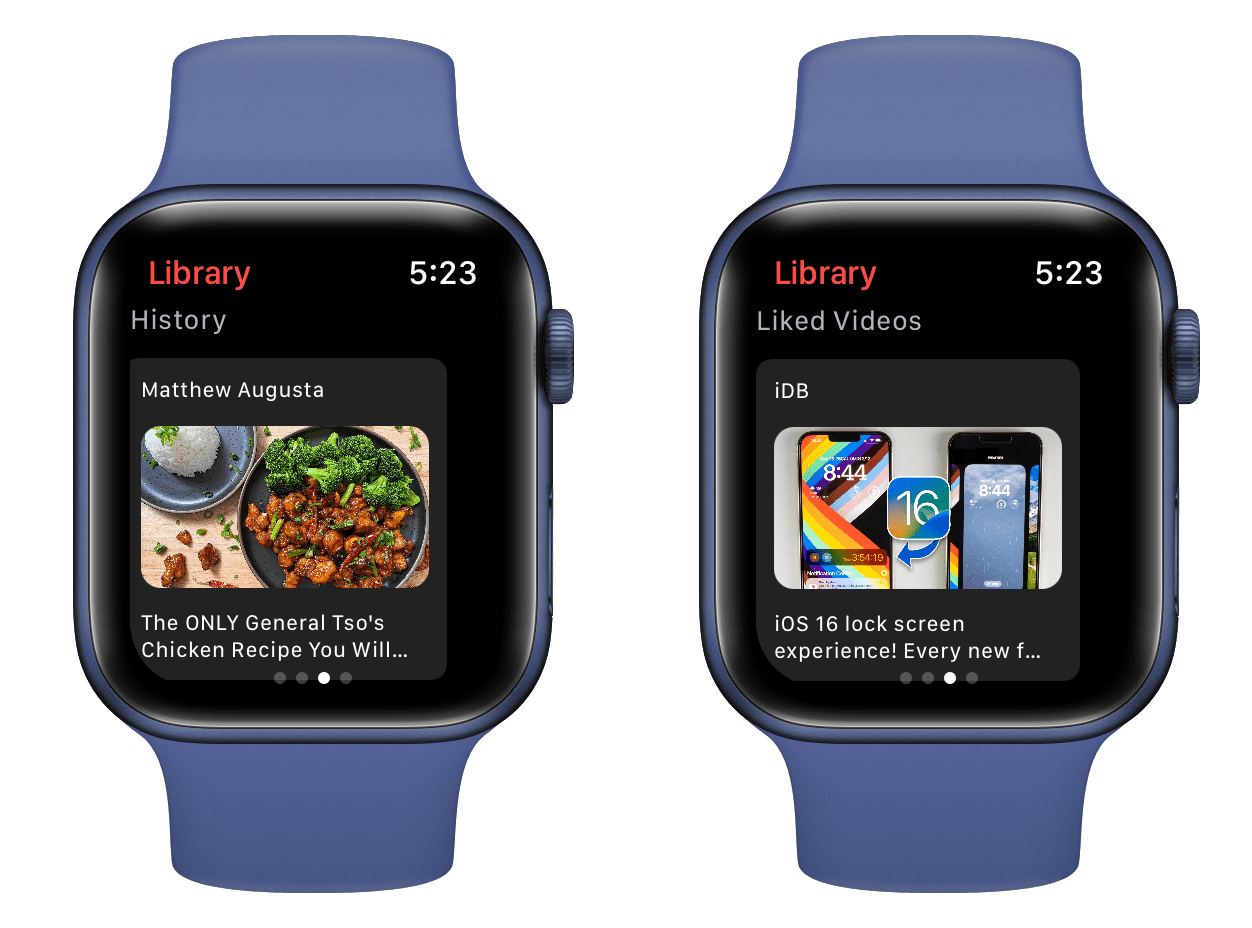
Exploring the Device Ecosystem: Where and How to Access YouTube
The accessibility of YouTube is its greatest strength. It is designed to function across almost every device with an internet connection and a display. However, the experience varies significantly depending on the hardware and software environment you choose.
Smartphones and Mobile Devices
The most common way to watch YouTube today is through dedicated mobile applications on iOS and Android. These apps are optimized for touch interfaces and low-power processors. On mobile, the technology focuses on adaptive bitrate streaming, which automatically adjusts video quality based on your data connection strength to prevent buffering. Users can also take advantage of “Picture-in-Picture” (PiP) mode, which allows a video to shrink into a small floating window while you navigate other apps, a feature that relies heavily on the mobile operating system’s multitasking capabilities.
Desktop and Web Browsers
For power users, the desktop browser remains the gold standard. Watching YouTube on Chrome, Firefox, Safari, or Edge provides the most control over the viewing environment. This platform utilizes the HTML5 video player, which replaced the aging Flash player years ago, offering better performance and security. On a desktop, you have access to keyboard shortcuts (such as ‘K’ for pause, ‘J’ and ‘L’ for skipping, and ‘F’ for full screen) that make navigation much faster. Furthermore, the desktop environment allows for multi-tabbing and the use of browser extensions that can modify the site’s CSS or add features like volume boosting and auto-skip functions.
Smart TVs and Streaming Hardware
The “leanback” experience is designed for the living room. YouTube apps for Smart TVs (Samsung, LG, Sony), as well as dedicated hardware like Roku, Amazon Fire Stick, Apple TV, and Google TV, feature a simplified user interface designed for remote control navigation. These versions of the app often support the highest resolutions available, including 4K and 8K, along with High Dynamic Range (HDR) and Surround Sound (5.1 audio), provided your hardware supports these codecs.
Gaming Consoles
Modern gaming consoles like the PlayStation 5 and Xbox Series X/S are powerful media hubs. The YouTube applications on these devices are optimized to leverage the console’s GPU for smooth 4K playback at high frame rates. This is particularly useful for gamers who want to watch walkthroughs or live streams without switching inputs on their monitors or TVs.
Optimizing the Digital Experience: Software, Codecs, and Settings
To get the best possible picture and performance, one must look under the hood of YouTube’s playback settings. The platform uses sophisticated compression technologies to deliver high-quality video across varying internet speeds.
Understanding Video Codecs: VP9 and AV1
YouTube employs various codecs to compress video files. For a long time, H.264 was the standard, but it has largely been superseded by VP9 and, more recently, AV1. AV1 is a royalty-free, high-efficiency video coding format that provides better compression than its predecessors. This means you get higher-quality visuals at a lower bitrate, which is essential for 4K and 8K streaming. If you are watching on a modern PC with a dedicated GPU (like an NVIDIA RTX 30-series or later), your hardware can decode AV1 natively, leading to smoother playback and lower CPU usage.
Manual Resolution and Frame Rate Control
While YouTube defaults to “Auto” quality, users can manually select resolutions ranging from 144p to 4320p (8K). In the “Advanced” settings menu, you can also toggle between different frame rates. Watching content at 60 frames per second (fps) provides a much smoother experience, particularly for gaming content and sports. However, higher frame rates and resolutions require significantly more bandwidth; a 4K 60fps stream can require a consistent connection of at least 25 Mbps.
Enhancing Performance with Browser Extensions
The desktop experience can be vastly improved through third-party software. Extensions like “Enhancer for YouTube” allow users to force a specific player size, automatically select the highest available resolution, and even use custom themes. For those concerned with digital security and privacy, extensions can also manage tracking scripts and block intrusive elements of the UI, creating a cleaner, faster-loading interface.
YouTube Premium and Specialized Service Tiers
While the core YouTube experience is free and supported by advertisements, Google offers several specialized tiers that change the technical and functional way you watch content.
The Benefits of YouTube Premium
YouTube Premium is a subscription service that removes all advertisements, which significantly speeds up the time it takes to start a video. More importantly for mobile users, it enables “Background Play,” allowing the audio of a video to continue even when the screen is turned off or the app is minimized. This turns the platform into a massive podcast and music library. Premium also allows for offline downloads, where the software saves an encrypted version of the video to your device’s local storage, enabling viewing in environments without internet access, such as airplanes.
YouTube Kids: A Curated Environment
For younger viewers, the “YouTube Kids” app provides a filtered environment. From a tech standpoint, this app utilizes different recommendation algorithms and restricted API calls to ensure that the content is age-appropriate. Parents can set “Time Limits” within the software, which uses a system-level lock to prevent further viewing once the allotted time has expired.
YouTube Music Integration
The YouTube ecosystem also includes YouTube Music, a dedicated app and web interface for audio-centric content. It uses the same underlying database as the main video site but presents it through a UI optimized for music discovery and playlist management. The software intelligently switches between “Video” and “Audio Only” modes, helping users save data when they don’t need the visual component of a music video.
Connectivity, Security, and Troubleshooting
Watching YouTube smoothly requires more than just a device; it requires a stable network and a secure digital environment.
Managing Bandwidth and Latency
If you experience buffering, the issue is often related to network congestion or ISP throttling. Users can check their “Stats for Nerds”—a built-in diagnostic tool accessible by right-clicking on a video—to see real-time data on connection speed, buffer health, and dropped frames. If your ISP is throttling video traffic, using a Virtual Private Network (VPN) can sometimes bypass these restrictions by masking your traffic. However, a VPN can also introduce latency, so it is a trade-off.
The Role of VPNs in Global Content Access
YouTube serves different content based on geographic location due to licensing agreements. A VPN allows users to change their virtual location, enabling them to watch videos that might be “not available in your country.” From a technical perspective, the VPN creates an encrypted tunnel between your device and a server in another region, making YouTube’s servers believe you are accessing the site from that secondary location.
Digital Security and Privacy
When watching YouTube, your “Watch History” and “Search History” are tracked to feed the recommendation algorithm. For users who value privacy, utilizing “Incognito Mode” within the app or browser prevents this data from being saved. Furthermore, managing your Google Account security settings is vital, as your YouTube profile is often tied to your email, payment methods, and personal data. Enabling Two-Factor Authentication (2FA) ensures that your curated library and subscriptions remain secure.
The Future of Video Consumption: AR, VR, and Beyond
The technology behind how we watch YouTube is constantly advancing. We are moving beyond flat screens into more immersive environments.
Virtual and Augmented Reality
YouTube VR is an application specifically designed for headsets like the Meta Quest and Apple Vision Pro. This software allows users to watch 360-degree videos, where the view changes as they move their heads, or to watch standard videos on a massive virtual cinema screen. This requires high-performance rendering and low-latency tracking to prevent motion sickness.

Interactive and Live Content
Live streaming has become a cornerstone of the platform. The tech involved here—Ultra Low Latency (ULL) streaming—allows creators to interact with viewers in near real-time, with delays as low as two seconds. This involves a complex chain of data encoding, cloud processing, and global distribution via Content Delivery Networks (CDNs) to ensure that millions of viewers can watch the same event simultaneously without crashing the servers.
As the platform continues to innovate with AI-driven summaries, real-time translations, and enhanced interactive features, the “how” of watching YouTube will only become more sophisticated. By understanding the devices, software settings, and network requirements, you can ensure that your viewing experience is as seamless and high-quality as the modern tech landscape allows.
aViewFromTheCave is a participant in the Amazon Services LLC Associates Program, an affiliate advertising program designed to provide a means for sites to earn advertising fees by advertising and linking to Amazon.com. Amazon, the Amazon logo, AmazonSupply, and the AmazonSupply logo are trademarks of Amazon.com, Inc. or its affiliates. As an Amazon Associate we earn affiliate commissions from qualifying purchases.