
Every tax season, millions of Americans log onto TurboTax with the expectation of a quick, seamless, and—ideally—inexpensive filing process. The marketing is often centered around the concept of “free,” yet many users reach the final checkout screen only to find a total that ranges from $60 to over $200. This common experience leads to a recurring question in the realm of personal finance: Why is TurboTax charging me?
Understanding the architecture of tax software pricing is essential for anyone looking to manage their personal finances effectively. In a digital economy, “free” is rarely an absolute term. Instead, it is often a gateway to a tiered system where complexity dictates cost. To demystify these charges, one must look at the intersection of tax law, software service models, and the financial psychology of convenience.

Understanding the Tiered Pricing Model of Modern Financial Tools
At its core, TurboTax operates on a “freemium” business model, a staple in the world of financial tools. This model is designed to attract users with a basic version of the service, while reserving more advanced features for a premium price. For many taxpayers, the confusion begins when their specific financial situation exceeds the narrow definitions of the software’s “Free Edition.”
The Free Edition vs. Real-World Tax Situations
The IRS Free File program and the various “Free” versions offered by commercial tax software are generally limited to “simple” tax returns. In the eyes of the software provider, a simple return typically consists of a standard W-2 income, a standard deduction, and perhaps a few common credits like the Earned Income Tax Credit (EITC) or Child Tax Credit.
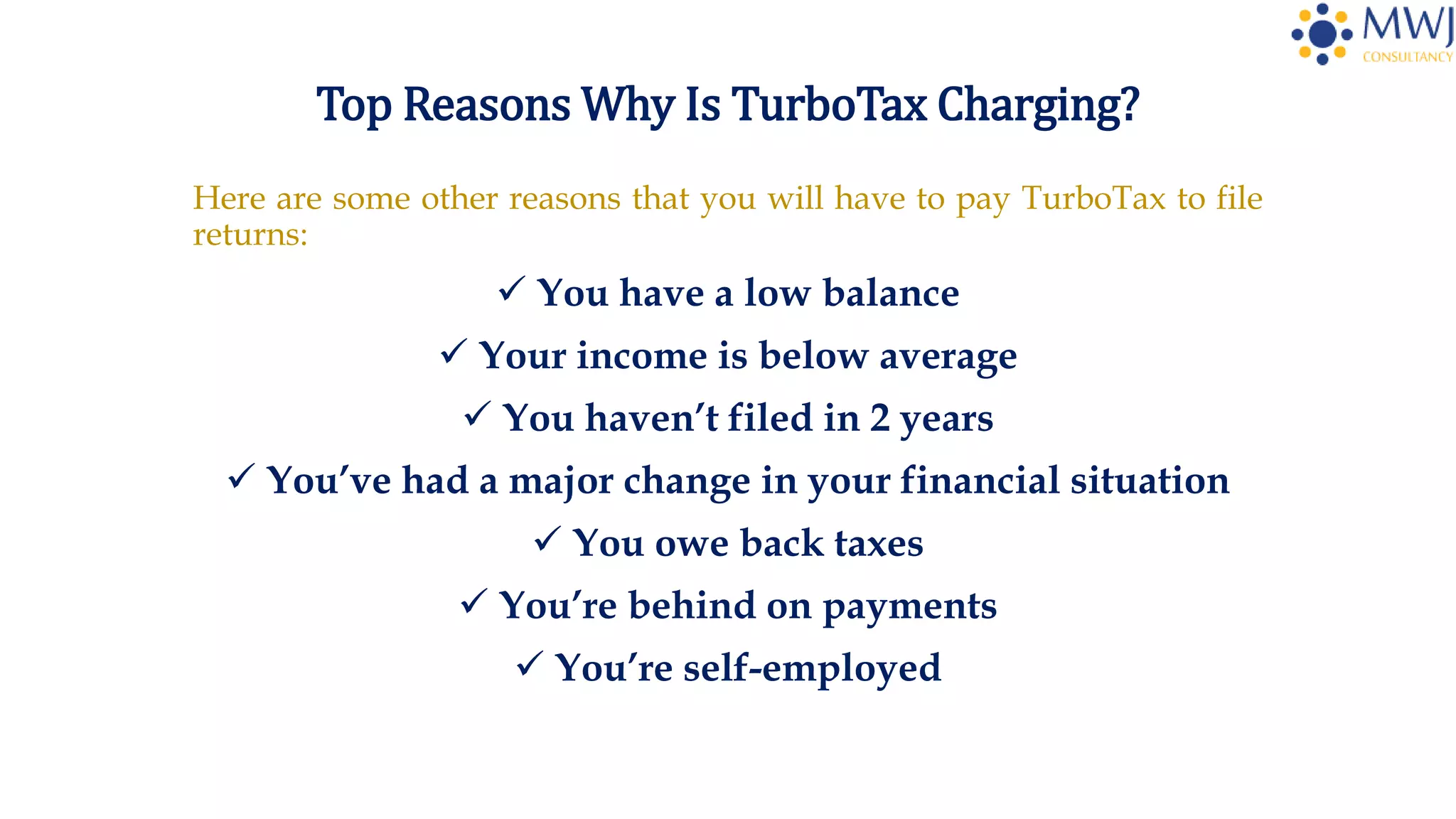
However, the modern financial landscape is rarely that simple. If you have a side hustle, sell stocks, own a home, or have a Health Savings Account (HSA), your tax return is no longer classified as “simple.” The moment you import a 1099-B from a brokerage or a 1099-NEC from freelance work, the software automatically triggers an upgrade. This shift is not a glitch; it is a fundamental part of the revenue strategy for financial software companies.
How “Up-Selling” Works in Financial Software
The user experience in TurboTax is designed to be conversational and guiding. While this makes tax filing less intimidating, it also facilitates a series of “micro-transactions” and “up-sells.” As you move through the interview process, the software identifies potential deductions or forms that require a higher tier of service.
For instance, if you mention that you paid student loan interest, you may be prompted to move to a “Deluxe” version. If you have rental property, the “Premier” version becomes a requirement. These upgrades are framed as ways to maximize your refund, but from a personal finance perspective, they represent a direct cost that must be weighed against the potential tax savings they might unlock.
Common Reasons for Unexpected Charges during Tax Filing
While tiered upgrades account for much of the cost, there are several other line items that can inflate your final bill. Understanding these can help you avoid “sticker shock” at the end of the process.
State Filing Fees: The Hidden Budget Buster
One of the most frequent sources of confusion involves state tax returns. Many users assume that if the federal return is free, the state return will be as well. In reality, state tax preparation is often treated as a separate product. Even if you are using a version of the software that includes one state download, there is often a separate fee to “e-file” that state return.
For a taxpayer living in a state with income tax, this can add an unexpected $40 to $60 to the total. If you lived or worked in multiple states during the year, you will be charged for each additional state return. This is a significant consideration for digital nomads or those who moved for work, as the costs can compound quickly.
Premium Features: Live Help and Audit Protection
In recent years, TurboTax has shifted its focus toward “Live” services. This includes access to a CPA or Enrolled Agent who can review your return or even do the taxes for you. While these services provide high value for those with complex financial lives, they come at a significant premium.
Often, users inadvertently opt into these services during the “onboarding” phase of the software. Additionally, features like “MAX” or “Audit Defense” are offered as insurance policies against future IRS inquiries. While these provide peace of mind, they are optional add-ons that contribute to the final charge. In personal finance management, it is crucial to distinguish between a “necessary expense” for compliance and a “discretionary expense” for convenience or security.

Deductions and Credits that Trigger Paid Tiers
Not all tax credits are created equal in the world of tax software. While the EITC is often covered under free plans, others—such as the Lifetime Learning Credit or complex energy-efficient home improvement credits—might require a paid version. Furthermore, if you are an independent contractor or a small business owner, the software requires the “Self-Employed” edition to handle Schedule C. This is often the most expensive tier, reflecting the increased complexity of calculating self-employment tax and business deductions.
The Financial Impact of “Refund Processing Fees”
Perhaps the most frustrating charge for many users is the fee associated with the method of payment. TurboTax offers users the option to pay for their software fees directly with their tax refund rather than paying out of pocket with a credit card. While this sounds like a convenient “pay later” option, it is one of the most expensive ways to settle the bill.
The High Cost of Convenience
When you choose to have your software fees deducted from your refund, the software provider must facilitate a temporary bank account to receive the refund from the IRS, subtract the fees, and then deposit the remainder into your account. This service is typically handled by a third-party bank, which charges a “Refund Processing Fee”—often around $40.
From a mathematical standpoint, this is a poor financial decision. If you are paying $40 for the convenience of delaying a $100 software fee for three weeks, you are effectively paying an interest rate that far exceeds any traditional loan or credit card. Savvy consumers should always aim to pay software fees upfront with a credit or debit card to avoid this unnecessary drain on their tax refund.
Comparing Direct Payment vs. Refund Deduction
The psychology of “it’s coming out of my refund” makes the fee feel invisible. However, the $40 processing fee plus the $60-$120 software fee can easily consume a significant portion of a modest refund. For a taxpayer expecting a $500 refund, losing $150 to fees represents a 30% reduction in their actual liquid gain. Treating your tax refund as a disciplined financial asset means protecting every dollar of it from avoidable administrative costs.
Strategies for Reducing Tax Preparation Expenses
Effective personal finance management is about optimizing value. While TurboTax is a powerful tool, it is not the only option, and its costs can be mitigated with a proactive approach.
Exploring IRS Free File and Alternatives
The IRS Free File program is a partnership between the IRS and several tax software providers. It is available to taxpayers whose Adjusted Gross Income (AGI) falls below a certain threshold (typically $79,000). By accessing software through the official IRS.gov website, users can often get the same high-end software—including state returns—for $0.
Additionally, competitors like FreeTaxUSA have gained significant traction by offering free federal returns for all levels of complexity, including self-employment and investments, with a flat, low fee for state returns. Switching to a competitor can often save a taxpayer over $100 without sacrificing the accuracy of their return.
Assessing the Value Proposition of Paid Tax Software
It is important to acknowledge that for some, the cost of TurboTax is justified. If the software’s intuitive interface prevents a costly error or helps you find a $500 deduction you would have otherwise missed, the $100 fee is a sound investment. The key is to be intentional. Ask yourself:
-
Am I paying for a service I actually need (like Schedule D for stock sales)?
-
Am I paying for a convenience I could do without (like refund processing)?
-
Could I achieve the same result using a more cost-effective tool?
The Evolving Landscape of Digital Personal Finance
The “hidden” charges in tax software are a reflection of a broader trend in digital financial tools. As software becomes more sophisticated, the monetization strategies become more nuanced. We see this in investment apps that offer “free” trades but charge for premium research, or budgeting apps that require subscriptions for bank synchronization.
In the context of taxes, the software is selling more than just a filled-out form; it is selling time, accuracy, and confidence. However, as a consumer, your goal is to maximize your net worth. This requires a vigilant eye on the “checkout” screen of any financial service. By understanding exactly why TurboTax is charging you—whether it’s for a state return, an upgrade for investment reporting, or a refund processing fee—you can make an informed decision that aligns with your broader financial goals.
Tax season should not be a surprise expense. By anticipating these charges and evaluating the necessity of each one, you can take control of your filing process and ensure that your hard-earned money stays where it belongs: in your pocket.
aViewFromTheCave is a participant in the Amazon Services LLC Associates Program, an affiliate advertising program designed to provide a means for sites to earn advertising fees by advertising and linking to Amazon.com. Amazon, the Amazon logo, AmazonSupply, and the AmazonSupply logo are trademarks of Amazon.com, Inc. or its affiliates. As an Amazon Associate we earn affiliate commissions from qualifying purchases.