
Cash App has become a ubiquitous tool for quick, person-to-person money transfers, simplifying transactions that once required cash or bank visits. Its “request money” feature is particularly convenient, allowing users to easily solicit funds from friends, family, or clients. However, encountering issues when trying to use this seemingly straightforward function can be frustrating. Several underlying technical and security-related factors can prevent a successful money request, ranging from basic app maintenance to more intricate account limitations and fraud prevention measures. Understanding these potential roadblocks is key to resolving the problem and ensuring seamless use of the application.

Understanding Cash App’s Request Feature
The ability to request money is a core component of Cash App’s functionality, designed for simplicity and speed. When a user initiates a request, they are essentially sending a digital invoice to another Cash App user, prompting them to send a specified amount. This feature streamlines interactions, especially for splitting bills, collecting dues, or receiving payments for services.
The Basics of Requesting Funds
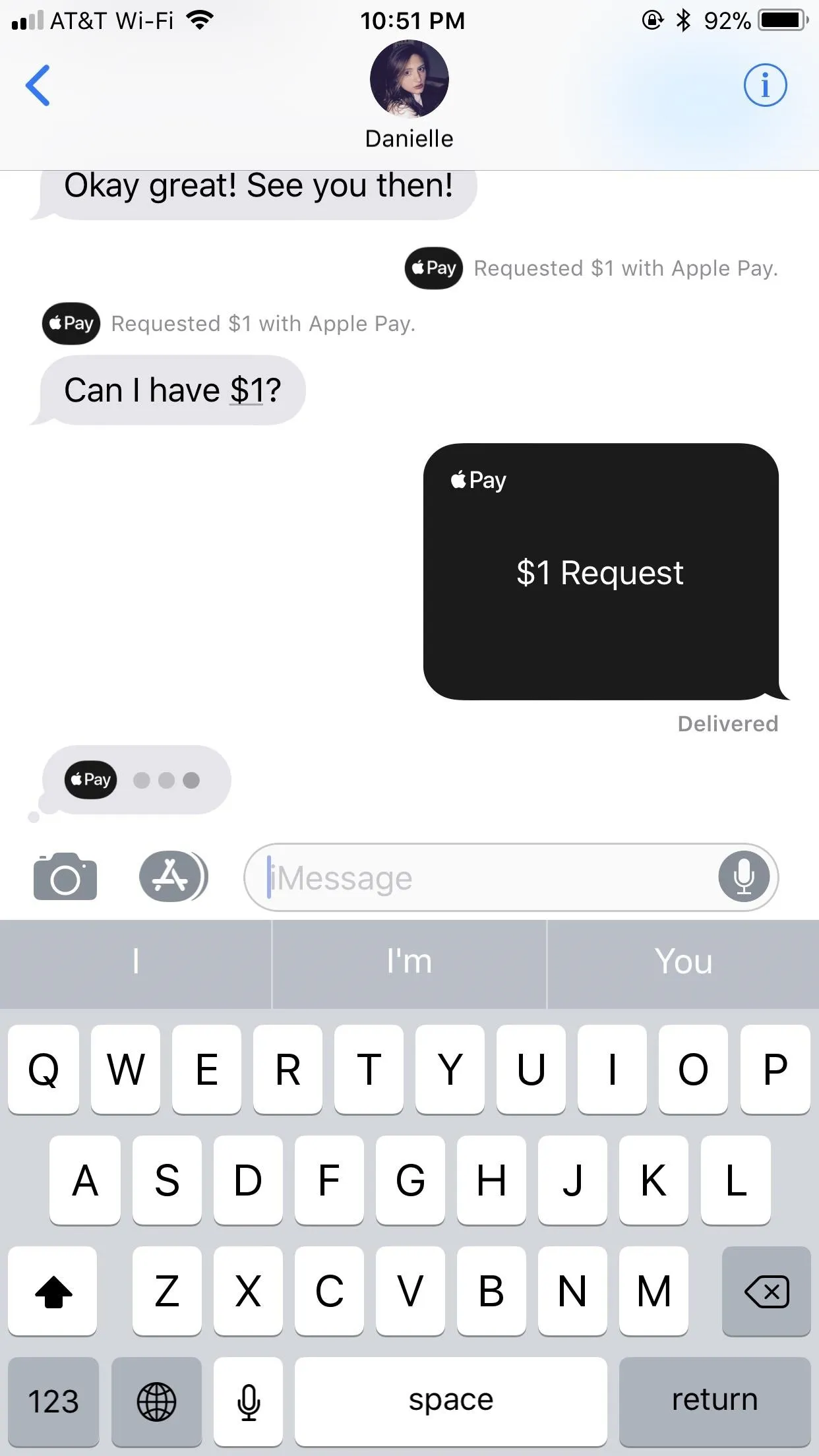
To request money, a user typically navigates to the request tab, inputs the amount, and then selects or searches for the desired recipient by their $Cashtag, phone number, or email. Once the request is sent, the recipient receives a notification within the app, allowing them to review the request and approve the payment if they choose. This process is generally instant and straightforward, facilitating a smooth flow of funds between users. The system is built on an interconnected network that requires both the sender and receiver’s accounts to be in good standing and meet certain operational criteria.
How the Feature is Designed to Work
At a technical level, the request feature involves several steps: your device sends a request to Cash App’s servers, which then relay that request to the recipient’s device. For this chain to work without interruption, both devices need stable internet access, and both Cash App installations must be functional and up-to-date. The system also performs real-time checks on both accounts to ensure compliance with security protocols and transaction limits. Any disruption at any point in this chain, or a flag from the security system, can lead to the inability to send or receive a money request.
Common Technical Roadblocks Preventing Requests
When a money request fails to go through, the problem isn’t always immediately apparent. Often, the cause lies in common technical issues that can be easily overlooked. These issues can range from a user’s own device and app setup to broader network conditions that impact the application’s performance.
Outdated App Version and System Compatibility
One of the most frequent culprits for app functionality issues across any platform is an outdated application. Software developers regularly release updates to fix bugs, improve security, and introduce new features. An older version of Cash App might have compatibility issues with current server protocols, leading to errors when attempting to use features like money requests. Similarly, if your device’s operating system (iOS or Android) is significantly outdated, it might not be fully compatible with the latest Cash App versions, causing performance glitches. Regularly updating both the app and your device’s OS is a fundamental best practice for ensuring optimal functionality.
Network Connectivity Issues
Cash App is an online service, meaning it requires a stable and robust internet connection to function correctly. A weak Wi-Fi signal, unreliable cellular data, or intermittent connectivity can disrupt the communication between your device and Cash App’s servers. This can manifest as delays, error messages, or outright failure when attempting to send a money request. Even if other apps seem to be working, Cash App’s real-time transaction processing might be more sensitive to connection stability. Trying to switch between Wi-Fi and cellular data, or moving to an area with better network coverage, can often resolve these issues.
Account Verification Status
Cash App, like all financial tools, operates under stringent regulations designed to prevent fraud and comply with financial laws. A crucial aspect of this is account verification. Unverified accounts typically have lower transaction limits and may be restricted from certain features, including the ability to request money from some users or for larger amounts. Verification usually involves providing personal details such as your full name, date of birth, and the last four digits of your Social Security Number (SSN). Fully verifying your account expands its capabilities and often resolves issues related to feature access. Without full verification, the system might intentionally block requests as a security measure.
Daily/Weekly Transaction Limits
To protect users and manage risk, Cash App imposes limits on how much money can be sent and received over specific periods. These limits vary based on whether your account is verified or unverified. If you or the person you’re trying to request money from has hit their daily or weekly transaction limit, the request may be denied. For instance, unverified accounts can send up to $250 within any 7-day period and receive up to $1,000 within any 30-day period. Verified accounts have significantly higher limits, often allowing for much larger sums. Understanding these limits is crucial, as attempting to exceed them will result in a failed transaction or request, regardless of other factors.
Security Protocols and Fraud Prevention
Beyond technical glitches, Cash App’s robust security framework plays a significant role in determining when and if a money request can be processed. These measures are designed to protect users from fraudulent activities, scams, and unauthorized access to funds. Sometimes, what appears to be a bug is actually the system doing its job to keep you safe.
Suspicious Activity Flags
Cash App employs sophisticated algorithms to monitor transactions and user behavior for patterns indicative of fraud or suspicious activity. If the system detects anything unusual—such as requests for exceptionally large sums, requests from newly created accounts, requests involving unusual geographic locations, or rapid successive requests—it may flag the activity. When an account is flagged, certain functionalities, including the ability to send or receive money requests, might be temporarily restricted or paused until the activity can be reviewed. This protective measure, while sometimes inconvenient, is vital for preventing financial losses due to scams or account compromises. Resolving such flags often requires direct communication with Cash App support to verify your identity and explain the nature of the transactions.
Unlinked Bank Accounts or Debit Cards
While Cash App allows users to hold a balance within the app, its primary function as a financial tool relies heavily on linked external accounts for funding and withdrawing money. If your Cash App account does not have a linked and verified bank account or debit card, the system might impose limitations on your ability to request money. The reason for this is practical: if a recipient accepts your request, the funds need a secure pathway to be either added to your in-app balance or transferred to an external account. An unlinked payment method can be seen as an incomplete financial setup, which could trigger restrictions on initiating or completing financial requests. Ensuring at least one valid debit card or bank account is linked and verified is essential for full functionality.
Recipient’s Account Status
It’s not always your account that’s causing the problem. The recipient’s Cash App account status can also affect your ability to request money from them. If the recipient’s account is suspended, restricted, or has hit its own transaction limits, they will be unable to fulfill your request. Similarly, if their account is not fully verified, or if they have flagged suspicious activity on their end, their ability to receive funds might be temporarily inhibited. In such cases, the issue lies with the other party, and you might receive an error message indicating that the request could not be completed. You might need to communicate directly with the person you’re requesting money from to ascertain if their account is experiencing any issues.
Troubleshooting Steps and Best Practices
When faced with an inability to request money on Cash App, a systematic approach to troubleshooting can help identify and resolve the issue. By following a set of practical steps, users can often diagnose and fix the problem themselves before needing to contact support.
Update Your Cash App and Device Software
Start with the basics. Visit your device’s app store (Google Play Store for Android, Apple App Store for iOS) and check for any pending updates for Cash App. If an update is available, install it immediately. While you’re at it, check if your device’s operating system also has any updates. Keeping both your app and OS current ensures you benefit from the latest bug fixes, security patches, and performance enhancements that could resolve your issue. After updating, restart your device to clear any temporary glitches.
Verify Account Information
Log into your Cash App account and review your personal and financial information. Ensure that your full legal name, date of birth, and any linked bank accounts or debit cards are accurately entered and fully verified. If your account is not fully verified, follow the prompts to complete the process, which usually involves providing your SSN. An unverified account is a common reason for feature limitations, and completing verification can unlock full functionality, including higher transaction limits and unrestricted access to requesting money.
Check Internet Connection
As Cash App is an online service, a stable internet connection is paramount. If you’re using Wi-Fi, try switching to cellular data (and vice-versa) to see if the problem persists. Move to a location with a stronger signal or reset your router/modem. A quick test could be to open a web browser and load a few different websites to confirm your internet connection is indeed working reliably and quickly enough for transactional applications.
Contact Cash App Support
If you’ve exhausted all basic troubleshooting steps and are still unable to request money, it’s time to contact Cash App support. You can usually access support directly through the app by tapping on the profile icon, selecting “Support,” and then navigating to the relevant topic or starting a new conversation. When contacting support, be prepared to provide details about the issue, including any error messages you received, what steps you’ve already taken to troubleshoot, and the exact time the issue occurred. Cash App’s support team can access specific account details and provide tailored assistance to resolve more complex or system-related problems.
Alternative Request Methods
While resolving your Cash App request issue, you might need an immediate alternative. Consider other digital payment platforms that offer similar request functionalities, such as PayPal, Venmo, or Zelle. These platforms can serve as temporary solutions for sending or receiving money until your Cash App functionality is fully restored. Alternatively, if the transaction is time-sensitive and within a local context, traditional methods like bank transfers or even cash might be necessary temporarily. Knowing these alternatives can prevent delays in critical financial interactions.
aViewFromTheCave is a participant in the Amazon Services LLC Associates Program, an affiliate advertising program designed to provide a means for sites to earn advertising fees by advertising and linking to Amazon.com. Amazon, the Amazon logo, AmazonSupply, and the AmazonSupply logo are trademarks of Amazon.com, Inc. or its affiliates. As an Amazon Associate we earn affiliate commissions from qualifying purchases.