
The Cash App Card, a free, customizable debit card issued by Sutton Bank and linked to your Cash App balance, offers a convenient way to spend the funds in your Cash App account anywhere Visa debit cards are accepted. Understanding how to efficiently add money to this card is fundamental for managing your personal finances, making purchases, paying bills, and accessing your funds when needed. This guide will walk you through various methods to load your Cash App Card, offering insights into each process and financial considerations.
Understanding Your Cash App Card and Its Integration
Before diving into the mechanics of adding funds, it’s essential to grasp what the Cash App Card is and how it functions within the broader Cash App ecosystem. It’s not a standalone prepaid card; rather, it’s a direct extension of your Cash App balance. Any money you add to your Cash App account automatically becomes available for use with your associated Cash App Card.

What is the Cash App Card?
The Cash App Card is a physical or virtual debit card that provides access to the funds held in your Cash App balance. It operates on the Visa network, meaning it can be used for online purchases, in-store transactions, and ATM withdrawals just like any traditional debit card. Its primary purpose is to empower users with quick, accessible spending power derived directly from their digital Cash App funds.
Why Load Money Onto Your Card?
Loading money onto your Cash App Card serves several practical financial purposes:
-
Convenience: It allows you to use your Cash App balance without needing to transfer it back to a traditional bank account first.
-
Budgeting: For some, using a dedicated card linked to a specific digital wallet can aid in budgeting by segregating funds from their primary bank account.
-
Accessibility: It provides a method for individuals who prefer digital banking or may not have a traditional bank account to manage and spend their money.
-
Rewards and Boosts: Cash App often provides “Boosts”—instant discounts at various merchants—which are applied when you pay with your Cash App Card, offering a form of immediate saving.
Direct Methods to Add Money to Your Cash App Card
The most common and straightforward ways to fund your Cash App Card involve linking external financial accounts or receiving money within the Cash App platform. These methods are typically fast and incur minimal to no fees, making them ideal for regular use.
Linking a Bank Account or Debit Card
This is the most direct and frequently used method to add money. By linking an external bank account or debit card, you can easily transfer funds to your Cash App balance, which instantly makes them available on your Cash App Card.
How to Link and Add Funds:
-
Open Cash App: Launch the Cash App on your mobile device.
-
Navigate to the Banking Tab: Tap the “Banking” tab (the house icon or dollar sign icon, depending on your app version) from the bottom menu.
-
Link Account: Select “Link Bank” or “Link Debit Card.”
-
Enter Details: Follow the prompts to enter your bank login credentials (for bank linking) or your debit card number, expiration date, CVV, and zip code. Cash App uses secure encryption to protect your information.
-
Initiate Transfer: Once linked, go back to the “Banking” tab and tap “Add Cash.”
-
Enter Amount: Input the desired amount you wish to add to your Cash App balance.
-
Confirm: Confirm the transaction. The funds are typically available instantly for debit card transfers, while bank account transfers might take 1-3 business days, though often faster.
Financial Insight: Linking a debit card allows for instant transfers, but some banks may charge a small fee for these expedited services. Linking a bank account for standard transfers is usually free but takes longer. Prioritize which method aligns with your urgency and cost preferences.
Receiving Funds from Other Cash App Users
One of Cash App’s core functionalities is peer-to-peer money transfers. If someone sends you money via Cash App, those funds automatically appear in your Cash App balance and are immediately accessible via your Cash App Card.
The Request and Send Feature:
-
Receiving Money: When another Cash App user sends you money, it lands directly in your Cash App balance. You don’t need to do anything extra to make it available on your card.
-
Requesting Money: You can also request money from others. Tap the “$” icon, enter the amount, and tap “Request.” Select the person from your contacts or enter their $Cashtag. Once they send it, the funds will be added to your balance.
Financial Insight: This method is excellent for splitting bills, receiving payments from friends, or collecting money for group activities. Ensure you’re only transacting with trusted individuals to avoid scams.
Direct Deposit to Your Cash App Account
For regular income, such as paychecks, government benefits, or tax refunds, setting up direct deposit to your Cash App account is an incredibly convenient way to fund your card. This bypasses traditional bank accounts entirely.
Setting Up Direct Deposit:
-
Access Direct Deposit Info: From the “Banking” tab in Cash App, scroll down to find “Direct Deposit.”
-
Retrieve Account Details: Cash App provides you with unique account and routing numbers specifically for direct deposits.
-
Provide to Payer: Give these account and routing numbers to your employer, government agency, or other payer. They will typically have a form for direct deposit setup.
-
Confirmation: Once set up, funds will be directly deposited into your Cash App balance on your scheduled payment dates.
Financial Insight: Direct deposit can offer faster access to funds compared to traditional paper checks. Some employers may even offer early access to paychecks (up to two days early) if you use direct deposit with Cash App. Always verify the direct deposit information with your payer to ensure accuracy.
Indirect and Alternative Ways to Load Your Cash App Card
Beyond the direct methods, Cash App provides several alternative ways to add cash, particularly useful for those who deal primarily in physical cash or prefer different funding sources.
Using Cash Deposits at Retailers
If you have physical cash you wish to add to your Cash App Card, you can do so at various participating retail locations.
How the Process Works:
-
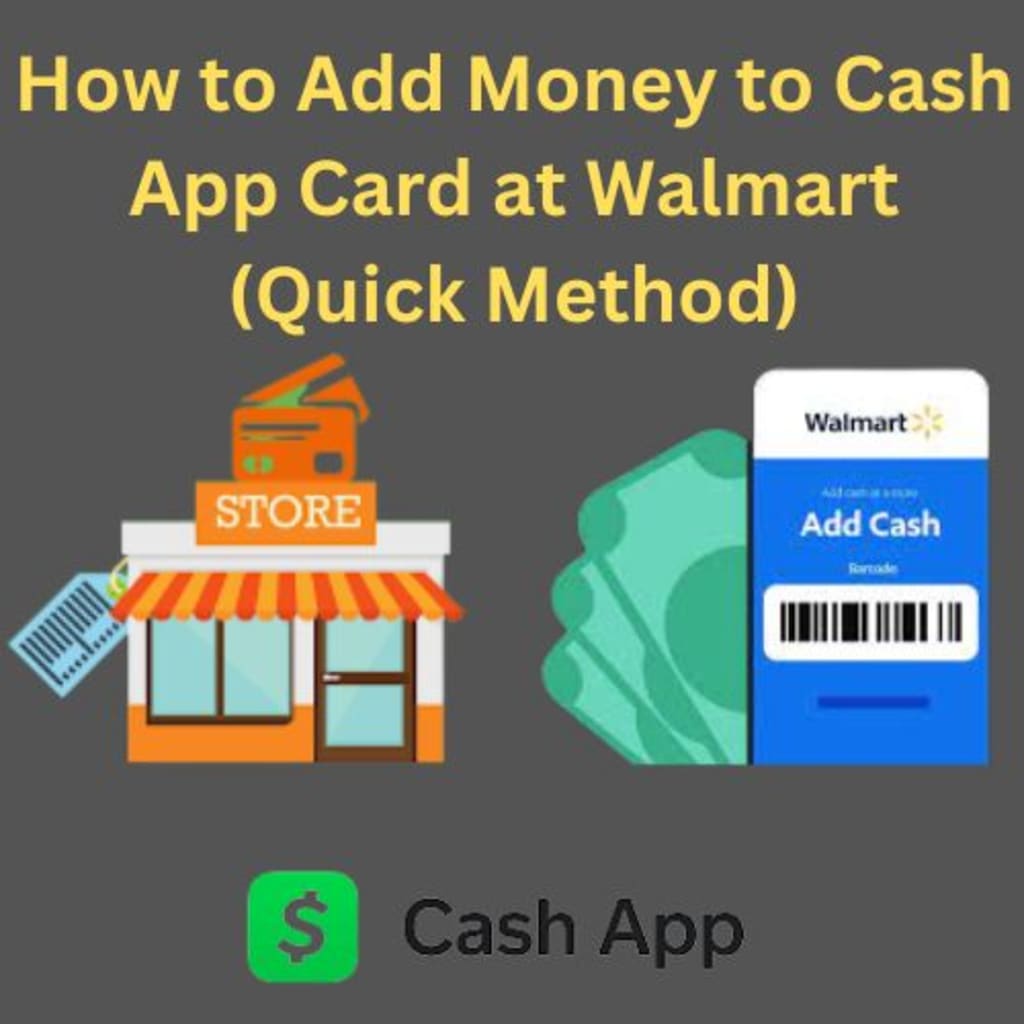
Find a Participating Retailer: Open Cash App and navigate to the “Banking” tab. Scroll down and tap “Deposit Cash.” Cash App will show you nearby locations like Walgreens, 7-Eleven, CVS, Walmart, and others that support cash deposits.
-
Generate Barcode: At the chosen retailer, inform the cashier you’d like to deposit money to your Cash App. You’ll generate a unique barcode within the Cash App (tap “Show Barcode” in the app).
-
Scan and Deposit: The cashier will scan the barcode. Hand them the cash you wish to deposit.
-
Confirm: The funds will be added to your Cash App balance, typically within minutes.

Financial Insight: While convenient for cash users, be aware of potential fees. Cash App itself doesn’t charge for this service, but some retailers might. There are also limits, typically $500 per deposit, $1,000 per 7 days, and $4,000 per 30 days. Always confirm limits and potential fees with Cash App or the retailer before making a large deposit.
Converting Bitcoin within Cash App
For users who invest in or hold Bitcoin through Cash App, you can sell your Bitcoin holdings to fund your Cash App balance, thereby making the funds available on your Cash App Card. It’s crucial to understand that you are selling Bitcoin for USD, not loading Bitcoin directly onto the card.
Selling Bitcoin for USD Balance:
-
Navigate to Bitcoin Tab: In Cash App, tap the Bitcoin icon (the wavy line) from the bottom menu.
-
Sell Bitcoin: Tap “Sell.”
-
Enter Amount: Input the amount of Bitcoin you wish to sell, or select a predetermined amount.
-
Confirm Sale: Confirm the transaction. The equivalent USD value will be added to your Cash App balance, which is then accessible via your Cash App Card.
Financial Insight: Bitcoin’s value can be highly volatile. Selling Bitcoin to fund your card carries the risk of selling at a lower price than you bought it for. Consider your investment strategy and current market conditions before converting cryptocurrency to spendable cash.
Tax Refunds and Government Benefits
Similar to direct deposit for paychecks, you can also have your tax refunds and certain government benefits (like unemployment or stimulus payments) directly deposited into your Cash App account. This is done by providing your Cash App account and routing numbers to the respective agency. This streamlines the process and ensures funds are quickly available on your Cash App Card.
Managing Your Cash App Card Balance and Troubleshooting
Effective money management extends beyond just loading funds; it also involves monitoring your balance, understanding limits, and knowing how to address common issues.
Checking Your Balance
Your Cash App Card balance is simply your Cash App balance. You can check it instantly by opening the Cash App. Your current balance is prominently displayed on the main screen, or within the “Banking” tab.
Understanding Transaction Limits and Fees
Cash App has various limits on how much you can add, send, or withdraw, and certain transactions may incur fees.
-
Adding Cash: Limits apply to retailer cash deposits (e.g., $500 per transaction, $1,000 per 7 days). Transfers from linked debit cards are usually free and instant, while bank transfers are free but take longer.
-
ATM Withdrawals: Using your Cash App Card at an ATM can incur a $2.50 fee from Cash App, plus any fees charged by the ATM operator. You can avoid Cash App fees if you have at least $300 in direct deposits monthly.
-
Instant Deposits: If you transfer funds from your Cash App balance to a linked debit card instantly, a fee (typically 0.5% – 1.75%) applies. Standard transfers to a bank account are free but take 1-3 business days.
Financial Insight: Regularly review Cash App’s terms and conditions or help center for the most current information on limits and fees, as these can change. Being aware of these can help you avoid unexpected charges and plan your transactions efficiently.
Common Issues and Solutions
-
Failed Transfers: Ensure your linked bank account or debit card has sufficient funds. Double-check card details (number, expiration, CVV). For bank transfers, verify account and routing numbers. Contact your bank to ensure there are no blocks on transactions to Cash App.
-
Deposit Delays: Bank transfers can take 1-3 business days. Retailer cash deposits are usually instant, but technical glitches can occur; keep your receipt. Direct deposits depend on your payer’s processing times.
-
Card Not Working: Ensure your Cash App Card is activated. Check your Cash App balance. If issues persist, contact Cash App support through the app.
Security Best Practices for Your Cash App Card
-
Enable Security Lock: Always use a PIN or biometric security (fingerprint/Face ID) to open your Cash App.
-
Monitor Transactions: Regularly review your transaction history in the app for any unauthorized activity.
-
Protect Card Details: Never share your card number, CVV, or PIN with anyone. Be wary of phishing attempts.
-
Report Lost/Stolen Card: Immediately disable or order a replacement for a lost or stolen Cash App Card through the app.
Maximizing the Utility of Your Cash App Card
Beyond its basic function of spending, the Cash App Card can be a valuable tool in your financial toolkit if utilized strategically.
Spending and Budgeting with Your Card
By consolidating certain expenses onto your Cash App Card, you can easily track spending for specific categories. For instance, you might decide to load a weekly budget for discretionary spending onto your Cash App Card, helping you stay within limits. The in-app transaction history provides a clear overview of where your money is going.
Boosts and Rewards Programs
Cash App’s “Boosts” are a unique feature offering instant discounts at various merchants when you use your Cash App Card. These are not cashback but immediate savings applied at the point of sale. Regularly check the “Boosts” tab in your app and activate those relevant to your spending habits. Over time, these small savings can add up, providing a tangible benefit to using the card.
Integration with Other Financial Planning Tools
While Cash App offers basic transaction tracking, you can further enhance your financial planning by connecting your Cash App activity to third-party budgeting apps or spreadsheets. This allows for a more holistic view of your financial health, integrating your Cash App spending with other bank accounts, investments, and debts.
Understanding the various methods to add money to your Cash App Card and employing smart financial practices can transform it from a simple spending tool into an integral part of your personal finance strategy. By leveraging its features and being mindful of its limitations, you can manage your funds effectively and make the most of what Cash App has to offer.
aViewFromTheCave is a participant in the Amazon Services LLC Associates Program, an affiliate advertising program designed to provide a means for sites to earn advertising fees by advertising and linking to Amazon.com. Amazon, the Amazon logo, AmazonSupply, and the AmazonSupply logo are trademarks of Amazon.com, Inc. or its affiliates. As an Amazon Associate we earn affiliate commissions from qualifying purchases.