
In an era defined by on-demand entertainment, Amazon Prime Video stands as a colossal player, offering an expansive library of movies, TV shows, and original content. For many, the question isn’t whether to watch, but how to effectively navigate the technological landscape to access this wealth of entertainment. This guide delves into the technical intricacies, device compatibilities, and optimization strategies to ensure a seamless and enjoyable Amazon Prime Video experience, firmly rooted in the realm of technology.
Understanding the Amazon Prime Video Ecosystem
Before diving into the specifics of how to watch, it’s crucial to understand the foundational technology behind Amazon Prime Video. It’s not just a standalone streaming service; it’s an integrated component of a much larger digital empire.
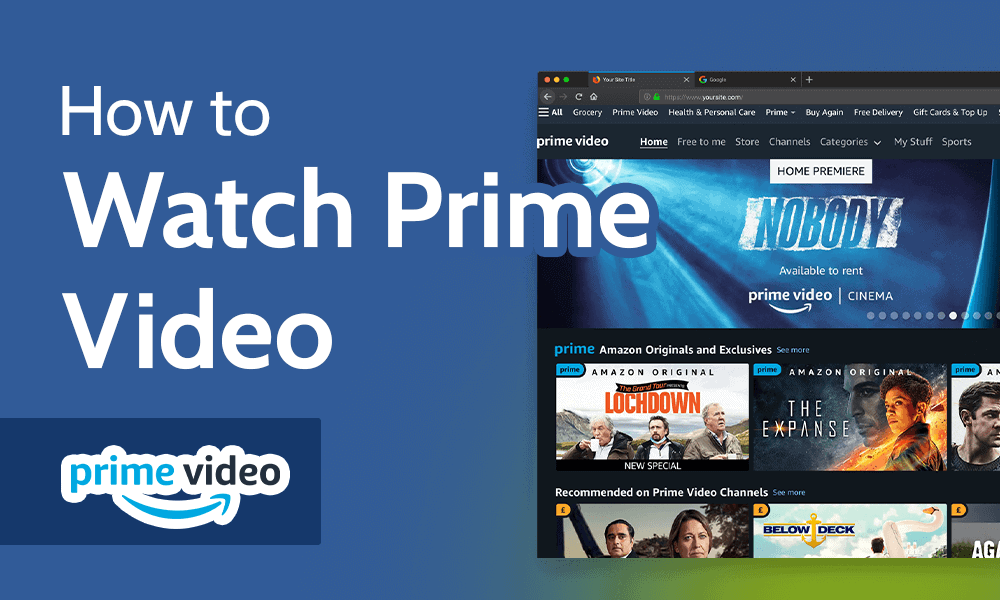
What is Amazon Prime Video?
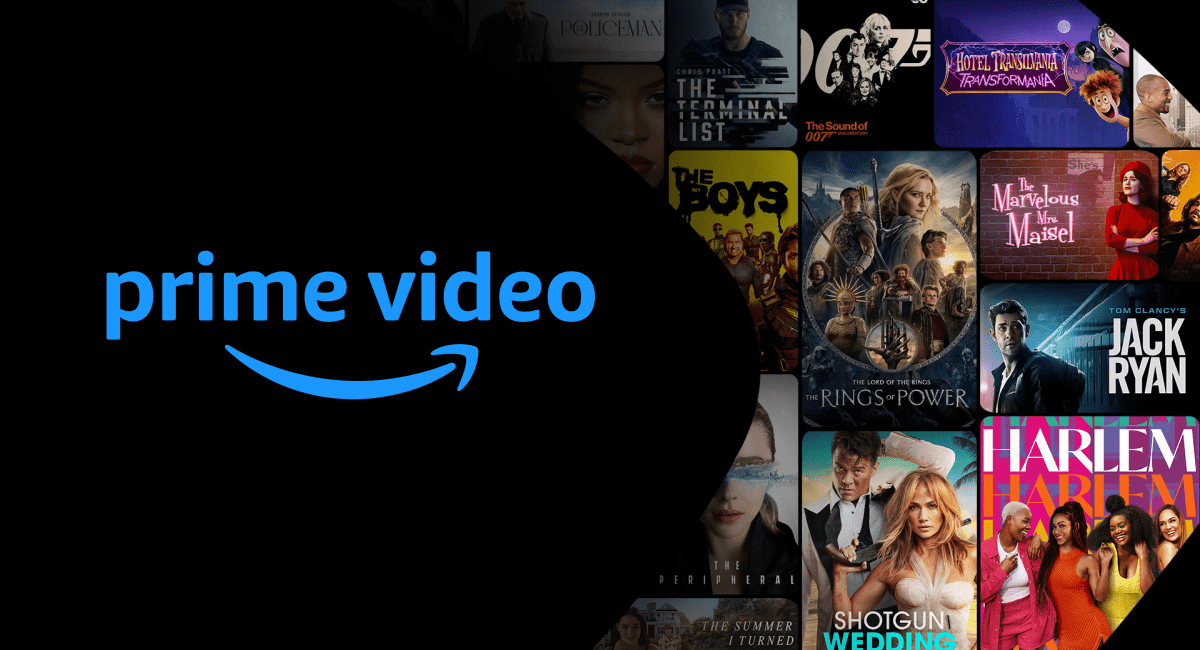
At its core, Amazon Prime Video is a video streaming service offered by Amazon. It hosts thousands of titles, including Hollywood blockbusters, critically acclaimed TV series, documentaries, and a continuously growing catalog of Amazon Originals like “The Boys,” “The Marvelous Mrs. Maisel,” and “Lord of the Rings: The Rings of Power.” Technically, it operates on a global content delivery network (CDN) that pushes encrypted video streams to users’ devices, adapting quality based on internet speed and device capabilities. It supports various codecs and streaming protocols to deliver content efficiently across diverse hardware.
The Subscription Foundation: Amazon Prime Membership
The primary gateway to Prime Video is an Amazon Prime membership. This subscription is not solely for video; it’s a bundle of services including free expedited shipping, Prime Music, Prime Reading, and more. From a tech perspective, your Prime membership provides the authentication credentials that allow the Prime Video application or website to grant you access to its protected content library. Without an active and authenticated Prime membership, the streaming service will typically prompt you for login or subscription details, acting as a digital gatekeeper. This unified account system simplifies access across all Amazon services, leveraging single sign-on technologies for user convenience.
Content Library: Movies, TV Shows, and Beyond
The sheer volume and variety of content available on Prime Video are a significant technological undertaking. The platform utilizes advanced recommendation algorithms, similar to those found in other major streaming services, to personalize user experience based on viewing history, ratings, and preferences. Beyond the included content, Prime Video also offers digital purchases and rentals, allowing users to buy or rent specific titles that may not be part of the Prime subscription. Furthermore, “Prime Video Channels” represent an over-the-top (OTT) aggregation service, where users can subscribe to additional premium channels (like HBO, Showtime, or Starz) directly through the Amazon Prime Video interface, consolidating billing and access within a single app. This technological integration simplifies content management for the user, abstracting the complexities of multiple separate subscriptions.
Essential Devices for Streaming Prime Video
Amazon Prime Video is designed for ubiquitous access, supporting an impressive array of devices. Understanding these platforms is key to choosing the optimal viewing setup.
Smart TVs and Dedicated Streaming Devices
This category represents the most common and often preferred way to watch Prime Video for a cinematic experience.
-
Smart TVs: Most modern smart televisions from brands like Samsung, LG, Sony, Vizio, and Panasonic come with the Amazon Prime Video app pre-installed or available for download from their respective app stores. These TVs often integrate high-resolution displays (4K, 8K) and HDR capabilities, which Prime Video leverages for its premium content.
-
Amazon Fire TV Devices: Unsurprisingly, Amazon’s own line of Fire TV Sticks, Fire TV Cubes, and Fire TV Edition televisions offer the most integrated Prime Video experience. They are optimized for the platform, often featuring dedicated Prime Video buttons on remote controls and seamless voice control via Alexa.
-
Roku Devices: Roku streaming players and Roku-powered TVs are incredibly popular and offer the Prime Video channel (app) prominently. They are known for their user-friendly interface and broad app support.
-
Apple TV: Apple’s streaming box provides a sleek interface for the Prime Video app, often integrating with Apple’s ecosystem features and offering high-quality video playback.
-
Chromecast: Google’s Chromecast devices allow users to “cast” Prime Video content from a mobile device or computer to their television. This relies on the casting technology to stream content directly from the internet, with the mobile device acting as a remote control.
Mobile Devices and Tablets
For on-the-go viewing, Prime Video shines on mobile platforms.
-
iOS Devices (iPhone, iPad): The Amazon Prime Video app is fully optimized for Apple’s mobile operating system, offering features like offline downloads, AirPlay support, and intuitive navigation.
-
Android Devices (Smartphones, Tablets): Similarly, the Android app provides a robust experience, with consistent features across a wide range of devices from various manufacturers. It also supports downloading content for offline viewing, which is particularly useful for travel.
Computers and Web Browsers
For desktop or laptop users, Prime Video is readily accessible.
-
Web Browsers: The simplest way to watch on a computer is through a web browser. Prime Video officially supports Chrome, Firefox, Edge, Safari, and Opera. Users simply navigate to
primevideo.com, log in with their Amazon account, and start streaming. The browser experience typically supports adaptive bitrate streaming, adjusting video quality based on network conditions and browser capabilities. -
Windows App: A dedicated Prime Video app is available for Windows 10/11, offering a more integrated experience than a browser, including offline downloads and better system resource management.
Gaming Consoles
Gaming consoles have evolved into comprehensive entertainment hubs.
-
PlayStation (PS4, PS5): The Prime Video app is available on both PlayStation 4 and PlayStation 5, offering a high-quality streaming experience that leverages the console’s processing power.
-
Xbox (Xbox One, Xbox Series X/S): Microsoft’s Xbox consoles also feature a dedicated Prime Video app, providing full access to the library and features.
Optimizing Your Viewing Experience: Connectivity and Settings
Merely having the right device isn’t enough; maximizing your Prime Video experience requires attention to network conditions and in-app settings.
Internet Speed Requirements
The quality of your streaming experience is directly tied to your internet bandwidth.
-
Standard Definition (SD): A minimum of 1-2 Mbps is generally sufficient.
-
High Definition (HD) 720p/1080p: 3.5-5 Mbps is recommended for smooth HD streaming.
-
4K Ultra HD (UHD): For the highest resolution content, a consistent speed of at least 15-25 Mbps is crucial. Prime Video utilizes adaptive bitrate streaming, dynamically adjusting the video quality based on your current internet speed to minimize buffering. However, a stable and fast connection is paramount for consistent high-quality playback.
Network Configuration for Smooth Streaming
Your home network setup plays a vital role.
-
Wi-Fi vs. Ethernet: For devices like smart TVs, streaming boxes, and gaming consoles, an Ethernet (wired) connection is almost always superior to Wi-Fi. It offers greater stability, lower latency, and higher consistent speeds, reducing the likelihood of buffering. If Wi-Fi is your only option, ensure your router is centrally located, free from obstructions, and consider upgrading to a newer Wi-Fi standard (e.g., Wi-Fi 6) for improved performance.
-
Router Placement and Interference: Keep your router in an open area, away from other electronics that might cause interference (microwaves, cordless phones). Also, be aware of network congestion; if multiple devices are actively streaming or downloading on your network, it can impact Prime Video performance.
App Functionality and Updates
Keeping your Prime Video app updated is critical for performance and security.
-
Regular Updates: App developers frequently release updates that fix bugs, improve performance, add new features, and patch security vulnerabilities. Enabling automatic updates on your devices ensures you always have the latest version.
-
Clearing Cache: Over time, app caches can accumulate data that might slow down performance or cause glitches. Periodically clearing the app’s cache (via device settings) can resolve common issues like stuttering or failure to load content.
Customizing Playback and Accessibility
Prime Video offers several settings to enhance your personal viewing.
-
Video Quality Settings: While usually adaptive, some apps allow you to manually set default streaming quality (e.g., “Good,” “Better,” “Best”) to conserve data, especially on mobile networks.
-
Subtitles and Audio Descriptions: Prime Video supports multiple subtitle languages and closed captions. For visually impaired users, audio descriptions are available for select titles, providing narration of on-screen actions and visual cues. These can typically be toggled from the playback screen.
-
Parental Controls: Essential for families, parental controls allow you to restrict content based on ratings and PIN protection for purchases. This is configured within your Amazon Prime Video account settings, providing a technological safeguard against inappropriate content access.
Troubleshooting Common Tech Issues
Even with optimal setup, technical glitches can occur. Knowing how to troubleshoot can quickly get you back to your show.
Buffering and Playback Errors
These are the most common and frustrating issues.
-
Check Internet Connection: First, verify your internet connection is active and stable. Run a speed test.
-
Restart Device: A simple restart of your streaming device, TV, or computer can resolve temporary software glitches.
-
Restart Router/Modem: Power cycling your network hardware (unplug for 30 seconds, then plug back in) can often refresh the connection and clear network issues.
-
Clear App Cache/Data: As mentioned, a corrupted cache can cause playback problems.
-
Reduce Network Load: Pause other downloads or streaming activities on your network.
Login and Account Access Problems
If you can’t log in or access your account:
-
Verify Credentials: Double-check your Amazon email and password. Ensure caps lock is off.
-
Password Reset: If forgotten, use the “Forgot your password?” option on Amazon’s login page.
-
Two-Factor Authentication (2FA): If 2FA is enabled, ensure you have access to your verification method (phone, authenticator app).
-
Account Status: Ensure your Prime membership is active and hasn’t expired or been suspended.
-
Multiple Devices: Amazon typically allows streaming on up to three devices simultaneously, but only two on the same title. Exceeding this limit will result in an error.
Device Compatibility and Software Updates
Outdated software can lead to performance issues or app crashes.
-
Check OS Updates: Ensure your device’s operating system (e.g., Android, iOS, TV OS) is up to date.
-
App Updates: Confirm the Prime Video app is the latest version.
-
Minimum Requirements: Some older devices may no longer be supported. Check Amazon’s official support pages for minimum system requirements.
Contacting Amazon Support
When self-troubleshooting fails, don’t hesitate to reach out.
- Amazon Customer Service: Amazon provides robust customer support via chat, phone, and email. Be prepared to provide details about your device, the nature of the problem, and steps you’ve already taken. They can often access your account information and provide more specific troubleshooting steps.
Advanced Features and Enhancements
Beyond basic streaming, Prime Video offers several advanced features that leverage technology to enrich the viewing experience.
Offline Viewing: Downloading Content
A critical feature for mobile users and travelers, Prime Video allows you to download select movies and TV shows to your mobile device or tablet for offline playback. This utilizes local storage on your device and encrypted file formats to ensure content protection. Downloads are typically available for a limited time and require periodic re-authentication when connected to the internet. This feature is invaluable for saving mobile data and enjoying content in areas with no or poor internet connectivity.
X-Ray Integration
One of Prime Video’s unique technological integrations is “X-Ray,” powered by IMDb (which Amazon owns). While watching a title, X-Ray provides instant, on-screen access to information about actors, music playing, trivia, and behind-the-scenes content related to the scene you’re watching. This interactive overlay enhances the viewing experience by providing context and rich metadata in real-time, leveraging a sophisticated database lookup system.
Prime Video Channels
As mentioned earlier, Prime Video Channels represent a technological solution for content aggregation. Instead of managing multiple separate streaming subscriptions and apps, users can add premium channels directly within the Prime Video app. This simplifies billing, access, and content discovery, creating a more unified entertainment hub, all handled through Amazon’s robust subscription and content management systems.
4K UHD and HDR Streaming
For users with compatible TVs and sufficient internet bandwidth, Prime Video offers a growing library of content in 4K Ultra HD and High Dynamic Range (HDR) formats (HDR10, HDR10+, Dolby Vision). These technologies significantly enhance picture quality, offering greater detail, vibrant colors, and improved contrast. To experience this, your TV, streaming device, and HDMI cables must all support these standards, and your internet speed must meet the higher requirements. This represents the cutting edge of consumer video technology and Prime Video is at the forefront of its delivery.

Conclusion
Amazon Prime Video has cemented its position as a leading digital entertainment platform by offering an extensive library and broad device compatibility. Understanding the underlying technology, from internet speed requirements and network configurations to app functionality and advanced features like X-Ray and offline downloads, empowers users to fully leverage the service. By following this tech-centric guide, you can ensure a smooth, high-quality, and personalized viewing experience, making the question “how can I watch Amazon Prime?” a simple matter of choosing your preferred device and enjoying the show. As technology continues to evolve, Amazon Prime Video is sure to adapt, further enhancing its offerings and solidifying its role in the future of digital entertainment.
aViewFromTheCave is a participant in the Amazon Services LLC Associates Program, an affiliate advertising program designed to provide a means for sites to earn advertising fees by advertising and linking to Amazon.com. Amazon, the Amazon logo, AmazonSupply, and the AmazonSupply logo are trademarks of Amazon.com, Inc. or its affiliates. As an Amazon Associate we earn affiliate commissions from qualifying purchases.