
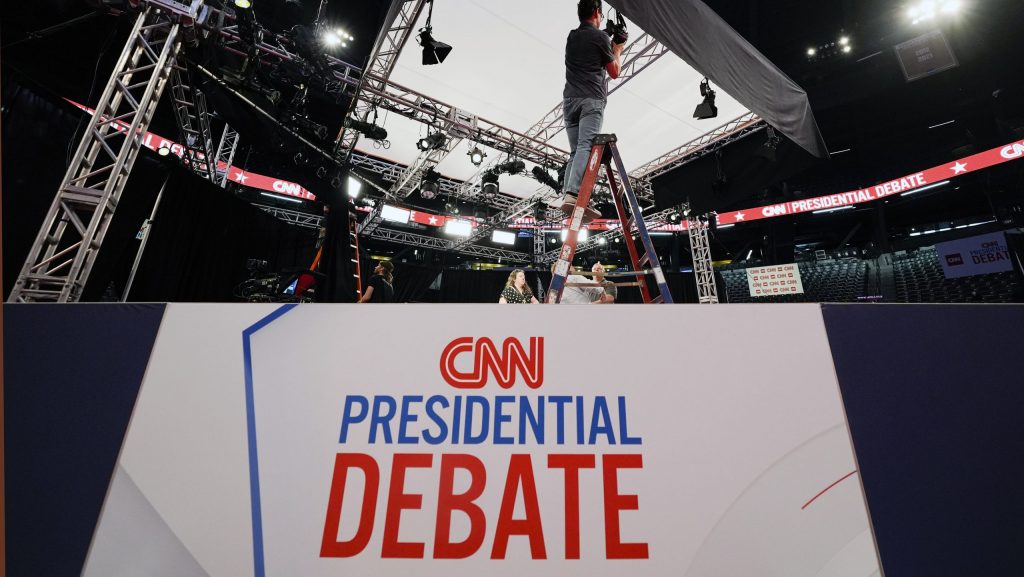
In the contemporary digital landscape, the question of where to watch a high-stakes live event like a political debate has shifted from a simple choice of television channels to a complex decision involving software ecosystems, hardware compatibility, and network infrastructure. As traditional linear broadcasting continues to merge with Internet Protocol Television (IPTV), the technical avenues available to viewers have expanded significantly. Navigating this landscape requires an understanding of how different platforms deliver content, the hardware necessary for an optimal experience, and the software features that enhance real-time engagement.
The Evolution of Live Event Delivery: Streaming Protocols and Platforms
The transition from analog signals to digital streaming has fundamentally changed the “how” of live viewership. When users ask what they can watch a debate on, they are essentially asking which Content Delivery Network (CDN) or streaming protocol will offer the most stable and high-fidelity experience.
The Shift from Linear Cable to OTT (Over-the-Top)
Historically, live events were the exclusive domain of cable and satellite providers. Today, Over-the-Top (OTT) services have democratized access. These services bypass traditional gatekeepers, delivering content directly over the internet. Major news organizations now leverage cloud-based distribution to stream debates simultaneously across multiple platforms. This is primarily achieved through HTTP Live Streaming (HLS) or Dynamic Adaptive Streaming over HTTP (DASH). These protocols allow the video quality to adjust in real-time based on the viewer’s internet speed, ensuring that the stream does not cut out, even if the resolution occasionally drops.
High-Definition and 4K Broadcast Standards
While many debates are still produced in 1080p (Full HD), the infrastructure supporting these streams has moved toward 4K-ready pipelines. When selecting a platform, the technical enthusiast looks for bitrates. A high-bitrate 1080p stream on a dedicated app often looks superior to a compressed 4K stream on a social media site. Platforms like YouTube TV, Hulu + Live TV, and FuboTV utilize advanced H.265 (HEVC) or VP9 encoding to provide crisp visuals that minimize motion blur and artifacts, which is critical when analyzing the facial expressions and micro-movements of debaters.
Digital Ecosystems and Platform Compatibility
The hardware you own largely dictates the software you use. The modern streaming ecosystem is divided into several major “walled gardens,” each offering a different user interface (UI) and set of technical features for viewing live content.
Smart TV Operating Systems and Dedicated Apps
Most modern viewers will access the debate through a Smart TV. The architecture of the operating system—whether it is Roku OS, Amazon Fire OS, Apple’s tvOS, or Google TV—determines the latency and stability of the stream.
- Apple TV (tvOS): Known for its high processing power, Apple TV hardware can decode high-bitrate streams with ease, offering a very low-latency experience.
- Roku and Fire TV: These are widely accessible and support a massive array of news-specific apps (such as CNN, ABC News, or PBS Video) that provide free live access to debates.
- Google TV/Android TV: This ecosystem excels at integration, allowing users to “Cast” the debate from a smartphone to the screen using the DIAL (Discovery-and-Launch) protocol.
Mobile and Tablet Optimization for On-the-Go Viewing
For those not in front of a television, mobile technology offers high-performance alternatives. Modern smartphones equipped with OLED displays provide exceptional contrast ratios for viewing. Tech-savvy viewers often opt for native apps rather than mobile web browsers. Native apps (iOS or Android) are optimized for the device’s specific GPU, which results in more efficient power consumption and better thermal management during a two-hour live stream. Furthermore, mobile apps often support Picture-in-Picture (PiP) mode, allowing users to fact-check or monitor social feeds without interrupting the video feed.
Web Browser vs. Native Desktop Applications
On a PC or Mac, the choice of browser can impact the viewing experience. Chromium-based browsers (Chrome, Edge, Brave) are generally the standard for live streaming due to their robust support for WebRTC and Media Source Extensions (MSE). However, Safari on macOS is often more energy-efficient for laptop users. For the highest stability, some news organizations offer dedicated desktop applications that bypass the overhead of a web browser, providing a direct link to the stream’s source.
Interactive and Immersive Viewing Technologies
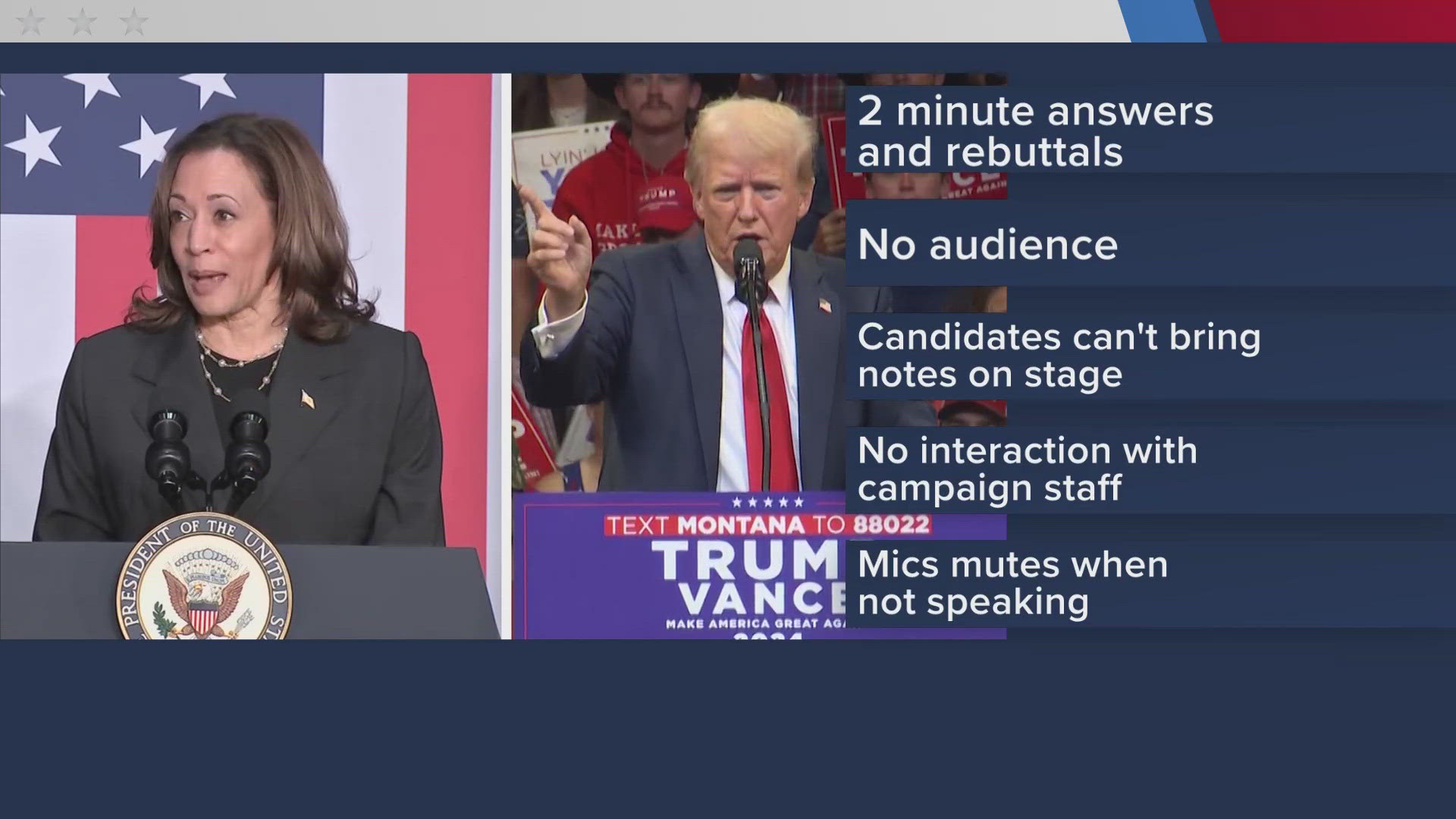
The “second screen” experience has evolved from a novelty into a technical requirement for many viewers. How we watch the debate is now as much about the data surrounding the video as it is about the video itself.
Social Streaming and Multi-View Dashboards
Platforms like X (formerly Twitter), Twitch, and YouTube have introduced interactive elements to live broadcasting. On Twitch, for example, “co-streaming” allows technical influencers to host the debate while providing real-time commentary and data overlays. This utilizes a “stream-within-a-stream” architecture. For power users, multi-view dashboards—offered by services like YouTube TV—allow the viewer to watch the debate on one side of the screen while keeping a live news cycle or a different camera angle on the other.
AI-Powered Features and Real-Time Analytics
Artificial Intelligence is increasingly integrated into the viewing experience. Advanced platforms now offer AI-driven closed captioning that is significantly more accurate and faster than traditional human-led stenography. Furthermore, some news tech stacks utilize real-time sentiment analysis or “fact-check overlays” that pop up on the screen based on natural language processing (NLP) algorithms. This adds a layer of data-driven insight to the visual feed, transforming the debate from a passive experience into an analytical one.
Virtual Reality (VR) and the Metaverse
Though still in the early adoption phase, devices like the Meta Quest 3 or the Apple Vision Pro offer “Immersive Cinema” modes. Through specialized apps, viewers can sit in a virtual auditorium or a private 100-foot theater to watch the debate. This technology uses spatial audio to mimic the acoustics of a real room, providing a sense of presence that traditional screens cannot match.
Maximizing Your Setup: Hardware and Connectivity Requirements
The quality of the debate stream is only as good as the local network and hardware used to receive it. To ensure zero buffering and the highest resolution, several technical factors must be addressed.
Network Infrastructure: Bandwidth and Latency
Live streaming is uniquely sensitive to latency and jitter. While a standard 1080p stream requires only about 5-10 Mbps of consistent bandwidth, the “crowd effect” during major events can strain ISP (Internet Service Provider) nodes.
- Wi-Fi 6 and 6E: Utilizing the 6GHz band can significantly reduce interference from neighboring networks, which is crucial in high-density urban environments.
- Ethernet (Cat6/Cat6a): For the absolute best experience, a hardwired connection is recommended. Ethernet bypasses the packet loss inherent in wireless signals, providing a “glass-to-glass” latency that is as close to real-time as possible.
- Buffer Settings: Some advanced media players (like VLC or specific browser extensions) allow users to manually adjust the jitter buffer. A smaller buffer reduces delay but increases the risk of stuttering, while a larger buffer ensures smoothness at the cost of being several seconds behind the live action.
Audio-Visual Peripherals for the Ultimate Experience
The technical viewer doesn’t just watch; they curate an environment.
- Display Technology: OLED (Organic Light Emitting Diode) screens are preferred for their “perfect blacks,” which prevent the grey “halo” effect often seen in dark studio backdrops of debates.
- Sound Reproduction: Clear dialogue is the priority. Using a dedicated DAC (Digital-to-Analog Converter) and high-quality speakers or a soundbar with a dedicated center channel ensures that the speakers’ voices are isolated from the ambient noise of the debate hall. Spatial audio and Dolby Atmos support can also help in creating a 3D soundstage of the event.
Security and Privacy Considerations in Live Streaming
Watching a debate on the internet introduces specific cybersecurity considerations that traditional television does not.
VPNs and Geoblocking Navigation
Many viewers use a Virtual Private Network (VPN) to access streams that might be geoblocked in their region or to protect their IP address from tracking scripts embedded in free streaming sites. When using a VPN for live events, selecting a protocol like WireGuard is essential, as it offers the best balance of high-speed throughput and strong encryption. Using an outdated protocol like OpenVPN may lead to significant lag or the inability to maintain a high-definition stream.

Protecting Your Data on Public Networks
If watching the debate on a laptop at a cafe or airport, the risk of “Man-in-the-Middle” (MitM) attacks increases. Ensuring that the streaming site uses HTTPS (TLS 1.3) is a baseline requirement. Furthermore, tech-savvy users often employ DNS-over-HTTPS (DoH) to prevent ISPs or malicious actors on the network from seeing which news sites or streaming platforms they are accessing.
The modern answer to “what can I watch the debate on” is a multifaceted combination of hardware, software, and networking. Whether it is a 4K stream on a high-end Smart TV, an interactive session on a mobile device, or an immersive VR experience, the technology behind the screen is what truly defines the modern viewing experience. By optimizing your digital ecosystem and understanding the protocols at play, you can ensure a seamless, high-fidelity, and secure way to engage with one of the most important events in the civic calendar.
aViewFromTheCave is a participant in the Amazon Services LLC Associates Program, an affiliate advertising program designed to provide a means for sites to earn advertising fees by advertising and linking to Amazon.com. Amazon, the Amazon logo, AmazonSupply, and the AmazonSupply logo are trademarks of Amazon.com, Inc. or its affiliates. As an Amazon Associate we earn affiliate commissions from qualifying purchases.