
In the contemporary landscape of rapid technological advancement, the concept of a “study area” has undergone a profound transformation. Traditionally, a study area was defined by its physical parameters: a wooden desk, a comfortable chair, adequate lighting, and a stack of printed textbooks. However, as we navigate the digital age, the study area has expanded far beyond the confines of four walls. Today, a study area is a sophisticated ecosystem—a curated blend of hardware, software, and cloud-based infrastructure designed to maximize cognitive throughput and streamline the acquisition of complex information.
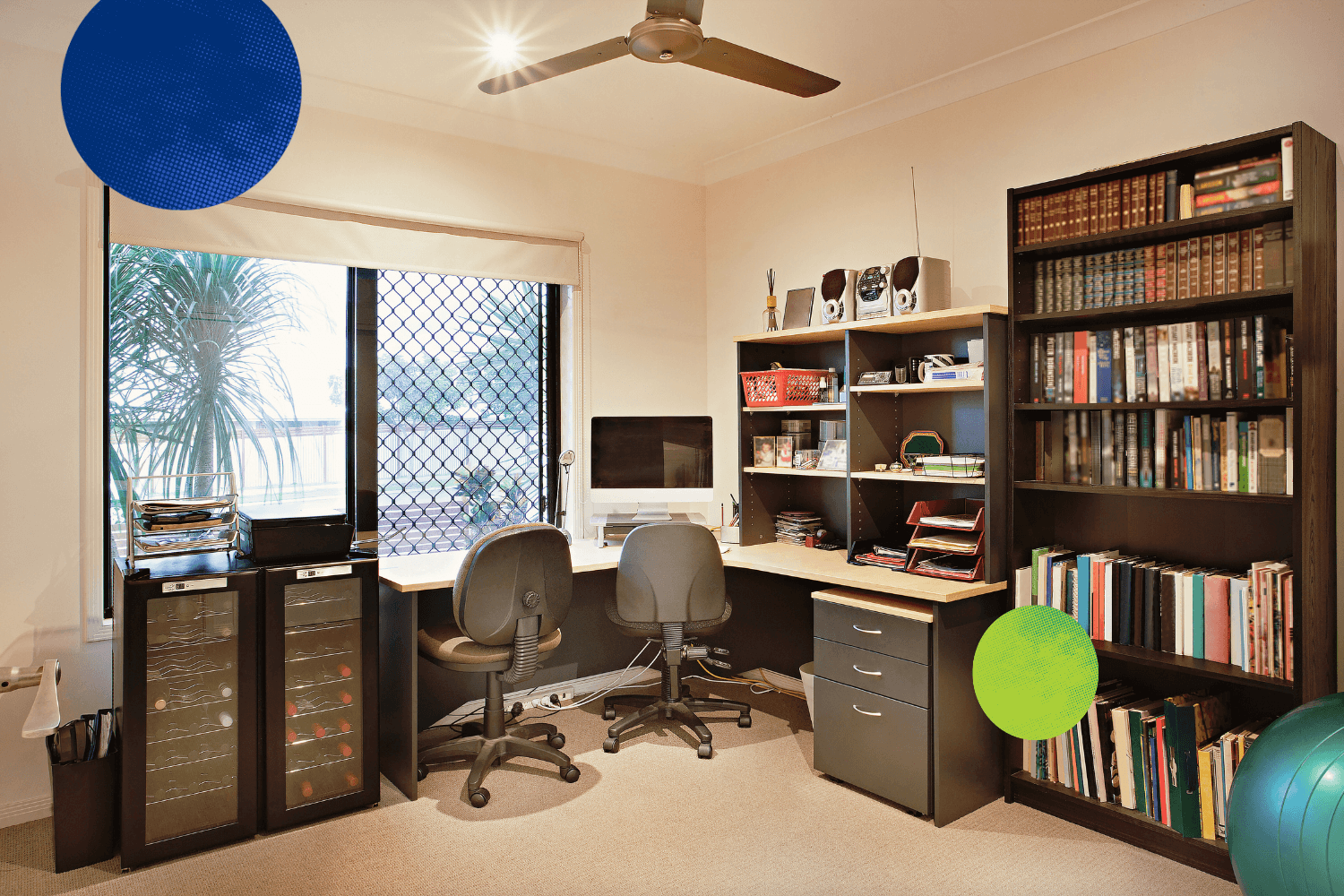
For the modern professional, student, or researcher, understanding “what is a study area” requires a shift in perspective. It is no longer just a place where you sit; it is the digital interface through which you interact with the world’s collective knowledge. This evolution from a static physical location to a dynamic, tech-driven environment demands a new approach to organization, tool selection, and digital hygiene.
The Evolution of the Study Area: From Physical Desks to Digital Ecosystems
The traditional study area was limited by the physical availability of resources. If a book wasn’t on your shelf or in the local library, it wasn’t part of your study area. In contrast, the modern digital study area is infinite. It is built upon the backbone of high-speed internet and the democratization of information. This shift has created a “virtual study area” that exists across multiple devices, synchronized in real-time.
The Concept of a “Virtual Study Area”
A virtual study area is defined by its accessibility. It consists of the cloud storage solutions, synchronized browser tabs, and collaborative platforms that allow a user to pick up exactly where they left off, regardless of their physical location. The core of this ecosystem is the “Personal Knowledge Management” (PKM) system. Tools like Obsidian, Logseq, or Notion act as the digital central nervous system of the study area, allowing users to map out thoughts and link disparate pieces of data using bi-directional linking. Unlike a physical notebook, this digital study area grows more valuable as it increases in complexity, creating a “second brain” that supports long-term retention and synthesis.
Hardware Foundations for Digital Focus
While the software provides the logic, the hardware provides the interface. A tech-forward study area prioritizes peripherals that reduce friction. High-resolution displays with high refresh rates are no longer just for gaming; they are essential for reducing eye strain during long research sessions. The integration of “calm tech”—such as e-ink tablets like the ReMarkable or Boox—allows for a distraction-free digital writing experience that mimics paper while remaining integrated into the broader digital ecosystem. Furthermore, the rise of “Spatial Computing,” spearheaded by devices like the Apple Vision Pro, is redefining the study area once again by allowing users to arrange infinite virtual monitors in 3D space, effectively removing the physical limitations of desk size.
Software Stacks: Architecting Your Knowledge Hub
The efficacy of a study area is largely determined by the software stack utilized to process information. In the tech niche, this involves a strategic selection of tools that facilitate deep work while automating the mundane aspects of data collection.
Productivity Suites and Cloud Integration
The modern study area relies heavily on seamless cloud integration. The “study area” is effectively the sum of your synchronized environments across Google Workspace, Microsoft 365, or specialized Markdown-based repositories. For those in technical fields, the study area often includes integrated development environments (IDEs) like VS Code, where the act of learning is inextricably linked to the act of building.
The use of containerization and virtualization has also become a hallmark of the advanced tech study area. Developers and data scientists often utilize Docker or virtual machines to create isolated “sandboxes” within their study area. This allows them to experiment with new software configurations or programming languages without compromising the stability of their primary system, making the study area both a classroom and a laboratory.
AI-Powered Research and Analysis Tools
Artificial Intelligence has fundamentally redefined what a study area can do. It is no longer just a space for consumption; it is a space for synthesis. Large Language Models (LLMs) such as GPT-4, Claude, and specialized research agents like Perplexity AI have become indispensable “study partners.”

Within a tech-driven study area, AI tools are used to summarize dense technical documentation, debug code in real-time, and generate complex visualizations of data. The integration of AI into note-taking apps—often referred to as “AI-augmented PKM”—allows the study area to suggest connections between notes that the user might have missed. This proactive layer of technology transforms the study area from a passive storage bin into an active participant in the learning process.
Optimizing the User Experience: Ergonomics and Digital Minimalism
A high-performance study area must be designed with the human element in mind. In the tech world, this is often discussed in terms of UX (User Experience) and UI (User Interface), but applied to one’s personal environment. A cluttered digital study area is just as detrimental as a cluttered physical one.
Reducing Digital Friction
Digital friction refers to any technological barrier that slows down the flow of work. In an optimized study area, friction is minimized through automation and intentional configuration. This includes the use of “Focus Modes” on macOS and Windows to silence notifications, the implementation of keyboard shortcuts (and hardware like the Stream Deck) to trigger complex workflows, and the use of “Read-it-Later” apps like Readwise or Pocket to curate content for later consumption.
By treating the study area as a refined user interface, the learner can enter a “flow state” more quickly. This involves customizing the digital environment—down to the choice of monospaced fonts for better readability and the use of dark mode to reduce circadian rhythm disruption during late-night sessions.
Security and Data Privacy in Your Learning Space
A crucial, yet often overlooked, aspect of the digital study area is security. As we move more of our intellectual property into digital formats, the study area must be fortified. This includes the use of encrypted note-taking apps (like Standard Notes or Anytype), the implementation of robust backup strategies (the 3-2-1 rule: three copies, two different media, one offsite), and the use of VPNs when accessing the study area from public networks.
For the privacy-conscious tech enthusiast, the ultimate study area might even be self-hosted. Using a Network Attached Storage (NAS) device and tools like Nextcloud or SilverBullet, a user can create a completely private study area that is not dependent on third-party SaaS providers, ensuring that their lifelong learning data remains under their own control.
Future Trends: The Intersection of VR/AR and Cognitive Tech
As we look toward the future, the definition of a study area will continue to expand into increasingly immersive and bio-integrated territories. The boundary between the user and their tech-driven learning environment is beginning to blur.
Immersive Study Environments
Virtual Reality (VR) and Augmented Reality (AR) are poised to solve the “distraction problem” inherent in modern computing. An immersive study area can transport a user to a high-focus environment—perhaps a quiet library on a distant planet or a minimalist void—eliminating all physical distractions. Within these environments, information can be visualized in three dimensions. For instance, a medical student might explore a 3D model of a human heart, or a software engineer might visualize a complex microservices architecture as a physical structure they can walk through. This spatialization of information is the next frontier of the study area, making abstract concepts more tangible.

Neural Feedback and Adaptive Learning Platforms
The most advanced iteration of the study area involves the integration of bio-feedback. Wearable technology that monitors heart rate variability (HRV), brainwave activity (via EEG headbands), and even eye-tracking can provide real-time data on a user’s cognitive load.
In the near future, a “smart study area” might automatically adjust its parameters based on the user’s mental state. If the system detects rising stress levels, it might dim the lights, switch to a more soothing ambient soundscape, or suggest a break. If it detects a lapse in focus, it might simplify the UI or highlight key information more aggressively. This level of synchronization between the human mind and the technological environment represents the pinnacle of what a study area can become: an adaptive, intelligent ecosystem that evolves alongside the learner.
Ultimately, a study area in the modern tech context is an intentional architecture of tools and habits. It is a personalized engine for growth, designed to filter the noise of the information age and amplify the signals that matter most. By leveraging the right hardware, optimizing the software stack, and remaining mindful of digital ergonomics and security, anyone can build a study area that serves as a powerful catalyst for professional and intellectual mastery.
aViewFromTheCave is a participant in the Amazon Services LLC Associates Program, an affiliate advertising program designed to provide a means for sites to earn advertising fees by advertising and linking to Amazon.com. Amazon, the Amazon logo, AmazonSupply, and the AmazonSupply logo are trademarks of Amazon.com, Inc. or its affiliates. As an Amazon Associate we earn affiliate commissions from qualifying purchases.