
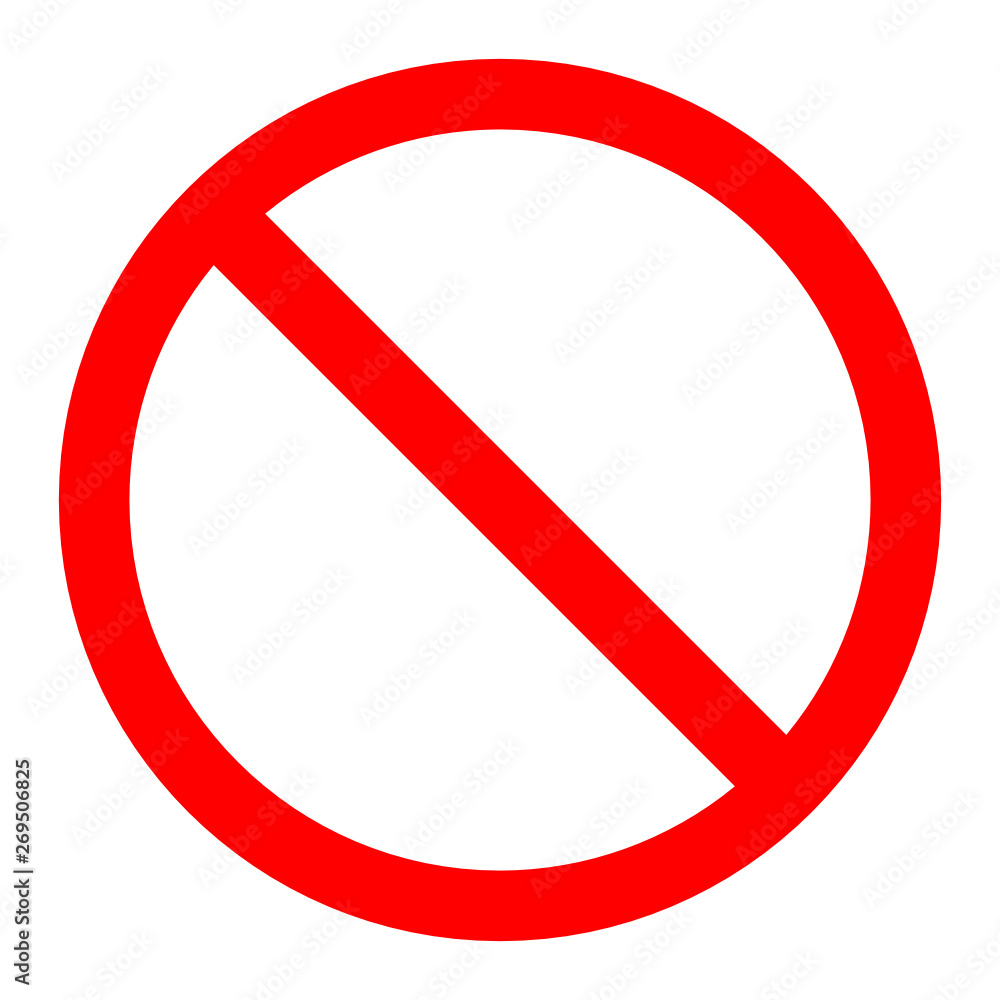
In the rapidly evolving landscape of digital interfaces, symbols serve as a universal language. They transcend linguistic barriers, allowing users to navigate complex software, mobile operating systems, and hardware configurations with a single glance. Among these symbols, few are as ubiquitous—or as potentially confusing—as the circle with a diagonal line through it.
Commonly known as the “prohibitory sign,” “null symbol,” or “no entry” icon, this graphic carries significant weight in the tech world. Whether you are troubleshooting a Mac that won’t boot, navigating the settings of a new smartphone, or designing a user interface (UI), understanding the nuances of this symbol is essential. In technology, the circle with a line through it almost always signifies a restriction, an error, or a state of “Do Not Disturb.”
The Circle With a Line in Mobile Operating Systems
For the majority of users, this symbol appears most frequently in the status bars of smartphones. However, its meaning can shift slightly depending on whether you are using Apple’s iOS or Google’s Android ecosystem.
iOS: Focus and Do Not Disturb
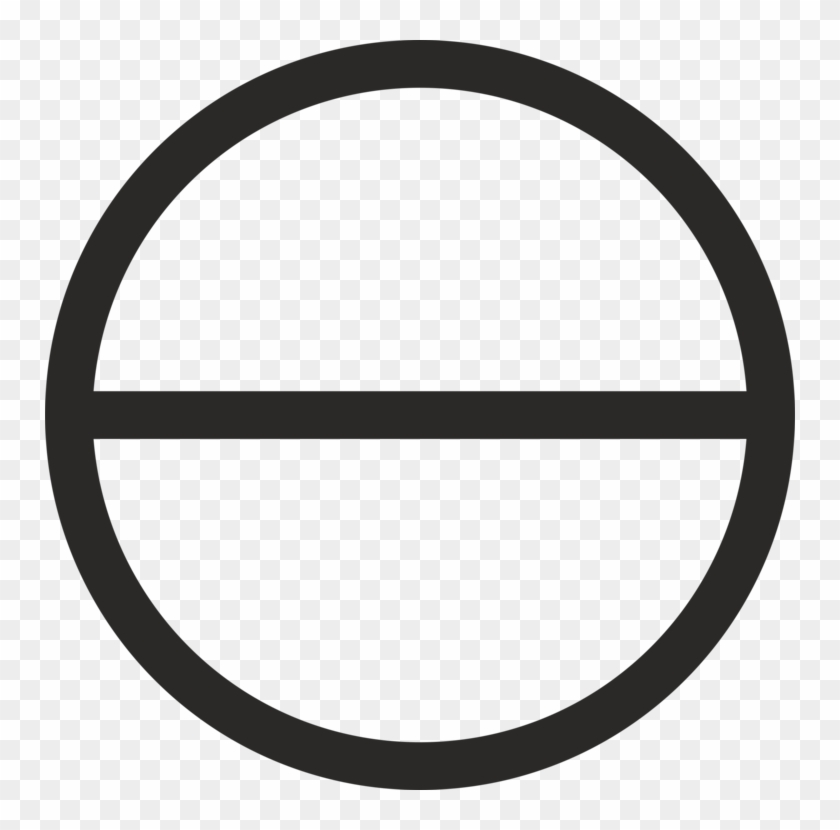
On an iPhone or iPad, a small circle with a horizontal line (resembling a “minus” sign inside a circle) typically indicates that “Do Not Disturb” mode is active. This is a subset of Apple’s broader “Focus” feature. When this icon is visible in the top right corner of the screen or on the lock screen, it means that incoming calls, notifications, and alerts are being silenced.
The technical utility of this symbol is to provide immediate visual feedback that the device is in a restricted communication state. If you are expecting an important call and see this icon, the software is performing its intended function by preventing the device from vibrating or ringing. In recent versions of iOS, users can customize this further, but the core “circle with a line” remains the universal indicator for silenced alerts.
Android: Total Silence and Priority Mode
Android utilizes a similar icon—a circle with a horizontal bar—to represent “No Interruptions” or “Do Not Disturb.” Depending on the manufacturer’s skin (such as Samsung’s One UI or Google’s Pixel UI), this icon appears in the status bar to warn the user that the phone’s notification engine is partially or fully suppressed.
In some legacy versions of Android, a circle with a diagonal line (the classic prohibitory sign) appeared when a user had no cellular signal or when the SIM card was not recognized. In modern UI design, however, this has mostly been replaced by an “X” next to the signal bars, while the circle-line combo remains dedicated to software-level notification management.
The Prohibitory Sign in macOS: A Critical System Warning
While the symbol is a minor notification on mobile devices, it takes on a much more serious meaning on a computer, particularly within the Apple macOS ecosystem. If you press the power button on a Mac and, instead of the Apple logo, you see a grey circle with a diagonal line through it, you are looking at a “prohibitory sign.”
Technical Implications of the macOS Prohibitory Sign
From a technical standpoint, this symbol indicates that your Mac found a bootable operating system, but it is a version of macOS that the specific hardware cannot use. This often occurs after an interrupted system update or when attempting to boot a newer Mac from an external drive containing an older version of the OS.
The symbol essentially represents a “compatibility block.” The hardware’s firmware (UEFI) recognizes the startup disk, but the “kernel” (the core of the operating system) lacks the necessary drivers or architecture support to initiate the boot process.
Troubleshooting the Error
When a user encounters this, the tech-standard solution involves booting into macOS Recovery. By holding Command (⌘) + R during startup, the user bypasses the incompatible OS and accesses a localized recovery partition. From there, the Disk Utility tool can be used to repair the startup disk, or the user can opt to reinstall a compatible version of the macOS. This specific use case demonstrates how a simple icon serves as a high-level diagnostic tool for system administrators and hardware technicians.
UI/UX Design: The “Not Allowed” Cursor and Disabled States
In the realm of software development and web design, the circle with a line through it—often referred to as the “No-Drop” or “Unavailable” cursor—is a fundamental component of User Experience (UX) design.
The Logic of Restricted Interaction
When a user interacts with a web application or a desktop program, the software must communicate what actions are permissible. If you try to drag a file into a folder that is “read-only,” or if you attempt to upload a file type that the server doesn’t support, the cursor frequently transforms into a circle with a diagonal slash.
This is a “feedback loop” mechanism. Instead of allowing the user to perform an action and then displaying an error message afterward, the UI uses the prohibitory symbol to prevent the error from happening in the first place. This is a principle of “error prevention” rather than “error recovery,” a hallmark of sophisticated software design.
Aesthetic vs. Functional Standards
In UI design systems (like Google’s Material Design or Apple’s Human Interface Guidelines), the circle with a line is strictly regulated. It is typically rendered in a neutral grey to indicate a “disabled” state, or in red to indicate a “forbidden” or “error” state. For designers, using this symbol correctly is vital; misusing it can lead to “dark patterns” where users feel frustrated by perceived limitations that shouldn’t exist.
Connectivity and Security Indicators
Beyond operating systems and interface design, the circle with a line through it serves as a critical indicator for connectivity and digital security.
Network and Signal Restrictions
In the context of hardware gadgets and IoT (Internet of Things) devices, a circle with a slash often represents a lack of connectivity. For example, on a digital camera or a drone’s remote controller, this icon might appear over a GPS or Wi-Fi symbol. This tells the operator that while the hardware is functional, the “handshake” between the device and the network has been severed.
Ad-Blockers and Privacy Tools
In the world of cybersecurity and browser extensions, the circle with a line is the de facto logo for restriction. Popular ad-blocking software and script-blockers use this symbol to show how many “threats” or “trackers” have been stopped on a specific page.
When the icon is green or active, it signifies that the software is successfully “prohibiting” third-party scripts from executing. This flips the traditional negative connotation of the symbol into a positive one for the user: here, the “restriction” represents privacy and protection. It serves as a visual shield, informing the user that the “gatekeeper” software is actively working to filter their digital experience.
The Symbol as a Universal Standard
The reason this specific icon is so prevalent in technology is due to international standardization. The International Organization for Standardization (ISO) defines the circle with a 45-degree diagonal bar as the universal “prohibition” sign (ISO 7010).
Why Tech Adopted It
Technology companies adopted this ISO standard because it is “cognitively impenetrable.” Even a novice user who has never seen a specific piece of software understands that a circle with a line through it means “no,” “stop,” or “not allowed.”
As we move toward more minimalist designs—where text labels are replaced by icons to save screen real estate on wearables like smartwatches—these universal symbols become even more critical. The circle with a line through it is the ultimate “shorthand.” It condenses complex technical logic—such as “the current user permissions do not allow for the modification of this directory”—into a single, instantly recognizable graphic.
Summary of Meanings
To navigate the digital world effectively, it helps to categorize the “circle with a line” based on the context of your tech:
- On a Smartphone: It usually means “Do Not Disturb” is on, or you have no cellular service.
- During a Computer Boot-Up: It signals an incompatible operating system or a corrupted system kernel.
- In a Web Browser/App: It signifies a disabled button, an invalid action, or that a security extension is blocking content.
- On Hardware/Gadgets: It indicates a failed connection or a sensor error (like a lack of GPS signal).
Understanding this symbol allows users to move from confusion to troubleshooting. Instead of seeing a “broken” device, the informed user sees a device that is communicating its state. Whether it’s a design choice to improve UX or a critical system error on a Mac, the circle with a line through it remains one of the most powerful and communicative icons in the history of technology.
aViewFromTheCave is a participant in the Amazon Services LLC Associates Program, an affiliate advertising program designed to provide a means for sites to earn advertising fees by advertising and linking to Amazon.com. Amazon, the Amazon logo, AmazonSupply, and the AmazonSupply logo are trademarks of Amazon.com, Inc. or its affiliates. As an Amazon Associate we earn affiliate commissions from qualifying purchases.