
In the contemporary digital landscape, the word “spreadsheet” no longer merely evokes images of static grids and isolated desktop files. Instead, it represents a dynamic, collaborative environment where data is processed in real-time across global networks. At the forefront of this evolution is the Google Sheets app. Part of the Google Workspace productivity suite, Google Sheets is a web-based application that allows users to create, update, and modify spreadsheets and share the data live online. While it shares a fundamental DNA with legacy software like Microsoft Excel, the Sheets app has redefined what software-as-a-service (SaaS) can achieve by prioritizing accessibility, cloud-native architecture, and seamless collaboration.
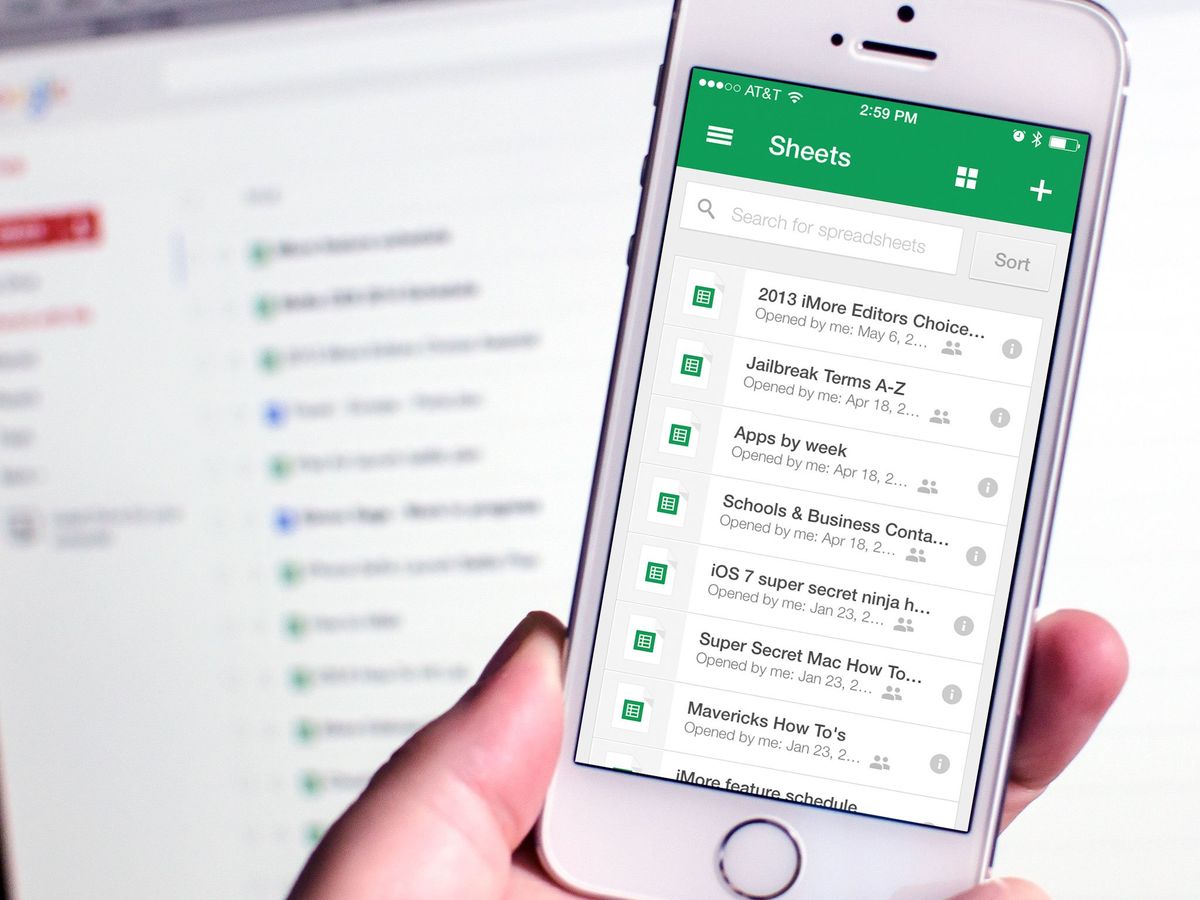
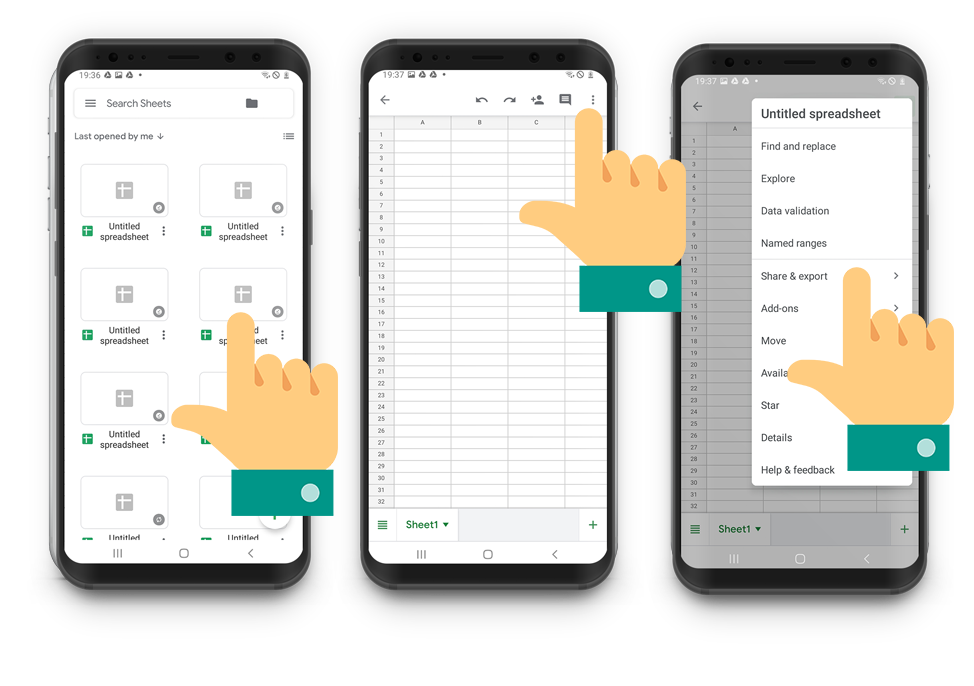
The “app” refers to both the browser-based interface used on desktops and the dedicated mobile applications available for iOS and Android. Together, they form a cohesive ecosystem that ensures data is never more than a click away. Understanding the Sheets app requires looking beyond the rows and columns; it requires an exploration of its technological infrastructure, its sophisticated feature set, and its role in the modern automated workflow.
The Evolution of Cloud-Native Productivity
To understand what the Sheets app is today, one must look at the shift from local computing to cloud computing. For decades, spreadsheet work was a solitary endeavor. Files were saved to hard drives, emailed back and forth, and frequently plagued by “Version 2FinalFinal” naming conventions. Google Sheets disrupted this paradigm upon its release, introducing a model where the “source of truth” resides on a remote server rather than a local machine.
The Shift to SaaS
The technological foundation of Google Sheets is built on AJAX (Asynchronous JavaScript and XML) and HTML5. This allows the app to function with the responsiveness of a desktop program while living entirely within a web browser. Because the application is hosted in the cloud, there is no “installation” required for desktop users. This ensures that every user is always running the most current version of the software, eliminating the compatibility issues that often arise when different team members use different versions of legacy software.
Accessibility and Cross-Platform Synchronicity
One of the defining characteristics of the Sheets app is its omnipresence. Whether a user is accessing a sheet through a Chrome browser on a MacBook, a dedicated app on an iPad, or a smartphone in the field, the experience is synchronized. The “app” is not just a tool; it is a portal to a database stored in Google’s secure data centers. This mobility is a cornerstone of modern tech trends, catering to a workforce that is increasingly remote and reliant on mobile hardware.
Core Features and Technological Capabilities
While the Sheets app is praised for its simplicity, it houses a robust engine capable of complex data manipulation and analysis. It supports hundreds of built-in functions, ranging from basic arithmetic to advanced statistical modeling and engineering calculations.
Data Manipulation and Visualization
At its core, the app provides a grid-based interface where data can be organized, filtered, and sorted. However, its true power lies in its ability to transform raw data into actionable insights.
- Pivot Tables: These allow users to summarize large datasets instantly, identifying patterns without writing complex formulas.
- Charting Engine: The app includes a sophisticated visualization suite that can generate pie charts, trend lines, heat maps, and radar charts. These visuals are dynamic; as the underlying data changes, the charts update automatically.
- Data Validation: To ensure the integrity of the tech stack, Sheets allows users to set rules for data entry, such as dropdown menus or date constraints, preventing “dirty data” from entering the system.
The Power of Google-Specific Functions
Beyond the standard functions found in most spreadsheet software, the Sheets app leverages Google’s broader technological ecosystem. For example, the GOOGLEFINANCE function can pull real-time or historical stock market data directly into a cell. The GOOGLETRANSLATE function allows for the instantaneous translation of text within the grid. Perhaps most impressively, the QUERY function allows users to perform SQL-like searches on their data, providing a level of database-style control that was previously reserved for specialized software developers.
The Power of Real-Time Collaboration and Connectivity
The feature that truly defines the Sheets app—and the one that changed the industry—is its collaborative framework. In the past, only one person could edit a spreadsheet at a time. In Google Sheets, dozens of users can work within the same document simultaneously.
Simultaneous Editing and Presence Indicators
When multiple users open a sheet, the app assigns each person a unique color and cursor. You can see, in real-time, which cell another user is editing. This “presence” technology is supported by Google’s low-latency servers, ensuring that changes are broadcast to all participants in milliseconds. This eliminated the “file locked for editing” errors that hampered productivity for decades.
Commenting and Action Items
The app integrates communication directly into the data. Users can highlight a specific cell or range and leave a comment, tagging colleagues using their email addresses. This creates a threaded conversation that stays attached to the data, providing context for why a certain number was changed or where a specific data point originated. You can even assign “Action Items,” turning a spreadsheet into a rudimentary project management tool.
Version History: The Digital Safety Net
Because the app saves every change automatically to the cloud, it maintains a comprehensive “Version History.” This is a critical security and technical feature. Users can view every iteration of the document since its inception, see who made which changes, and restore the document to any previous state with a single click. This effectively eliminates the risk of catastrophic data loss due to accidental deletion or incorrect formula application.
Automation, AI, and Advanced Scripting
In recent years, the Sheets app has moved beyond manual data entry into the realms of automation and Artificial Intelligence (AI). This transition has made it a favorite among tech enthusiasts and developers who want to build custom tools without the overhead of a full software development lifecycle.
Google Apps Script
For power users, the Sheets app is a programmable platform. Using Google Apps Script—a cloud-based scripting language based on JavaScript—users can write custom functions, automate repetitive tasks, and even create custom sidebars or menus within the app. Apps Script allows Sheets to interact with other Google services, such as sending automated emails via Gmail based on a cell’s value or fetching data from a Google Calendar.
The Integration of AI and Machine Learning
Google has increasingly integrated AI into the Sheets app to help users make sense of their data. The “Explore” feature uses machine learning to analyze a dataset and automatically suggest charts or identify trends. Users can even ask natural language questions, such as “What was the average sales figure in Q3?” and the app will generate the formula and the answer automatically. More recently, with the integration of Gemini (Google’s generative AI), the app can now assist in organizing complex data structures or generating templates from simple text prompts.
Add-ons and the Developer Ecosystem
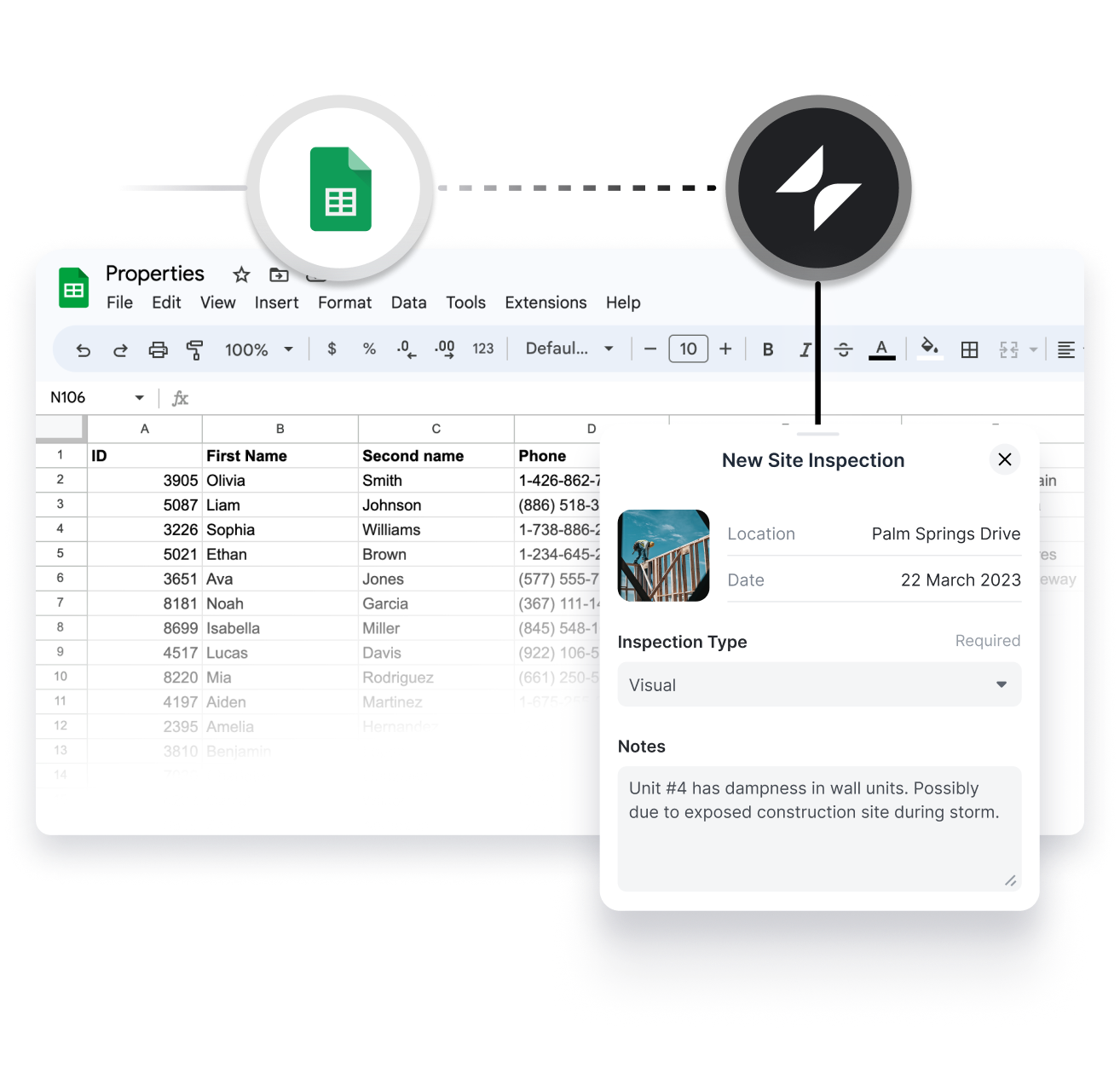
The Sheets app is an extensible platform. Through the Google Workspace Marketplace, users can install “Add-ons” created by third-party developers. These tools can connect Sheets to external CRM systems, perform advanced SEO analysis, or even facilitate bulk SMS messaging. This extensibility turns the spreadsheet into a modular hub for various digital tools.
Security, Permissions, and Data Integrity
In an era of increasing digital threats, the security architecture of the Sheets app is a vital component of its value proposition. Moving data from local drives to the cloud requires a sophisticated approach to permissions and encryption.
Granular Sharing Controls
The Sheets app provides a hierarchical permission system. Owners can decide if a collaborator is a “Viewer” (read-only), a “Commenter” (can suggest changes but not edit), or an “Editor” (full access). Furthermore, security settings can prevent editors from changing permissions or downloading the file, ensuring that sensitive data remains within the intended circle.
Encryption and Infrastructure
Data within the Sheets app is encrypted both in transit and at rest. Google utilizes the same security infrastructure that protects its global search and email operations. For enterprise users, the app complies with various international standards, such as HIPAA for healthcare data and GDPR for privacy, making it a viable tool for professional environments that demand high levels of digital security.
Offline Functionality
A common misconception about cloud apps is that they require a constant internet connection. The Sheets app includes an “Offline Mode” via a Chrome extension or the mobile app. Users can continue to edit their data without a connection; once the device re-establishes internet access, the app automatically syncs the changes to the cloud and resolves any conflicts with other users’ edits.
The Future of the Spreadsheet App
As we look toward the future of software, the Sheets app represents the convergence of several major tech trends: the democratization of data, the rise of collaborative AI, and the transition toward “No-Code” development. By lowering the barrier to entry for complex data analysis, it has empowered individuals and small teams to operate with the analytical rigor previously reserved for large corporations with dedicated IT departments.
The Sheets app is more than just a digital ledger; it is a collaborative engine, a development platform, and a window into the power of cloud computing. Whether it is being used to track a simple grocery list on a smartphone or to manage a multi-million dollar project through complex scripts and AI-driven insights, it remains one of the most versatile and influential applications in the modern tech stack. Its continued evolution promises even tighter integration with AI and more seamless connections across the web, ensuring that the humble spreadsheet remains at the heart of our digital world.
aViewFromTheCave is a participant in the Amazon Services LLC Associates Program, an affiliate advertising program designed to provide a means for sites to earn advertising fees by advertising and linking to Amazon.com. Amazon, the Amazon logo, AmazonSupply, and the AmazonSupply logo are trademarks of Amazon.com, Inc. or its affiliates. As an Amazon Associate we earn affiliate commissions from qualifying purchases.